What it is
To send from your domain, you add a few DNS records where you manage it. Each one has a Type, a Host and a Value. RealDialer shows them in a table with copy buttons and a status for each record. All records land on your sending subdomain, so nothing can break your normal email or website.
Where to find it
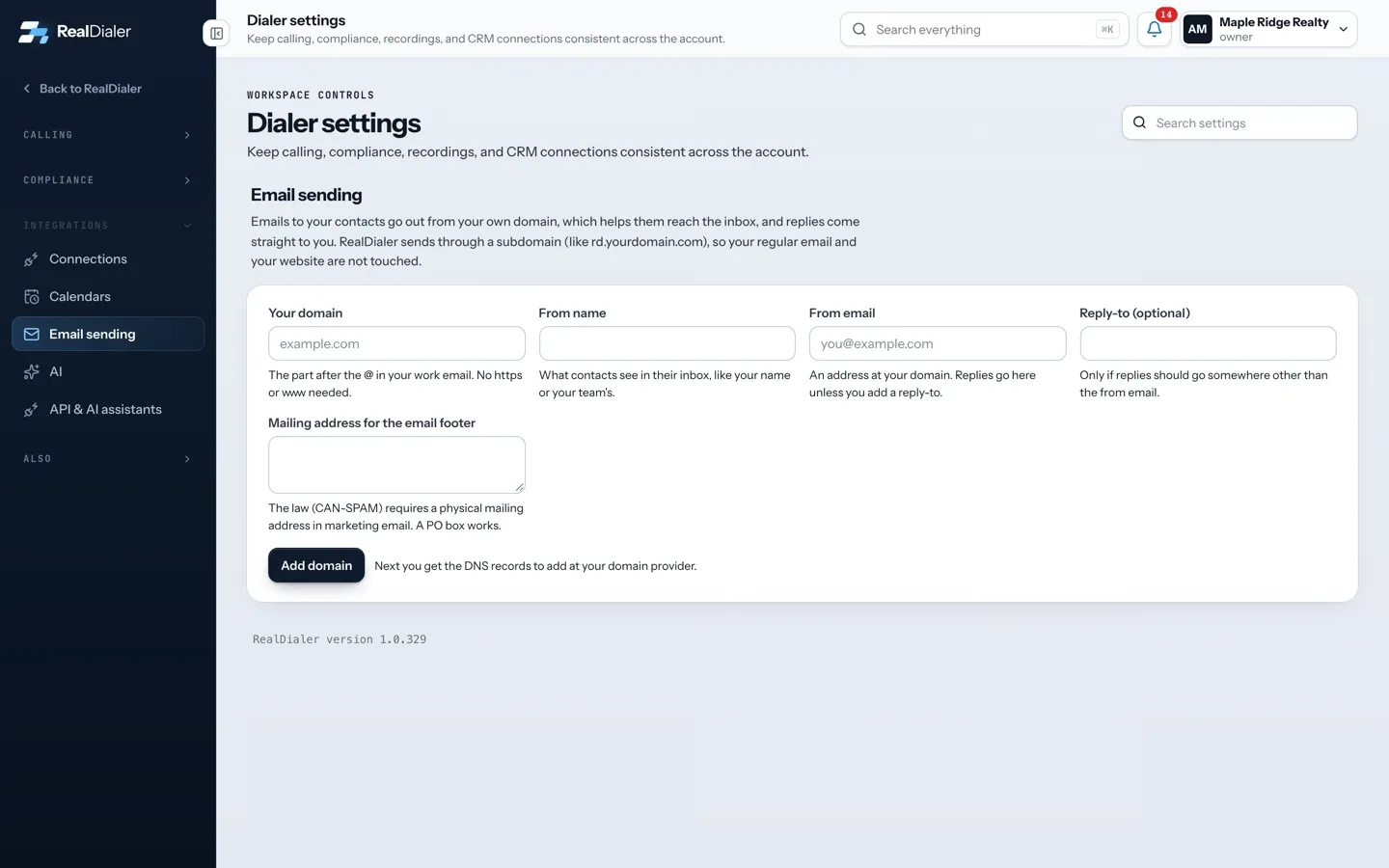
Settings > Integrations > Email sending > Add these records at your domain provider
Steps
- Sign in where you manage your domain. That is usually where you bought it, or wherever your website person set up its DNS.
- Add each record in the table. Copy the Host and the Value exactly with the copy buttons.
- Most panels add your domain on their own, so type only the Host part.
- Leave TTL at the panel’s default.
- Back in RealDialer, press Check records. Each row shows whether it was found.
- Not your job? Press Email these to my web person, or Copy all records to paste them anywhere.
Good to know
- The records do these jobs: one says RealDialer may send for the subdomain, one signs each email so inboxes trust it, one lets bounce reports come back, and one lets links use your own domain.
- A DMARC record is recommended if your domain does not have one yet. The page shows a suggested value.
- On Cloudflare, set CNAME records to DNS only (grey cloud). A proxied record does not verify.
- On Bluehost, HostGator and other cPanel hosts, if the saved name shows your domain twice, edit it and keep only the Host part.
- Where to find DNS settings at common providers on the page has tips for GoDaddy, Namecheap, Cloudflare, Squarespace, Wix and cPanel hosts.
- Changes can take up to 48 hours to show. Check again later if you just added them.
Was this guide helpful?
Thanks. It helps us make these better.
Next in Texting and email
Email sending limitsEach Email upgrade size has a contact limit, a monthly email allowance and a daily cap. When a cap is reached, emails wait and send later. They are not lost.Is texting available on my accountTexting lets you text your contacts from RealDialer and keep every reply in the Inbox next to your calls. It is a paid upgrade, and it is not open to every accoSet up email sending from your domainEmails to your contacts, like sequence emails, go out from your own domain. That helps them reach the inbox, and replies come straight to you. RealDialer sends
Still stuck? Write to support@realdialer.com, or open Support from inside RealDialer.