What it is
Every email RealDialer sends for you carries your mailing address and a working unsubscribe link at the bottom, added automatically. When someone unsubscribes, an address bounces, or someone marks an email as spam, RealDialer stops emailing that address.
Where to find it
Settings > Integrations > Email sending > Sender details. The mailing address you enter there goes in every footer.
Steps
- Open Email sending and check Mailing address for the email footer under Sender details.
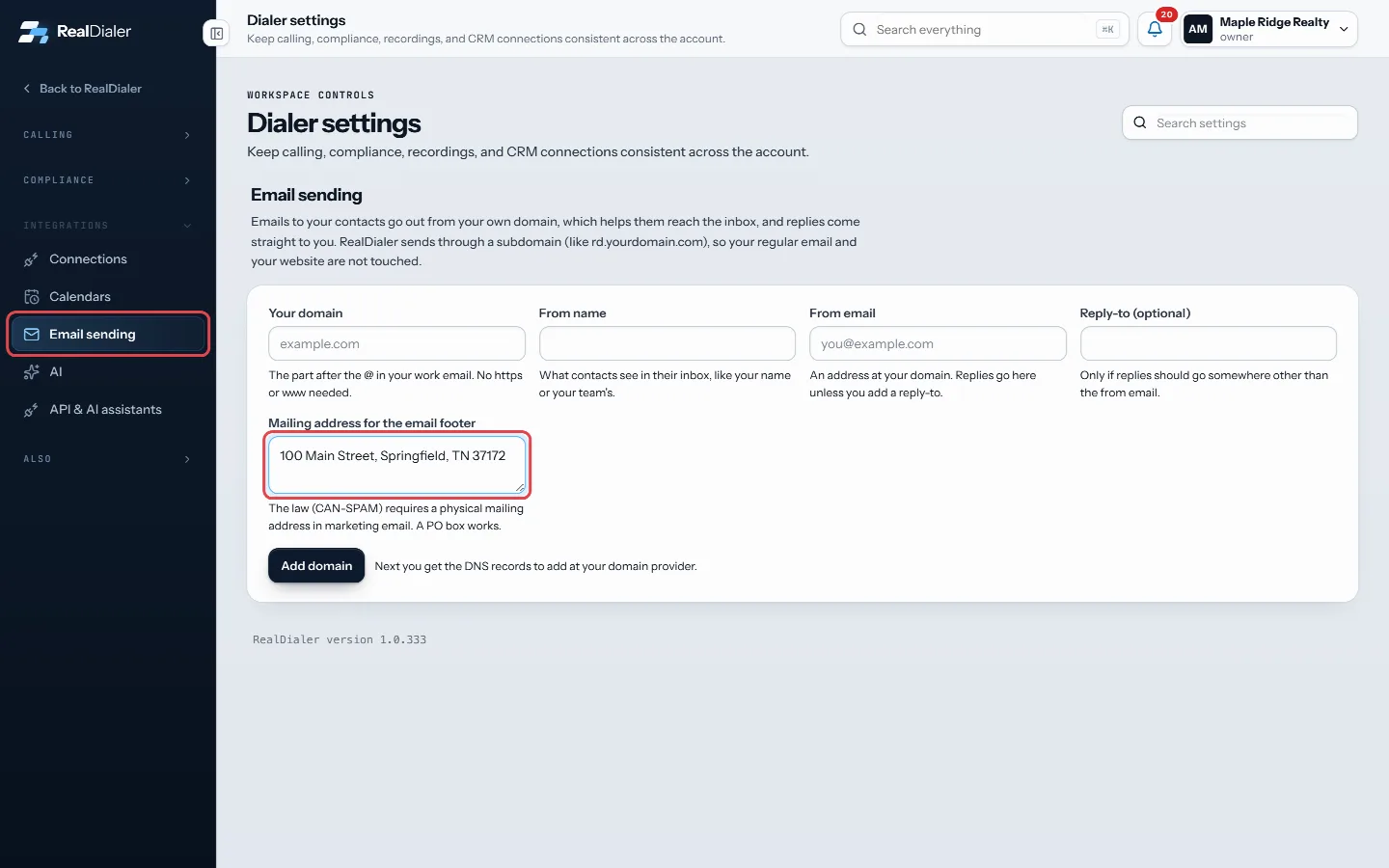
Email sending: the mailing address for the email footer - Fix it if needed and press Save sender details.
- You do not need to add your own unsubscribe link. RealDialer adds one to every email.
Good to know
- A contact who unsubscribed is not emailed again. The reason shows as “They unsubscribed from your email.”
- An address that bounced is not emailed again: “Their email address bounced, so it is not emailed again.”
- Someone who marked an earlier email as spam is not emailed again either.
- If a contact has another email address that is still good, RealDialer can use that one instead.
- If too many of a domain’s emails bounce, or several people mark them as spam, sending is paused automatically to protect your domain’s reputation. Contact support to review it.
- A mailing address is required in marketing email. Use a real street address or PO box.
Was this guide helpful?
Thanks. It helps us make these better.
Next in Texting and email
Add texting and get ready to sendOn accounts where texting is available, the Texting card under Plan and billing shows the price per agent, how many texts each agent gets a month, and a checkliAdd the DNS records for email sendingTo send from your domain, you add a few DNS records where you manage it. Each one has a Type, a Host and a Value. RealDialer shows them in a table with copy butEmail sending limitsEach Email upgrade size has a contact limit, a monthly email allowance and a daily cap. When a cap is reached, emails wait and send later. They are not lost.
Still stuck? Write to support@realdialer.com, or open Support from inside RealDialer.