What it is
Inbound calls lists everyone who called one of your numbers, newest first. A missed call is somebody to call back.
Where to find it
Numbers > Caller IDs > Inbound calls. Also in Settings > Outbound numbers.
Steps
- Open Numbers and stay on the Caller IDs tab.
- Scroll to Inbound calls.
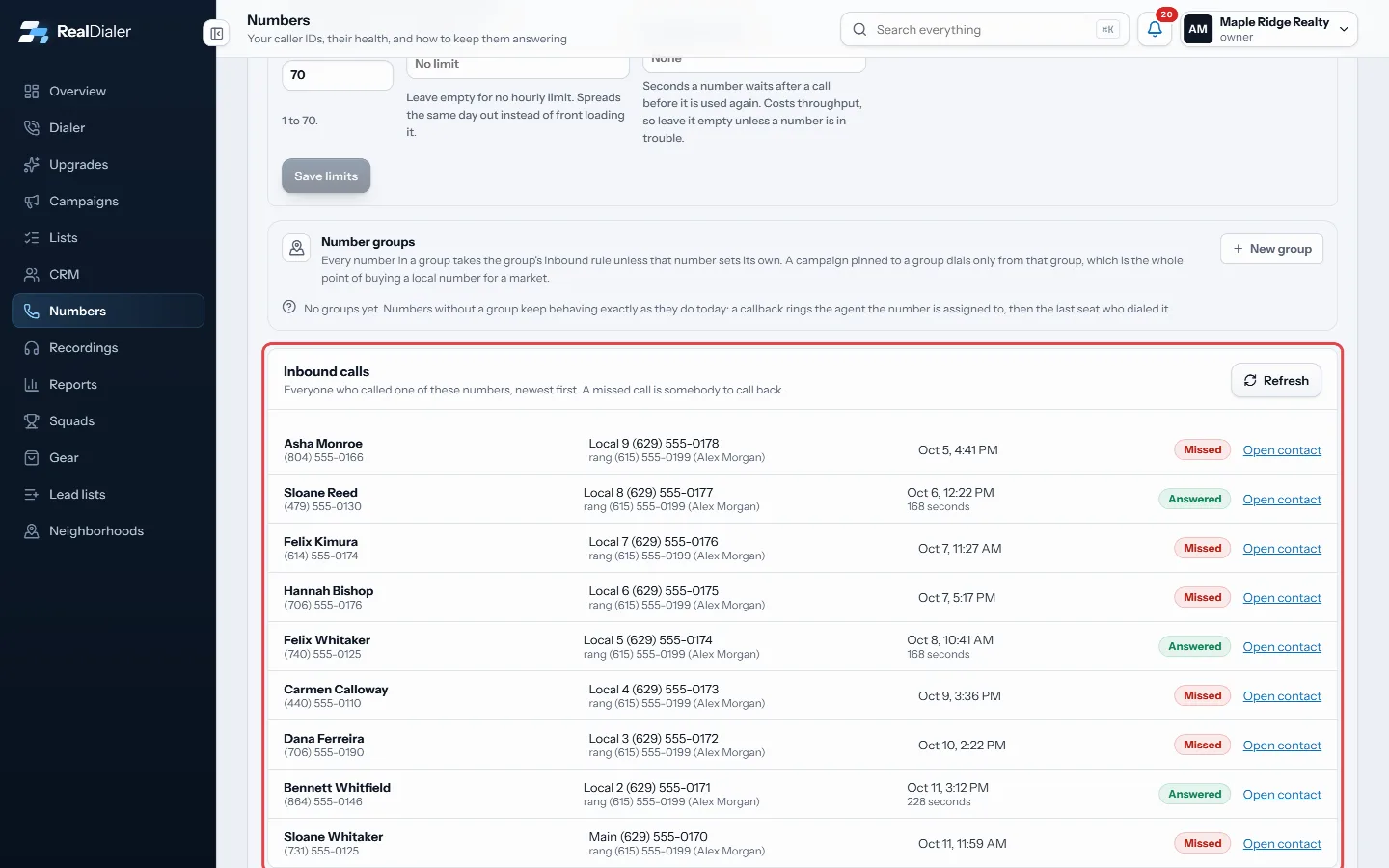
Inbound calls on the Caller IDs tab - Read each row: who called, which of your numbers they called, where it rang, when, and what happened.
- Click Open contact to see their record, or Call back if they are not in your contacts yet.
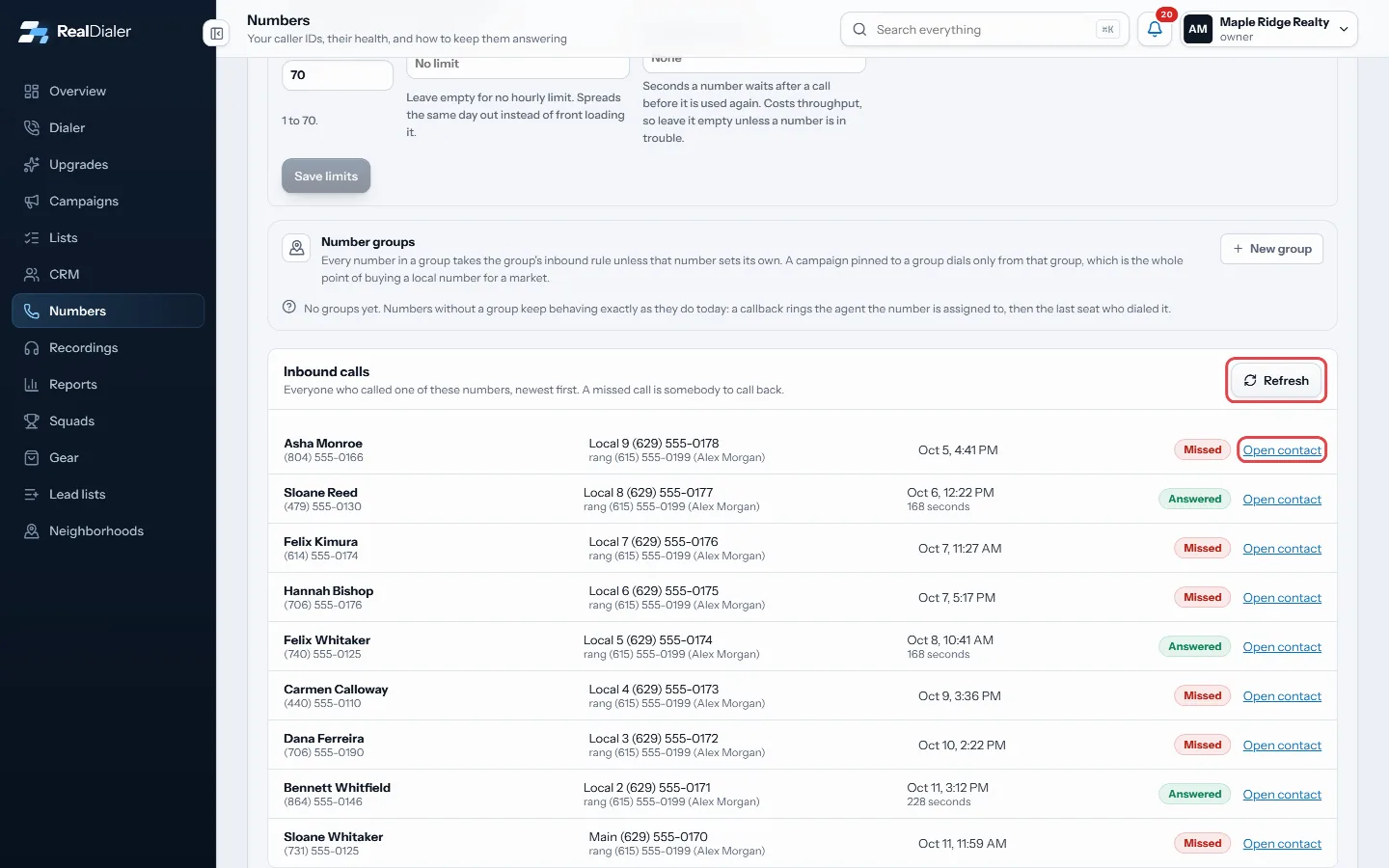
Open contact, or Refresh - Click Refresh to check for new calls.
Good to know
- Statuses are Ringing, On the call, Answered, Missed and Failed.
- A caller who is not in your contacts shows as Not in your contacts.
- While a call is ringing, it also shows at the top of every page.
- Missed calls from the last week also appear on the Overview under Missed callbacks.
Was this guide helpful?
Thanks. It helps us make these better.
Next in Numbers
What the Numbers page showsThe Numbers page is one place for everything about your caller IDs: which numbers you dial from, how hard each one is worked, keeping them off spam labels, and Check which numbers are still being answeredNumber health compares how often each of your numbers is answered over the last 14 days against the rest of your own numbers. A number that has picked up a spamOrder more caller IDsIf you want to dial on more lines than you have caller IDs, or want local numbers for a new market, you can order more numbers from inside the app.
Still stuck? Write to support@realdialer.com, or open Support from inside RealDialer.