What it is
RealDialer support works business hours: 8 AM to 6 PM Central time, Monday to Friday, except holidays. You can create a request or send an email at any time, and it is picked up in the next business hours.
Where to find it
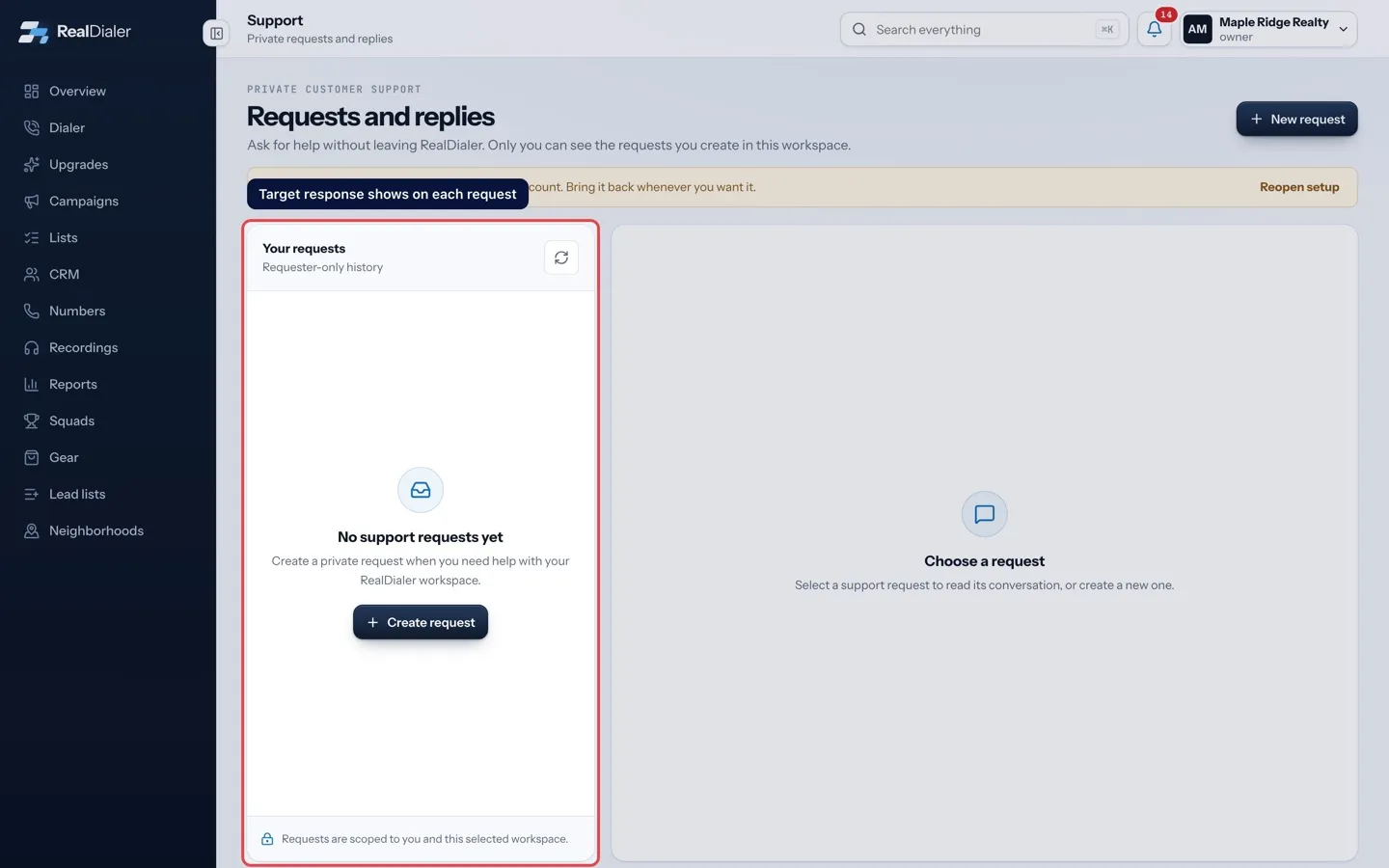
Each request on the Support page shows a Target response time.
Good to know
- A request made outside business hours, on a weekend or on a holiday starts its clock at 8 AM Central on the next business day.
- Open a request and look at Target response to see when to expect a first answer.
- When support needs something from you, the request changes to Action needed. Replying quickly keeps things moving.
- The RealDialer Support chat in the app answers questions from the help center at any time, and can open a request for you when the help center does not cover your question.
- For an urgent calling problem, choose the category that fits, for example Calling or Phone numbers, and say what is blocked so support can prioritize.
Was this guide helpful?
Thanks. It helps us make these better.
Next in Support
Using the RealDialer Support chatRealDialer Support is the Support button with a headset at the bottom right of every page. It opens a panel with three tabs: Chat for questions, Help to search Attach files to a support requestA screenshot often explains a problem faster than words. You can attach files when you create a support request and with any reply.Create a support requestThe Support page is where you ask RealDialer for help without leaving the app. Each request becomes a private ticket that only you and RealDialer support staff
Still stuck? Write to support@realdialer.com, or open Support from inside RealDialer.