What it is
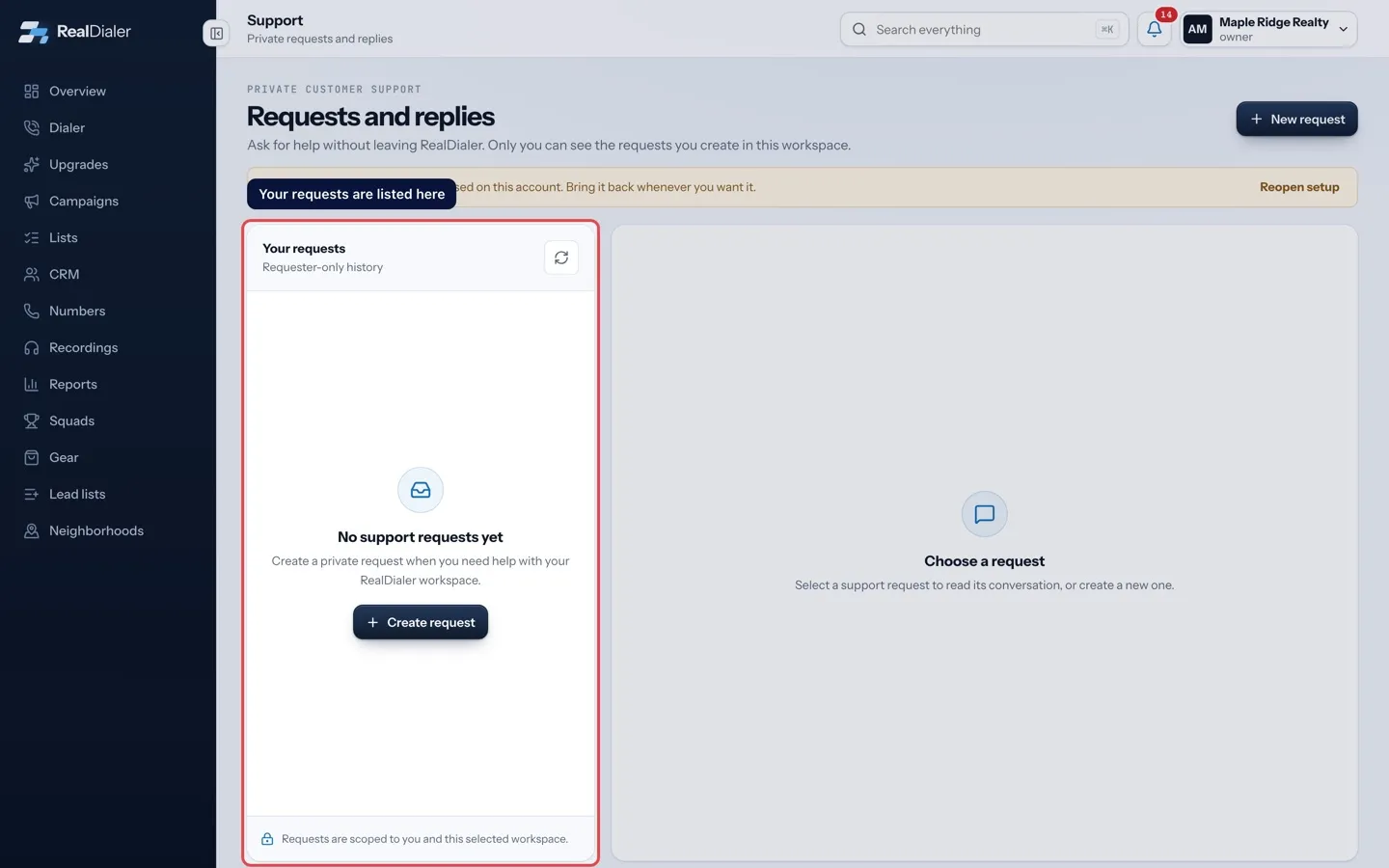
Every request you make is listed on the Support page with its status and reference number. You can read support’s replies, answer them, and reopen a resolved request within 14 days.
Where to find it
Your name in the top right > Support > Your requests
Steps
- Open Support from the menu under your name.
- Pick a request under Your requests. Requests with an unread answer show New reply.
- Read the conversation. Messages are marked You or RealDialer Support.
- Type in Reply and press Send reply.
- For a resolved request, type in Reopen with a reply and press Reopen and send.
Good to know
- Open means support is working on it. Action needed means support needs more information from you. Reply to send it back to them.
- Resolved requests can be reopened by replying within 14 days of being resolved. After that, create a new request.
- Closed requests cannot be replied to. Press New request to ask again.
- Each request shows a reference like RD-1A2B3C4D. Quote it if you email about the same issue.
- Press the refresh button next to Your requests to check for new replies.
Was this guide helpful?
Thanks. It helps us make these better.
Next in Support
Support hours and response timesRealDialer support works business hours: 8 AM to 6 PM Central time, Monday to Friday, except holidays. You can create a request or send an email at any time, anUsing the RealDialer Support chatRealDialer Support is the Support button with a headset at the bottom right of every page. It opens a panel with three tabs: Chat for questions, Help to search Attach files to a support requestA screenshot often explains a problem faster than words. You can attach files when you create a support request and with any reply.
Still stuck? Write to support@realdialer.com, or open Support from inside RealDialer.