What it is
Coach access is the upgrade that lets a coach onto your calls. It costs $2.99 a month per agent on your plan, billed with your plan. Coaches themselves pay nothing and use coach.realdialer.com for free.
Where to find it
Upgrades, for turning Coach access on. Settings > Team > Coaches, for the coaches who have access.
Steps
- To turn it on, open Upgrades and add Coach access. The account owner handles billing.
- To see who can coach you, open Coaches. Each coach shows who they coach, what they may do, the hours, and the end date.
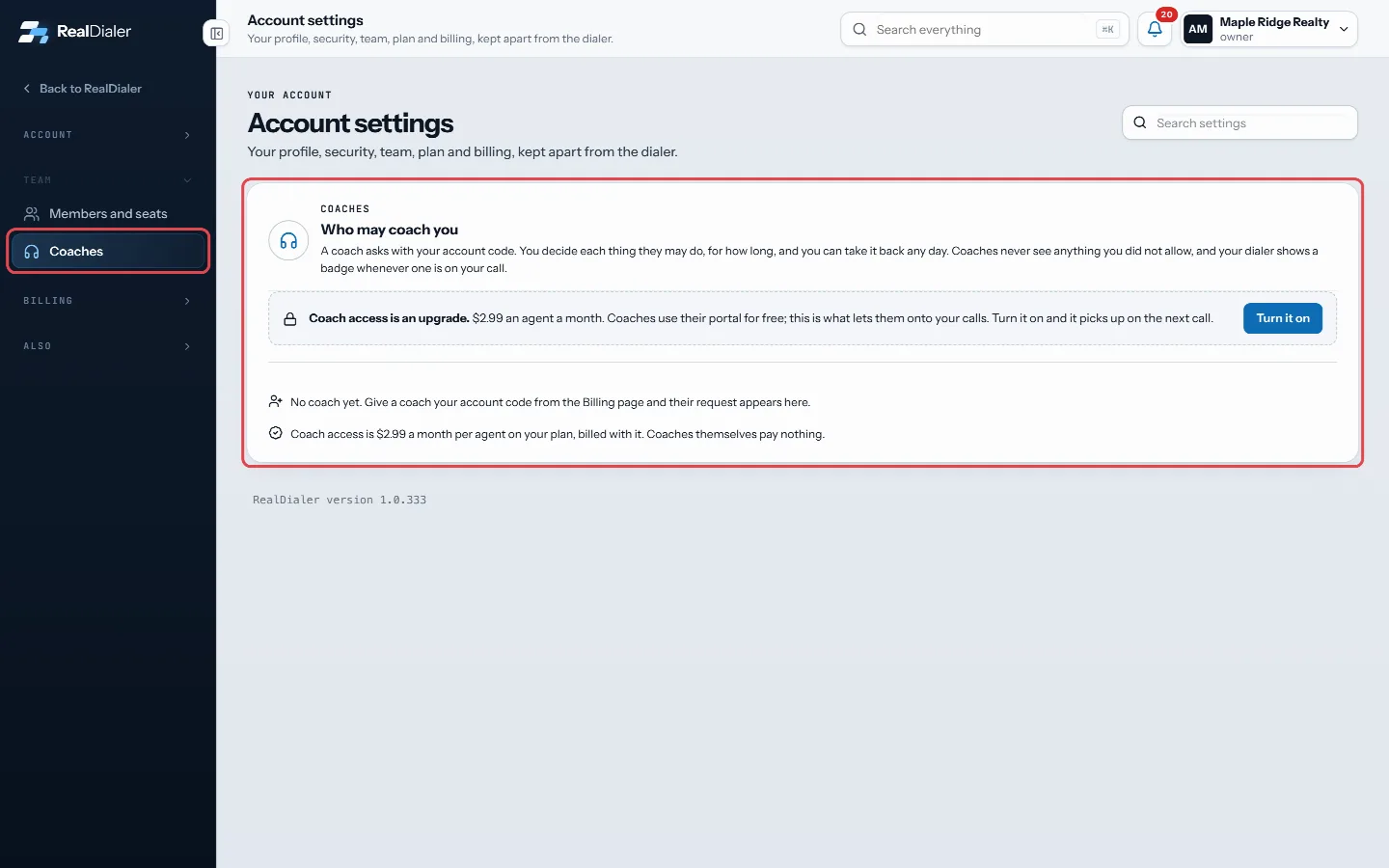
Settings, Coaches: who can coach you - To remove a coach, press Revoke next to them. Access ends right away.
Good to know
- If Coach access is off, the Coaches page shows a note about the upgrade. Accepting a request is refused with a message asking you to turn it on under Upgrades first.
- A coach’s access ends on its own when the window you chose runs out, unless you picked Until I revoke it.
- You can revoke any day. The coach keeps nothing they were not allowed to see.
Was this guide helpful?
Thanks. It helps us make these better.
Next in Team
How seats workA seat is one person who can dial on your account. Your plan pays for a set number of seats. The count at the top of Members and seats shows how many are used, Let a coach listen to your callsA coach you choose can listen to your live calls, whisper to you during a call, or join the call, from the free coach portal at coach.realdialer.com. The coach Remove or disable a teammateWhen someone leaves, you disable their seat. That frees the seat, signs them out everywhere, and stops their numbers from dialing. Their history stays on the ac
Still stuck? Write to support@realdialer.com, or open Support from inside RealDialer.