What it is
Recent nudges is the history of your accountability alarm. Each line shows the alarm, when it ran, and whether it was Sent, Held back, Could not send or still Sending. Held back lines say why, and sent lines say which channels went out.
Where to find it
Settings > Account > Accountability alarm > Recent nudges
Steps
- Open Accountability alarm and scroll to Recent nudges.
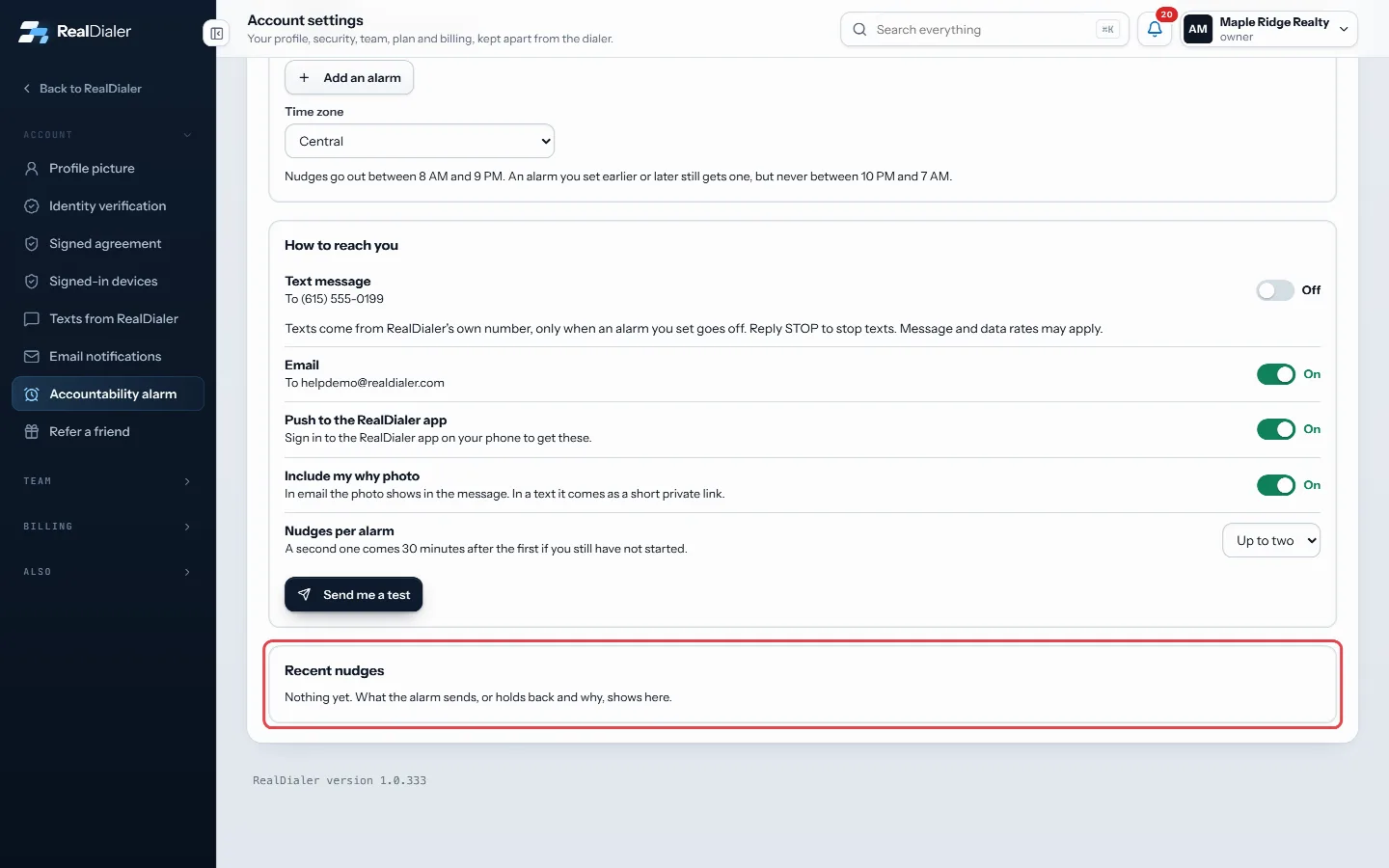
Scroll to Recent nudges at the bottom of Accountability alarm - Find the alarm you expected and read its status.
- For a held back nudge, read the reason after the time.
- For a sent nudge, check the channel summary, for example “Text sent · Email sent · App no phone signed in”.
Good to know
Common reasons a nudge is held back:
- You were dialing or You were on the dialer: you had already started, so no nudge was needed.
- You did follow ups: a Follow ups alarm saw you had already done the work.
- You skipped today or Snoozed.
- Alarm turned off or This alarm is off.
- Quiet hours or Too late to send: nudges never go out between 10 PM and 7 AM.
- No channels on or No channel could send: switch on a channel, or fix the one that failed, under How to reach you.
- Account not active.
A test from Send me a test shows as Test.
Was this guide helpful?
Thanks. It helps us make these better.
Next in Account settings
Add or change your profile pictureRealDialer keeps two pictures. Your own picture shows on your account button, in the team list, and to any coach you have accepted. The account picture is a logAdd or edit accountability alarmsAn alarm is a time you plan to be working. When the grace period after that time runs out and you have not started, you get a nudge. There are three types of alAdd your why to the accountability alarmYour why is the reason you pick up the phone. It can be a photo, like your family, your dream house or a goal, and a short line in your own words. It comes with
Still stuck? Write to support@realdialer.com, or open Support from inside RealDialer.