What it is
The accountability alarm is an alarm clock for your calling. You pick when you want to be dialing or doing follow ups. If that time comes and you have not started, RealDialer sends you a short nudge, with your why if you added one. It is free on every plan, and any part can be turned off.
Where to find it
Settings > Account > Accountability alarm
Steps
- Open Settings, then choose Accountability alarm under Account.
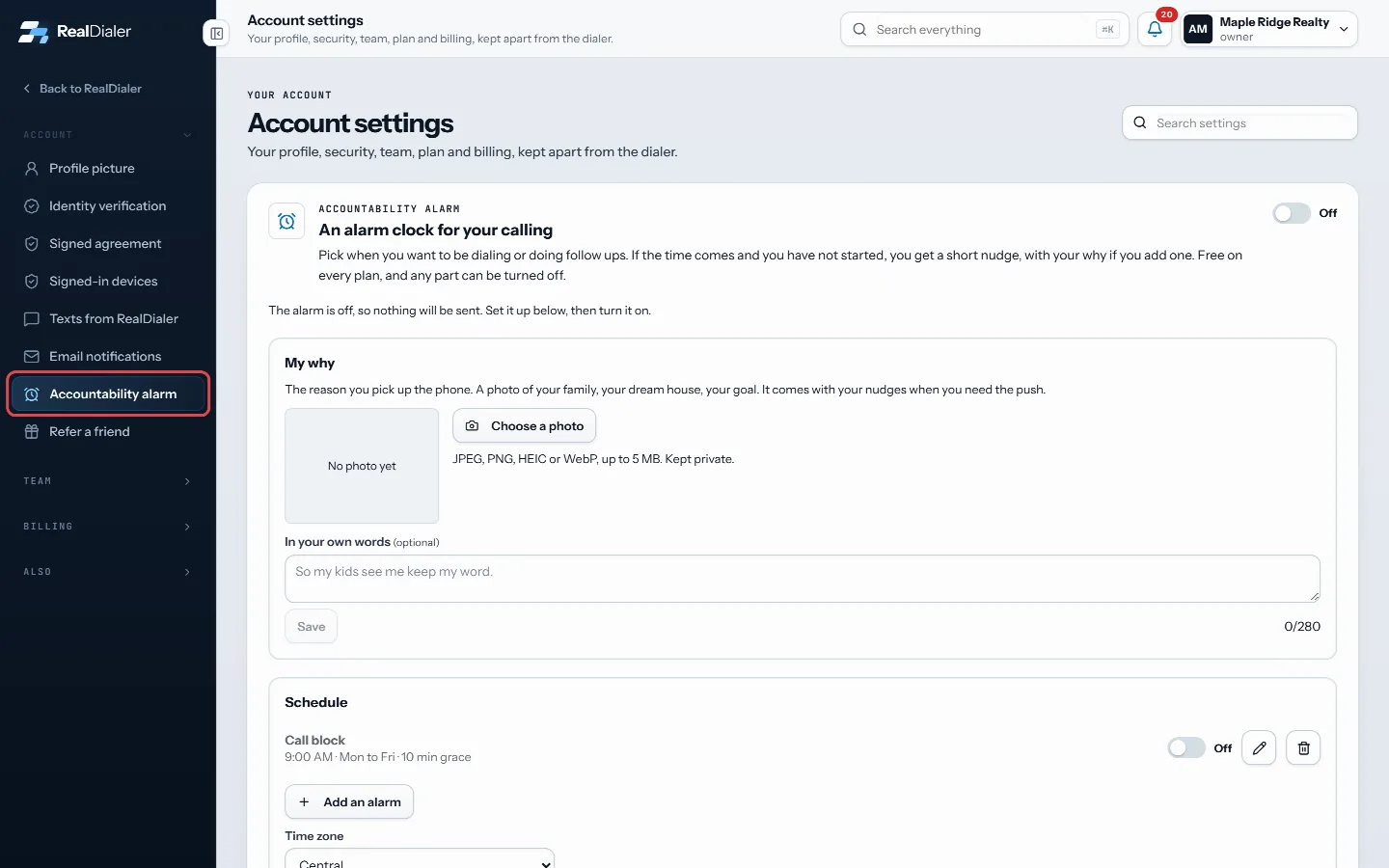
Open Settings and choose Accountability alarm under Account - Under Schedule, press Add an alarm and set the type, days, start time and grace period. Press Add alarm.
- Under How to reach you, switch on text, email or push to the app.
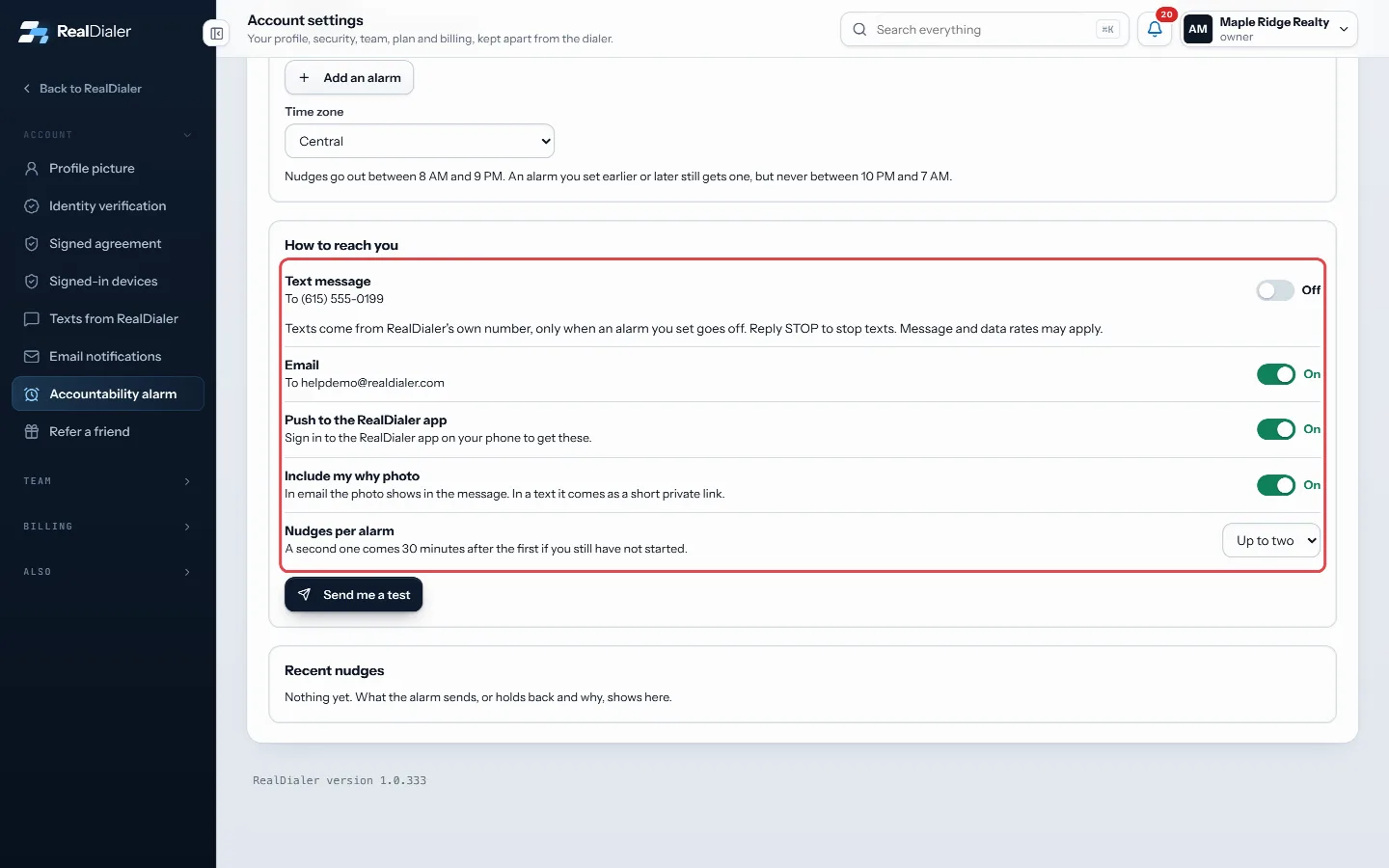
Under How to reach you, switch on text, email or push - Optional: add a photo and words under My why.
- Turn on the switch at the top of the page. It reads On when the alarm is live.
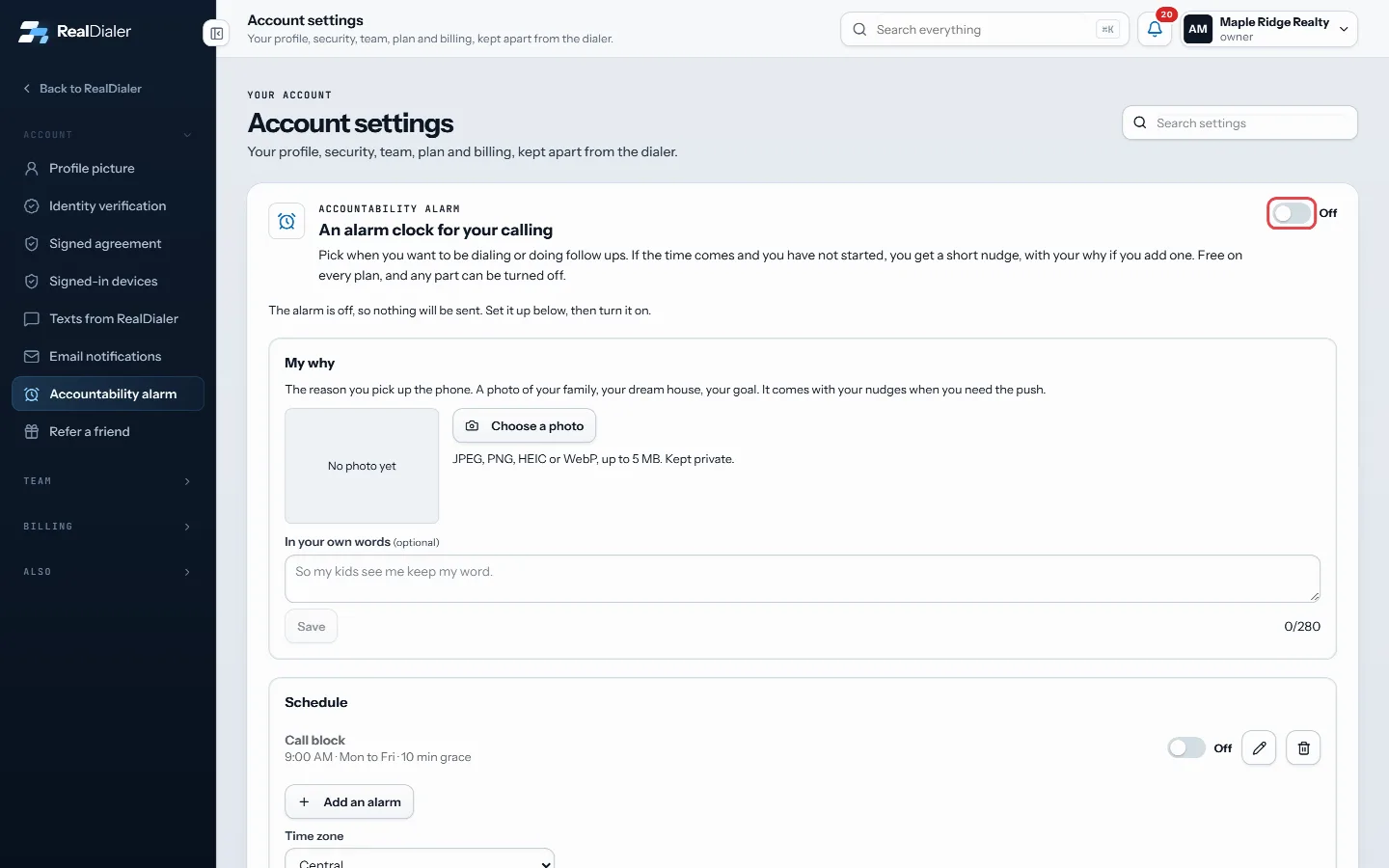
Turn on the switch at the top. It reads On when the alarm is live - Press Send me a test to see what a nudge looks like.
Good to know
- With the top switch off, nothing is sent at all, even if alarms and channels are set up. The page says “The alarm is off, so nothing will be sent.”
- Each person on the account sets up their own alarm. It is not shared with teammates.
- Nudges go out between 8 AM and 9 PM in the time zone you choose under Schedule. An alarm set earlier or later still gets one, but never between 10 PM and 7 AM.
- Need a break? Use Skip today or Snooze for a week instead of turning the whole thing off.
- What the alarm sends, or holds back and why, shows under Recent nudges.
Was this guide helpful?
Thanks. It helps us make these better.
Next in Account settings
Verify your identity to start callingRealDialer verifies every customer before they dial, to protect your numbers and ours with the carriers. You upload three photos and your legal name, RealDialerWhy a nudge was sent or held backRecent nudges is the history of your accountability alarm. Each line shows the alarm, when it ran, and whether it was Sent, Held back, Could not send or still SAdd or change your profile pictureRealDialer keeps two pictures. Your own picture shows on your account button, in the team list, and to any coach you have accepted. The account picture is a log
Still stuck? Write to support@realdialer.com, or open Support from inside RealDialer.