What it is
Taking a day off or going on vacation? Instead of turning the alarm off and setting it up again later, you can skip today or snooze it for a week. Your alarms and channels stay exactly as they are.
Where to find it
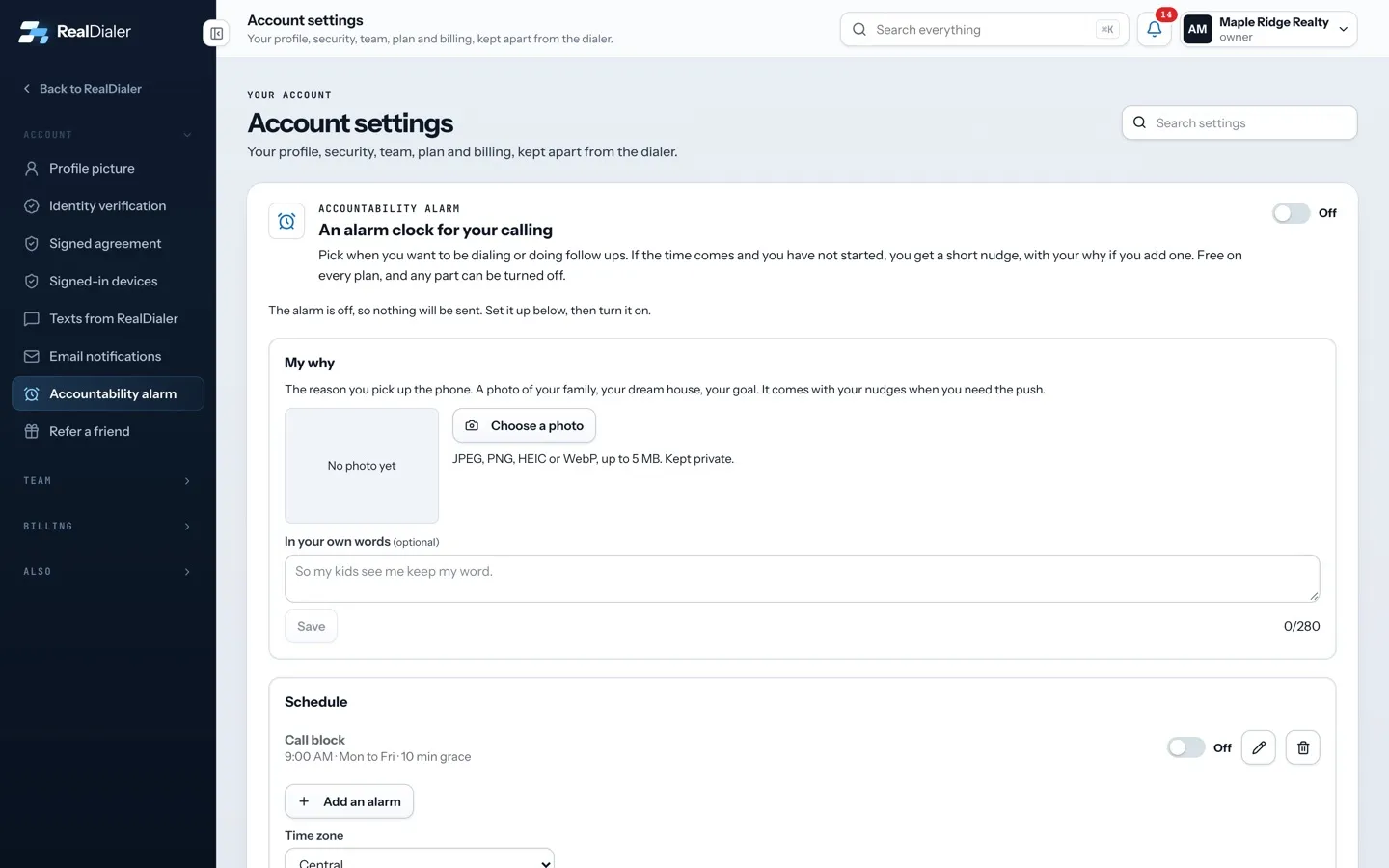
Settings > Account > Accountability alarm. The skip and snooze buttons sit just under the top switch while the alarm is on.
Steps
- Open Accountability alarm.
- Press Skip today for no nudges for the rest of today. The line reads “Skipped for today. Back tomorrow.”
- Or press Snooze for a week. The line shows the date it is snoozed until.
- To come back early, press Resume.
Good to know
- These buttons only show while the top switch is on.
- Skipped and snoozed nudges still appear under Recent nudges as Held back, with the reason “You skipped today” or “Snoozed”.
- To stop nudges for good, turn off the switch at the top of the page instead. Nothing is sent while it is off.
- To silence just one alarm, use the switch on that alarm in the Schedule list.
Was this guide helpful?
Thanks. It helps us make these better.
Next in Account settings
Take your ID photos on your phoneIf your computer has no camera, or it is just easier on your phone, you can scan a QR code and take the three identity photos on your phone. They appear on yourTurn on the accountability alarmThe accountability alarm is an alarm clock for your calling. You pick when you want to be dialing or doing follow ups. If that time comes and you have not startVerify your identity to start callingRealDialer verifies every customer before they dial, to protect your numbers and ours with the carriers. You upload three photos and your legal name, RealDialer
Still stuck? Write to support@realdialer.com, or open Support from inside RealDialer.