What it is
Each campaign follows your account’s dialer rules unless you give it something stricter. A campaign can never be looser than the account. This lets you work one audience hard and another gently.
Where to find it
Campaigns > open a campaign > Settings tab.
Steps
- Open the campaign and click the Settings tab.
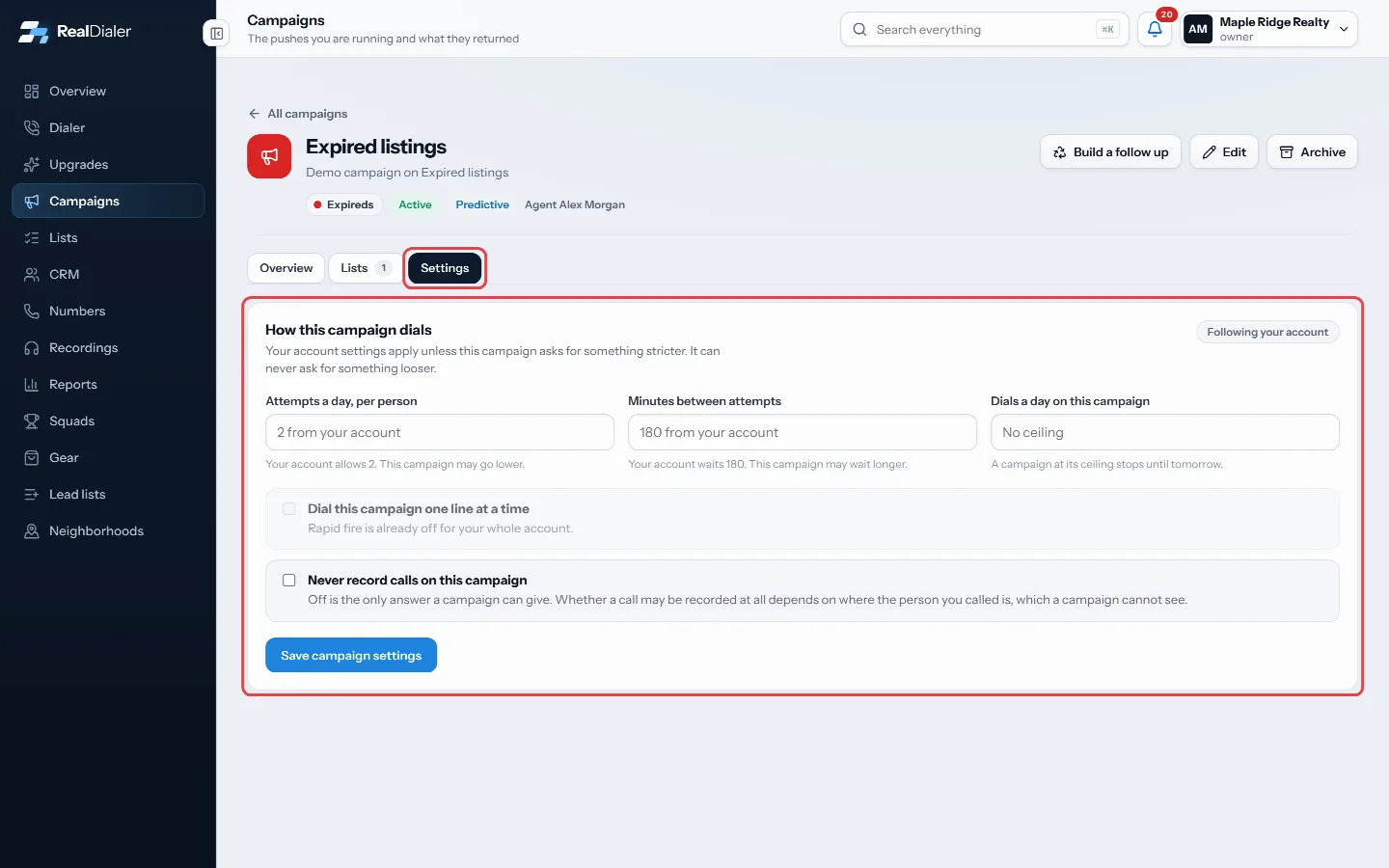
Open the campaign and click Settings - Set Attempts a day, per person lower than your account allows, if you want.
- Set Minutes between attempts longer than your account waits, if you want.
- Set Dials a day on this campaign to cap the campaign for the day.
- Tick Dial this campaign one line at a time to turn rapid fire off for this campaign only.
- Tick Never record calls on this campaign if these calls should not be recorded.
- Click Save campaign settings.
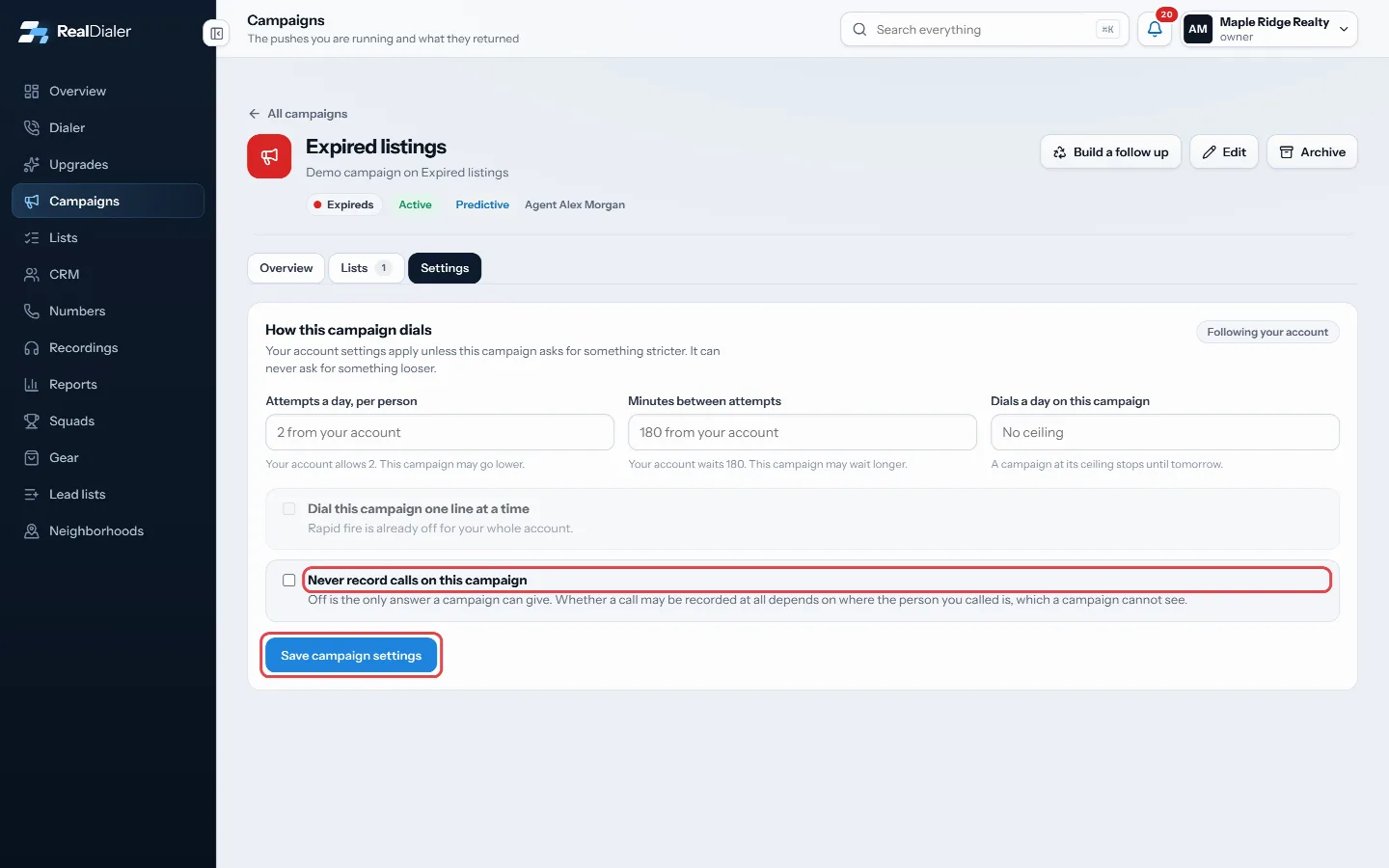
Tick what you need, then Save campaign settings
Good to know
- Only an account owner or manager can change these. Everyone else sees them read only.
- Each field shows your account’s own number as a hint. A looser number is refused.
- A campaign at its daily ceiling stops until tomorrow.
- Follow my account instead clears every campaign setting and puts it back on your account rules.
- A campaign cannot turn rapid fire on, because the recorded message an abandoned call needs lives on your account.
- The pill at the top says how many settings are set on this campaign, or Following your account.
Was this guide helpful?
Thanks. It helps us make these better.
Next in Campaigns
What a campaign isA campaign is a push at an audience. It holds the lists it works, a type that says what kind of work it is (Expireds, FSBO, Sphere and so on), and everything itAdd or archive campaign typesCampaign types are the labels every campaign is filed under, and the lines your traction report is broken into. Every account starts with ten: Circle ProspectinAdd or remove lists in a campaignA campaign works the lists you put in it. Adding a list copies nothing and moves nothing, and the same list can be in more than one campaign at the same time.
Still stuck? Write to support@realdialer.com, or open Support from inside RealDialer.