What it is
An outbound webhook sends RealDialer events to a web address you choose, such as a Zapier catch hook or your own server. Every delivery is signed so the receiver can prove it came from RealDialer.
Where to find it
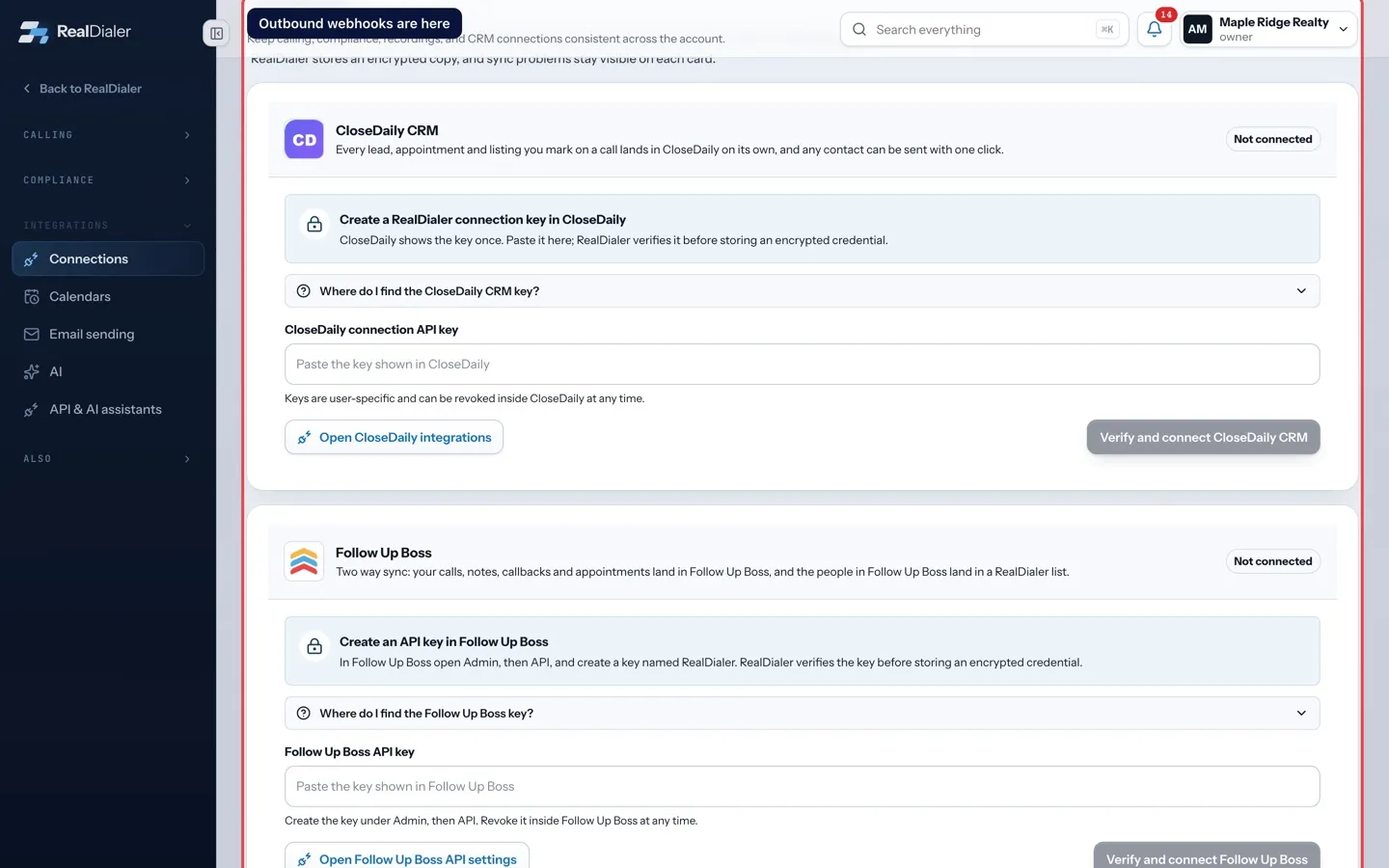
Settings > Integrations > Connections > Outbound webhooks
Steps
- Under Add a webhook, type a Label and paste the Destination URL.
- Tick the events to send: New lead, Call outcome recorded, Appointment set, Callback due.
- Press Create webhook.
- Copy the signing secret right away. RealDialer shows it only once.
- Press Send test event on the webhook card to check it arrives.
Good to know
- Only https addresses are accepted.
- Each event is delivered once, with no retries. Failures stay visible on each card with the last delivery result.
- A webhook that fails again and again is turned off on its own. Fix the destination, then turn it back on.
- Use the switch on a card to pause it. Nothing is sent while it is paused.
- An account can have up to 10 webhooks.
Was this guide helpful?
Thanks. It helps us make these better.
Next in Integrations
Send leads to CloseDaily CRMIf you use CloseDaily CRM, you can connect it so every lead, appointment and listing you mark on a call lands in CloseDaily on its own. Any other contact can beSkip trace credits and your own Tracerfy keySkip tracing finds phone numbers for your contacts. By default it uses RealDialer skip trace credits. If you have your own Tracerfy account, you can connect it Choose what syncs with Follow Up BossOnce Follow Up Boss is connected, a Two way sync panel appears under its card. You choose what goes out of RealDialer, whether people come in, and which Follow
Still stuck? Write to support@realdialer.com, or open Support from inside RealDialer.