What it is
With Zapier you can send call outcomes, new leads, appointments and due callbacks to thousands of other apps the moment they happen. Zaps can also add, find or tag contacts in RealDialer.
Where to find it
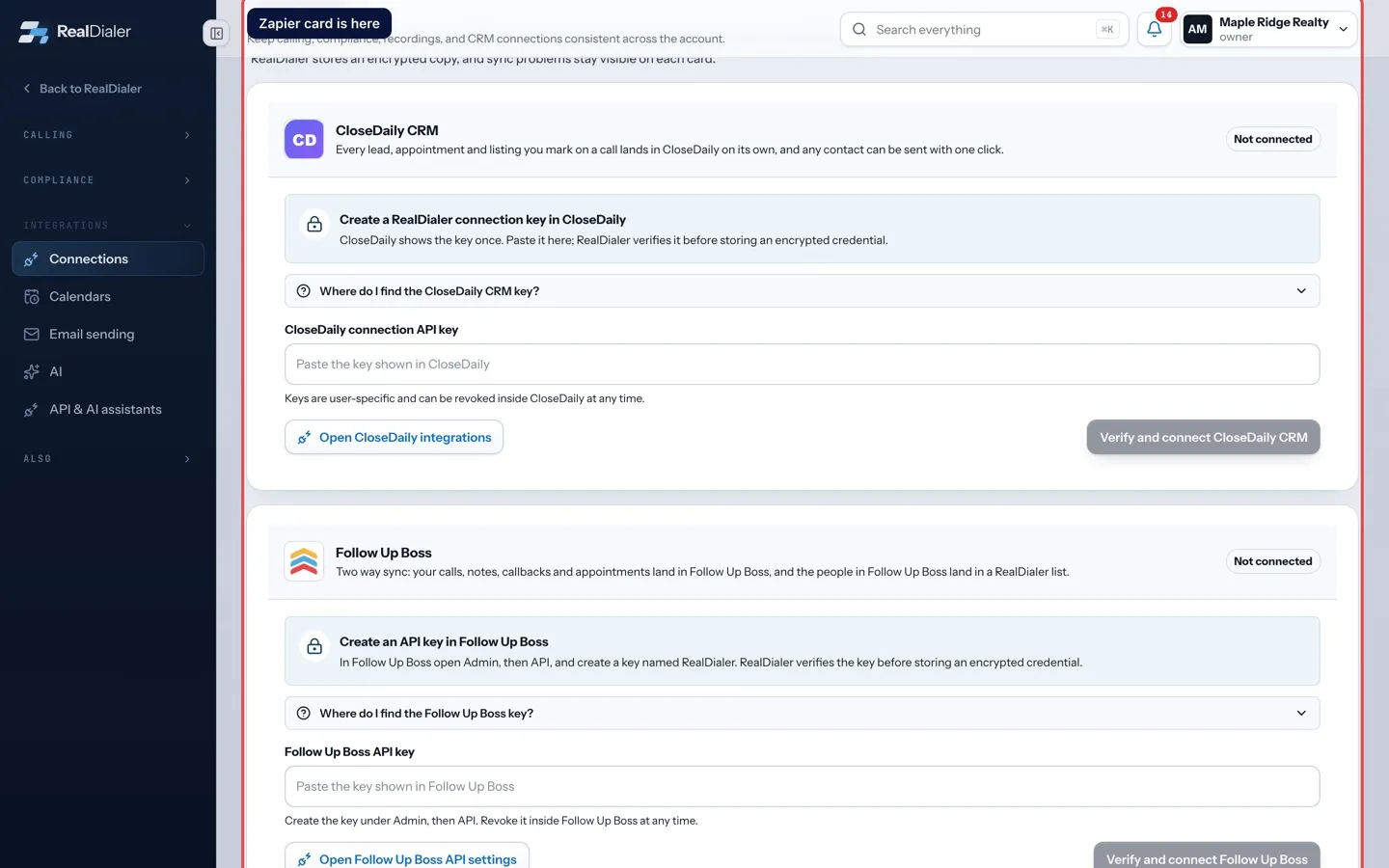
Settings > Integrations > Connections > Zapier
Steps
- On the Zapier card, press Open RealDialer in Zapier and add the app to your Zapier account.
- Open Settings > Integrations > API & AI assistants and create a key with Allow changes to lists turned on. Copy it.
- In Zapier, add a step, choose RealDialer, and paste the key when Zapier asks.
- Build your Zap and turn it on.
Good to know
- Zapier is still reviewing the RealDialer app for its public directory, so the button on the card is how you reach it today.
- To pause a Zap without deleting it, switch off its entry under Outbound webhooks, or switch off the API key the Zap uses. Turn it back on and the Zap carries on with no setup.
- Making an API key needs an owner or manager, so a caller will need one of them to set this up.
- Zaps run as the person whose key they use.
Was this guide helpful?
Thanks. It helps us make these better.
Next in Integrations
Connect your calendarConnect the calendar you already use so RealDialer knows when you are busy and does not book over it. Appointments you set in RealDialer are written to the caleConnect your own AI keySome RealDialer writing features, such as the written summary on a CMA, run on your own AI provider account, so nothing is metered or capped by RealDialer. You Create and manage personal API keysA personal API key lets an AI assistant, Zapier or your own tool work your account's lists. The key acts as you, on this account only. It can find contacts, cop
Still stuck? Write to support@realdialer.com, or open Support from inside RealDialer.