What it is
Most accounts pay by card on a subscription, and the owner can change the plan and upgrades in the app. Some accounts are set up and billed by RealDialer directly instead. For those accounts, plan changes and upgrades are made by support.
Where to find it
Settings > Billing > Plan and billing. A note under Change plan says the account is billed directly by RealDialer.
Steps
- Note your account code at the top of Plan and entitlements.
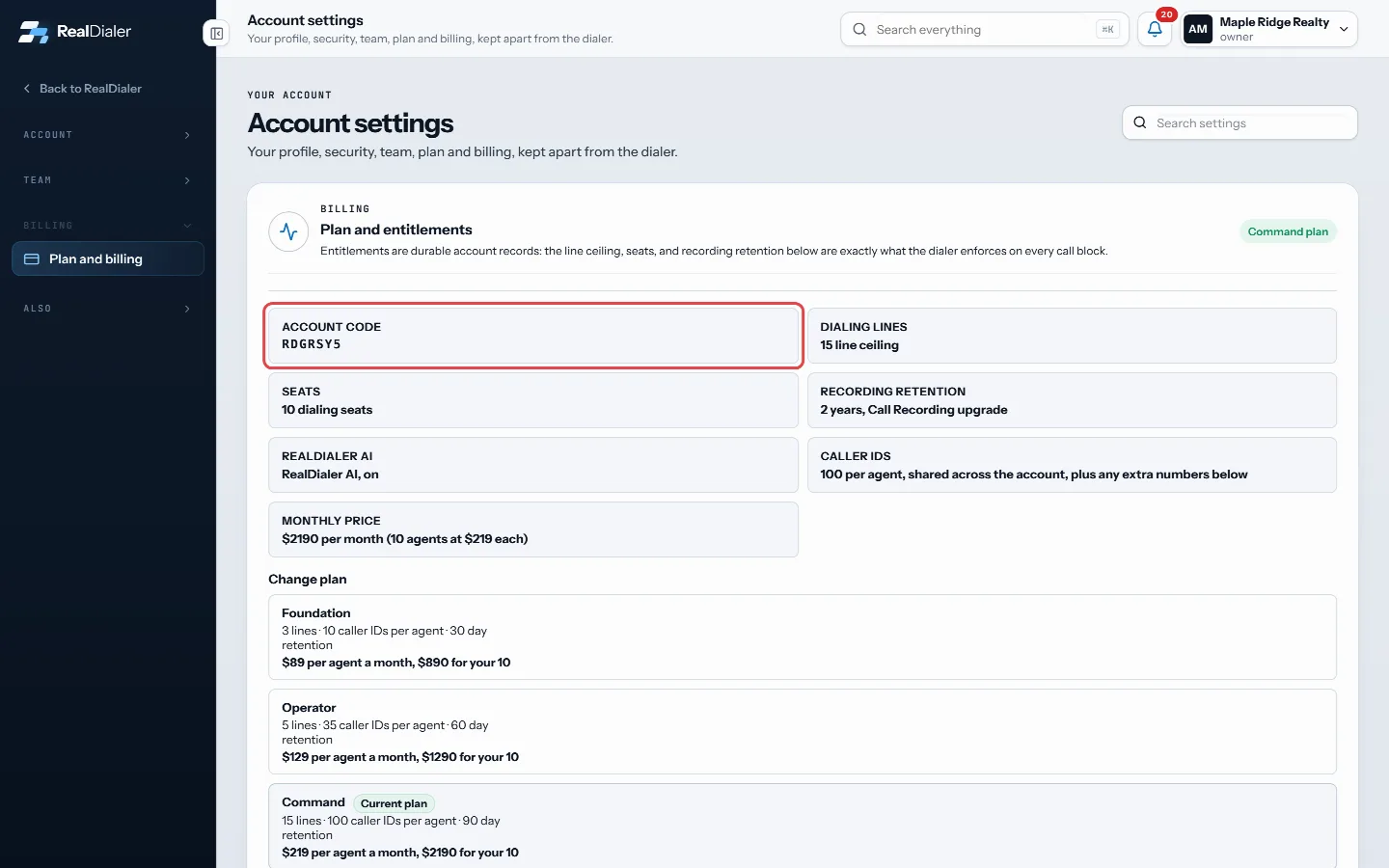
Note your account code - Email support@realdialer.com, or open a support request in the Billing and plan category.
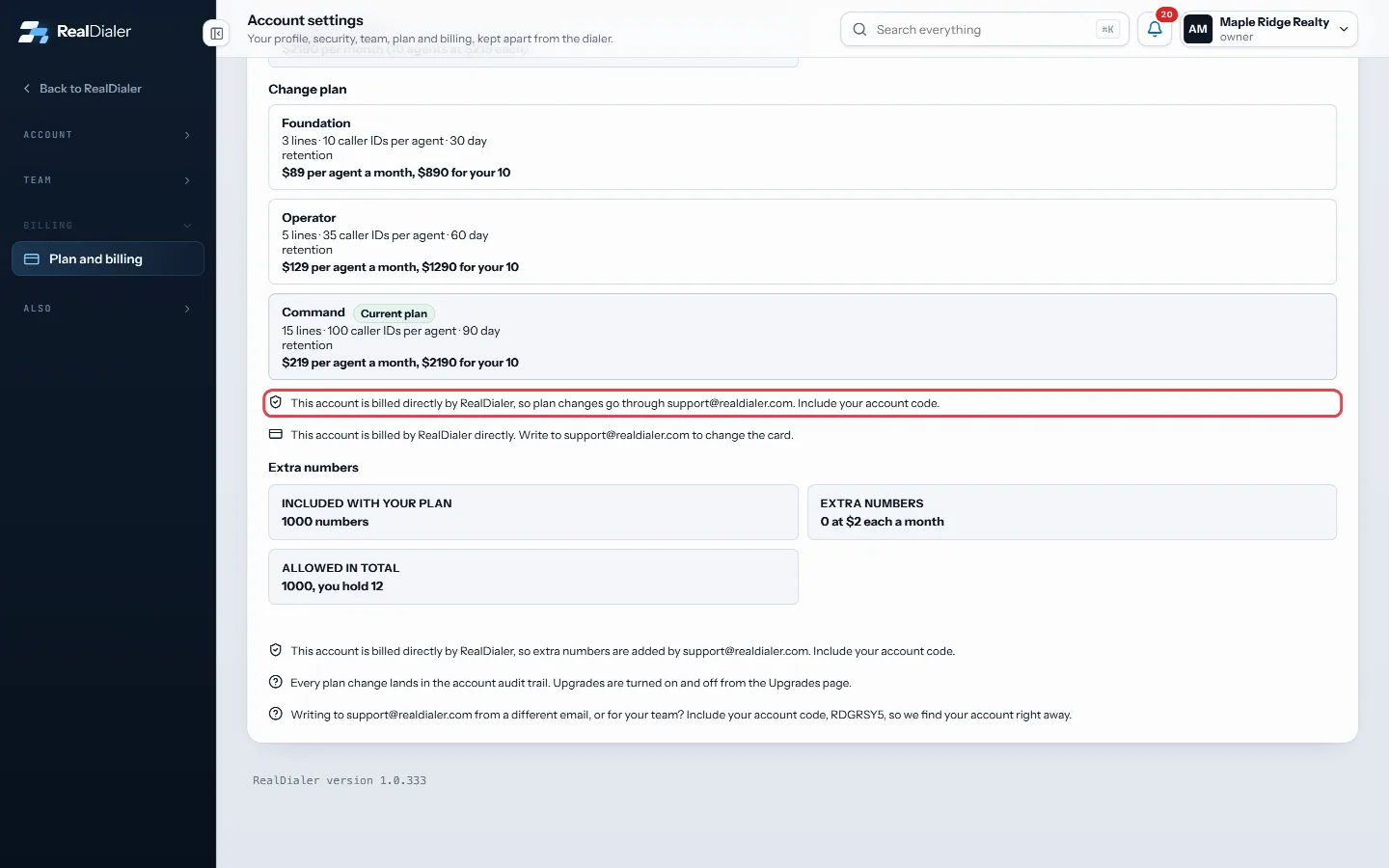
The note under Change plan says the account is billed directly - Say which plan or upgrade you want and include your account code.
- Support makes the change, usually the same day.
Good to know
- On a billed directly account, the change plan buttons do not show.
- On the Upgrades page, the button is greyed out with a note that support switches the upgrade on.
- Some upgrades may show as included on your account by RealDialer. Those are managed by support, so ask support to change them.
- Free trials of upgrades still run on billed directly accounts.
Was this guide helpful?
Thanks. It helps us make these better.
Next in Billing and plans
Add seats for more agentsEach seat is one person who can dial on your account, and each seat is billed at your plan's per agent price. When every seat is in use, inviting another personCancel your subscription or delete your accountThere are two ways to end RealDialer. You can ask support to cancel your subscription, or the account owner can delete the whole workspace from the RealDialer iFind your account codeYour account code identifies your RealDialer account. You give it to a coach who wants to coach you, and you include it when you write to support from an email
Still stuck? Write to support@realdialer.com, or open Support from inside RealDialer.