What it is
The Gear page lists the headsets and desk equipment the RealDialer team dials on, with the reason each one is on the list. Nothing there is required. A laptop microphone works on day one.
Where to find it
Gear in the left menu.
Steps
- Click Gear in the left menu.
- Browse Headsets and Desk. Each card shows the type, highlights, a typical price and why it is recommended.
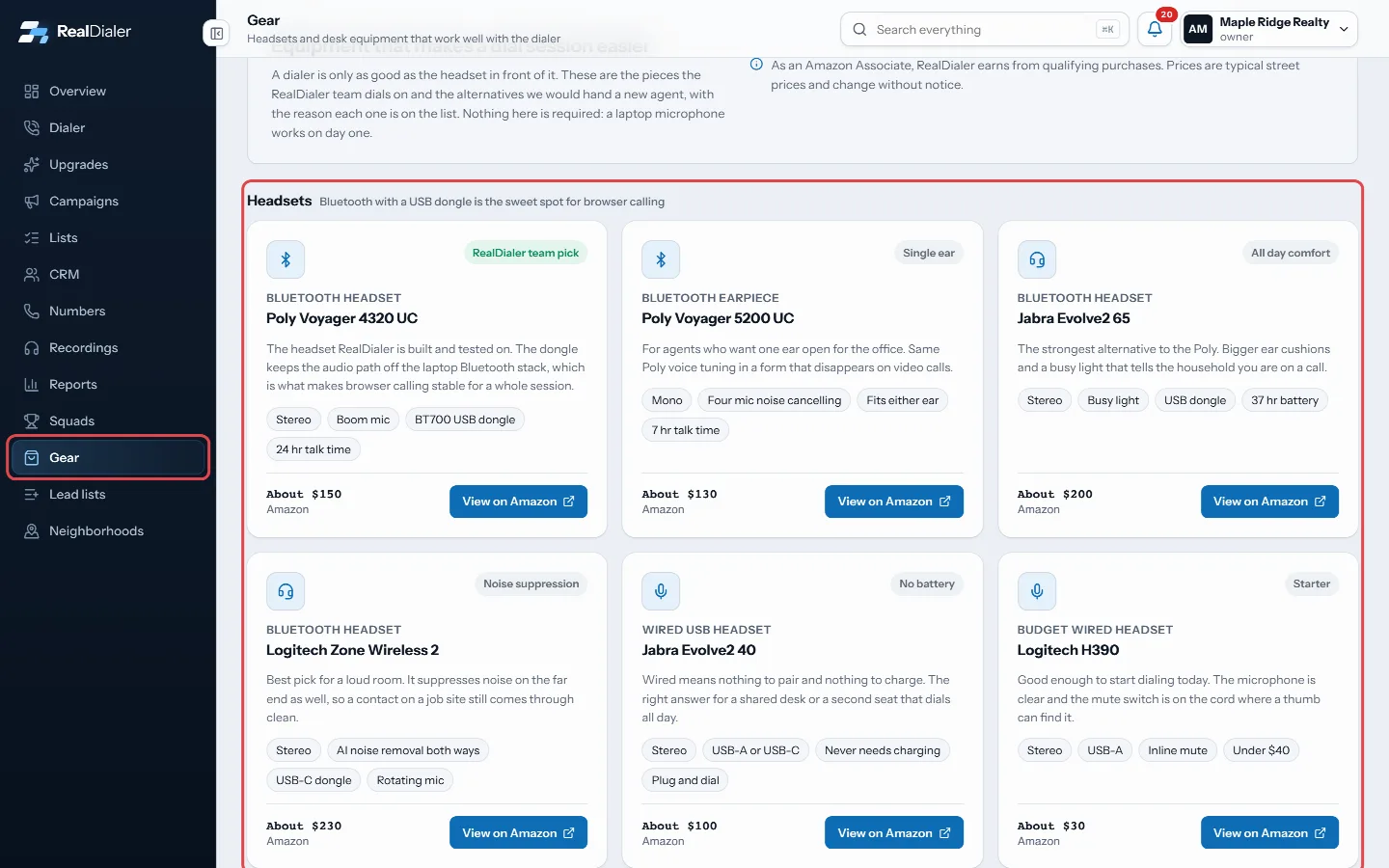
Click Gear in the left menu and browse Headsets and Desk. - Press View on Amazon to see current listings for that model.
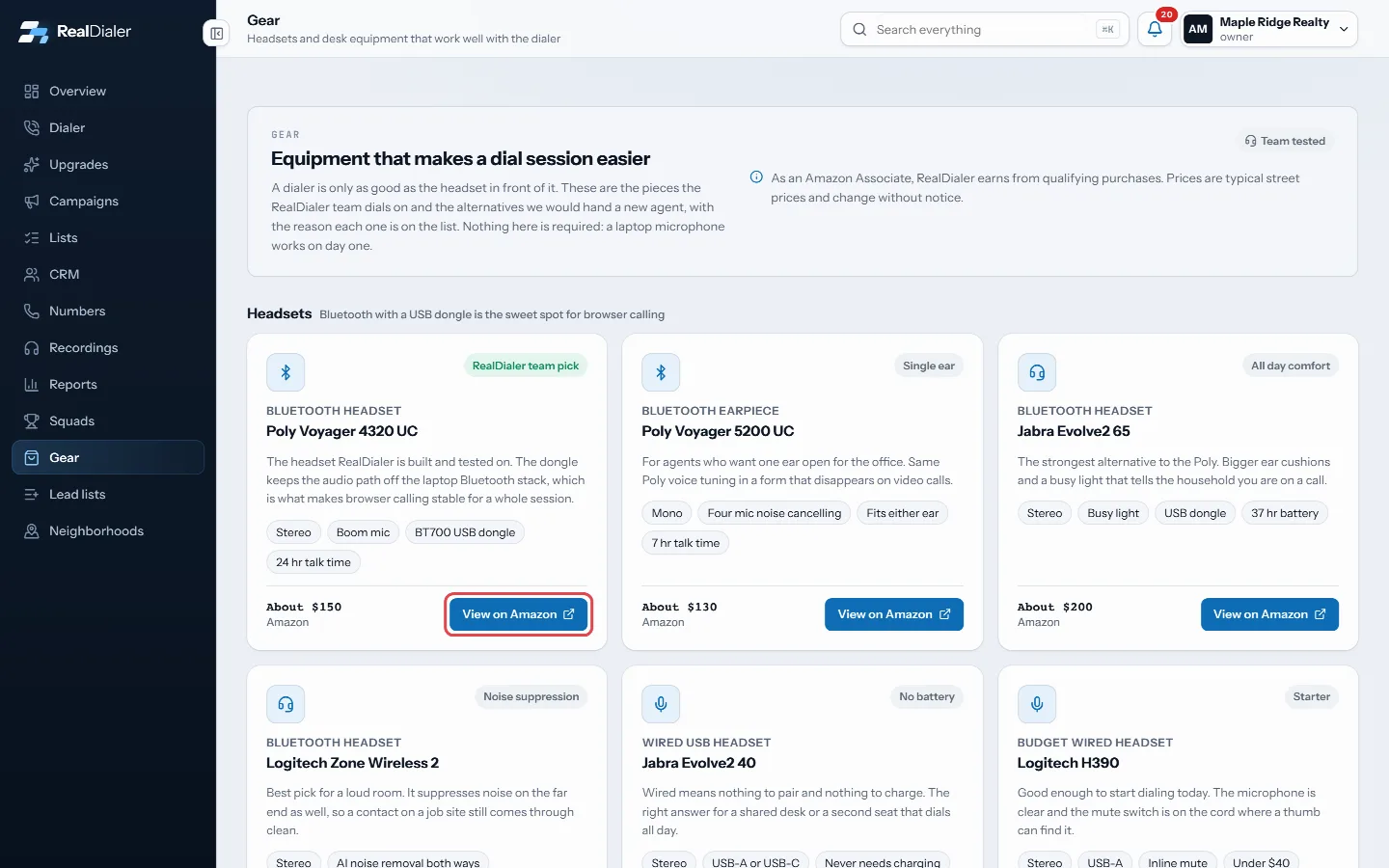
Press View on Amazon to see current listings for that model. - Once you have a headset, plug it in or pair it, then pick it as the microphone and speaker in the dialer’s audio settings before your first session.
Good to know
- The team pick is the Poly Voyager 4320 UC, a Bluetooth headset with a USB dongle. A dongle keeps audio stable in the browser for a whole session.
- Bluetooth with a USB dongle is the sweet spot for browser calling. A wired USB headset needs no charging and suits a shared desk.
- A portable second screen is handy if you pop the lines rail, session stats or contact card out into their own windows.
- Any headset your browser can see works with RealDialer.
- Prices are typical street prices and change without notice. RealDialer may earn from qualifying Amazon purchases.
Was this guide helpful?
Thanks. It helps us make these better.
Next in Getting started
Reset your passwordIf you forget your password, RealDialer emails you a link to set a new one. The same steps work if you just want to change your password, because there is no seSign in to RealDialerRealDialer runs in your web browser at app.realdialer.com. You sign in with the email address and password on your RealDialer login. After the password is checkSign the Customer AgreementBefore you can use RealDialer, you read and sign the RealDialer Customer Agreement and Terms of Service, which include the Privacy Policy. You sign by typing yo
Still stuck? Write to support@realdialer.com, or open Support from inside RealDialer.