What it is
The RealDialer calling terms explain that you are the caller, responsible for the calls you tell RealDialer to place. You accept them before you can dial. You are asked again if the terms change, or if a calling limit on your account was loosened since you last agreed.
Where to find it
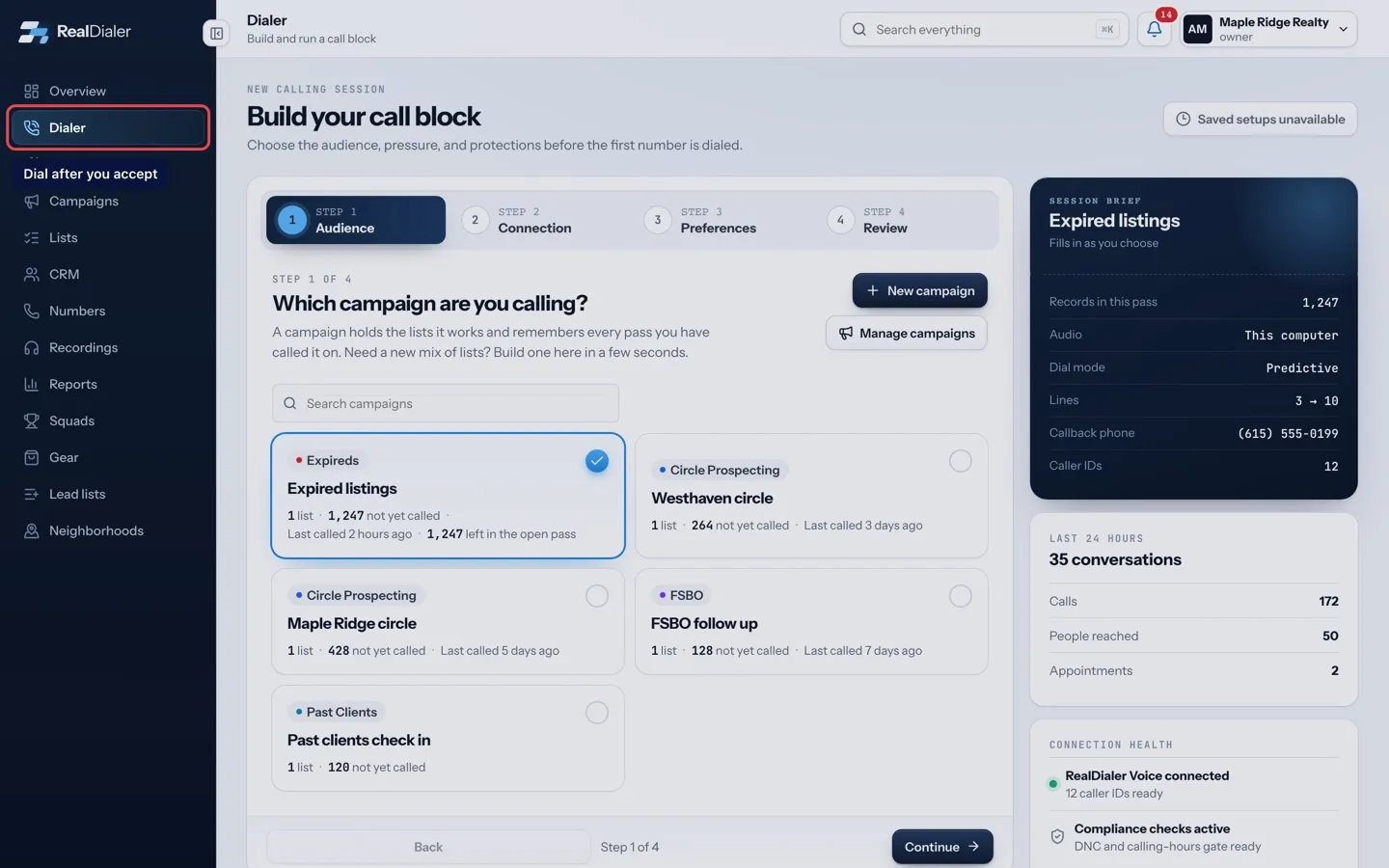
A Calling terms window appears over the app when an acceptance is needed. It can also appear when you press start on a call block.
Steps
- Read the window. If it lists What changed since you last agreed, check each change.
- Click Read the RealDialer calling terms to open the full terms in a new tab.
- Tick the box that says you have read the terms and are the caller responsible for these calls.
- Press Agree and continue.
Good to know
- The window cannot be closed without agreeing, and you cannot dial until you do.
- Signing the Customer Agreement records the calling terms too.
- If a call block will not start because of the terms, the window appears so you can accept and try again.
- Every person who dials accepts the terms for themselves. One teammate agreeing does not cover the others.
Was this guide helpful?
Thanks. It helps us make these better.
Next in Getting started
Bring back the setup checklistIf you closed the Start calling checklist and want it back, you can reopen it from the Support page. It returns as your Overview screen with your progress intacChange the Overview date rangeThe date range on the Overview decides which days the four stat cards, the activity chart and the funnel cover. Every card compares your range with the same numFind your way around the appThe left menu takes you to every main part of RealDialer: Overview, Dialer, Upgrades, Campaigns, Lists, CRM, Numbers, Recordings, Reports and Gear. Some account
Still stuck? Write to support@realdialer.com, or open Support from inside RealDialer.