What it is
RealDialer runs in your web browser at app.realdialer.com. You sign in with the email address and password on your RealDialer login. After the password is checked, you choose the workspace you want to open, even if you only belong to one.
Where to find it
Go to app.realdialer.com. To sign out, open your name in the top right > Sign out.
Steps
- Open app.realdialer.com in your browser.
- Type your Email address and Password, then press Continue.
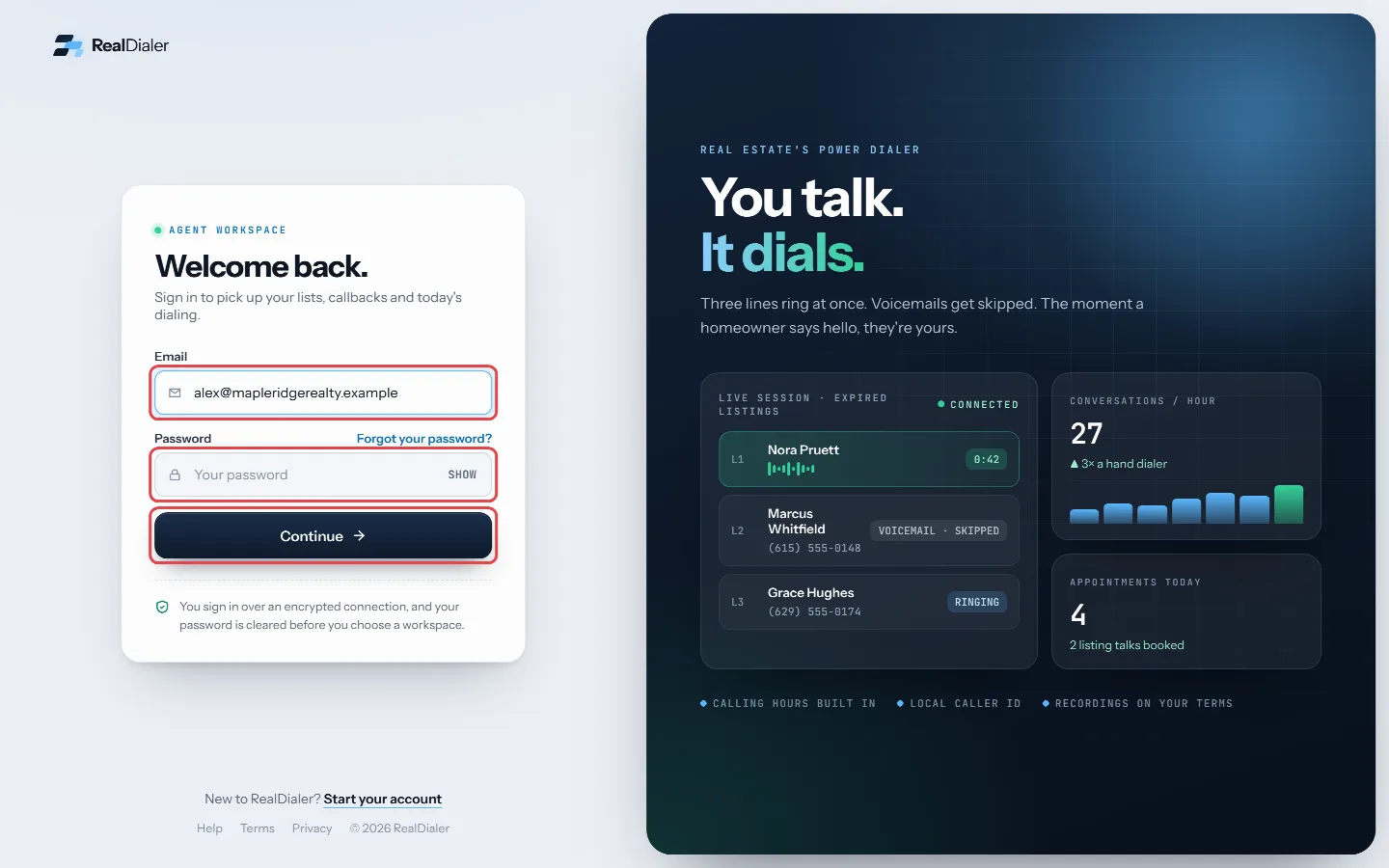
Type your email and password, then press Continue - On the next screen, pick the workspace you want under Available workspaces.
- Press Open selected workspace.
- To leave, click your name in the top right and choose Sign out.
Good to know
- The workspace choice expires a few minutes after your password is checked. If it does, press Back to sign in and start again.
- Sign in uses email and password only. There is no passkey or Google sign in for the RealDialer app today.
- Your device stays signed in for up to 30 days, and is signed out after 7 days without use.
- You can see and sign out other browsers and phones under Account settings > Signed-in devices.
- Forgot your password? Use Forgot your password? on the sign in screen.
- Too many wrong tries in a short time will pause sign in for a few minutes. Wait, then try again.
Was this guide helpful?
Thanks. It helps us make these better.
Next in Getting started
Sign the Customer AgreementBefore you can use RealDialer, you read and sign the RealDialer Customer Agreement and Terms of Service, which include the Privacy Policy. You sign by typing yoSwitch between workspacesIf you belong to more than one RealDialer workspace, for example your own account and a team you call for, you can move between them without signing out. Each wTasks, callbacks, funnel and next list on the OverviewBelow the stat cards, the Overview has panels that tell you who is waiting on you and where to put your next call block.
Still stuck? Write to support@realdialer.com, or open Support from inside RealDialer.