What it is
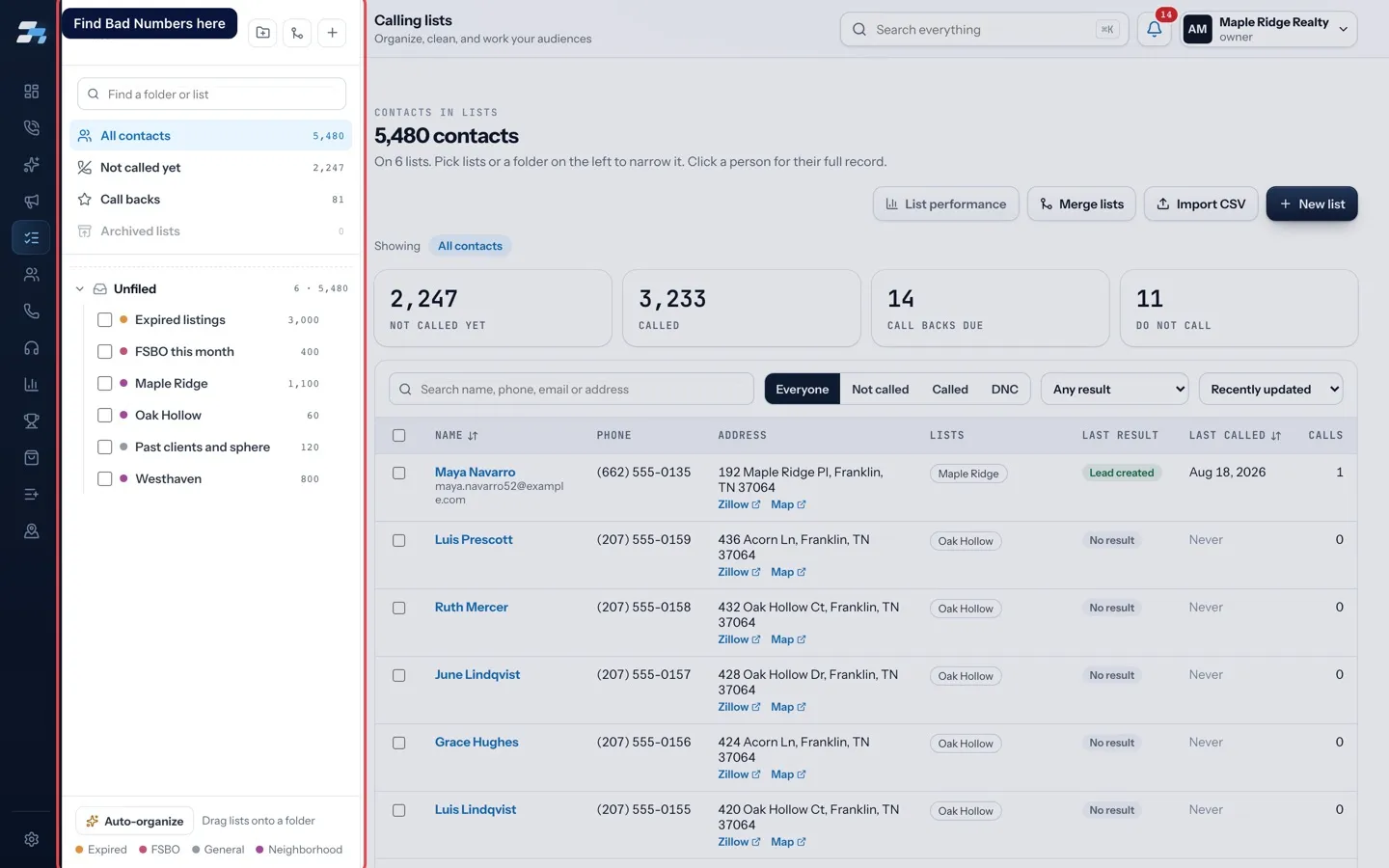
Bad Numbers is a list RealDialer keeps for you. It holds contacts with no number left to call: every number they have is dead, belongs to someone else, or is one your account may not call. These people are better worked by door knocking or mail.
Where to find it
Lists > Lists panel > Bad Numbers, marked with a lock icon.
Steps
- Open Lists and find Bad Numbers in the Lists panel.
- Click it to see who is on it.
- To get a contact back into calling, skip trace them from the Lists page to look for a working number.
Good to know
- Contacts join and leave this list on their own. Nobody marks them by hand.
- The list only shows up in the panel once the first contact on your account has no number left to call.
- When a contact gets a number that works, they come off the list.
- You cannot rename, tag, archive or merge it, and you cannot put it in a campaign. The Dialer will not start a session on it, because nothing on it can be dialed.
- If you already had your own list called Bad Numbers, RealDialer names its list Bad Numbers (unreachable) instead.
Was this guide helpful?
Thanks. It helps us make these better.
Next in Lists
Use a different voicemail on each listEach list can leave its own voicemail. Pick a different recorded drop for a list, change how many voicemails one person on it can get, and choose whether you moAdd, move or remove contacts between listsOn the Lists page you can select contacts and copy them onto another list, move them from one list to another, take them off a list, or make a new list from theBuy and use skip trace creditsA skip trace looks up the owner of a property and their phone numbers. You can pay for skip traces two ways: connect your own Tracerfy key, or buy RealDialer cr
Still stuck? Write to support@realdialer.com, or open Support from inside RealDialer.