What it is
You can take one person off a calling list so the dialer stops calling them there, without deleting them or their history. When you are ready to call them again, you put them back with one click.
Where to find it
Dialer > Notes card > Send this lead, the result popup, or a contact record’s Lists section
Steps
- During a call, press Add to RealDialer CRM under Notes. When asked, press Yes, remove from list.
- Or, in the result popup, tick Also remove them from the list before you save.
- Their contact record now shows Off this list since with the date, beside that list.
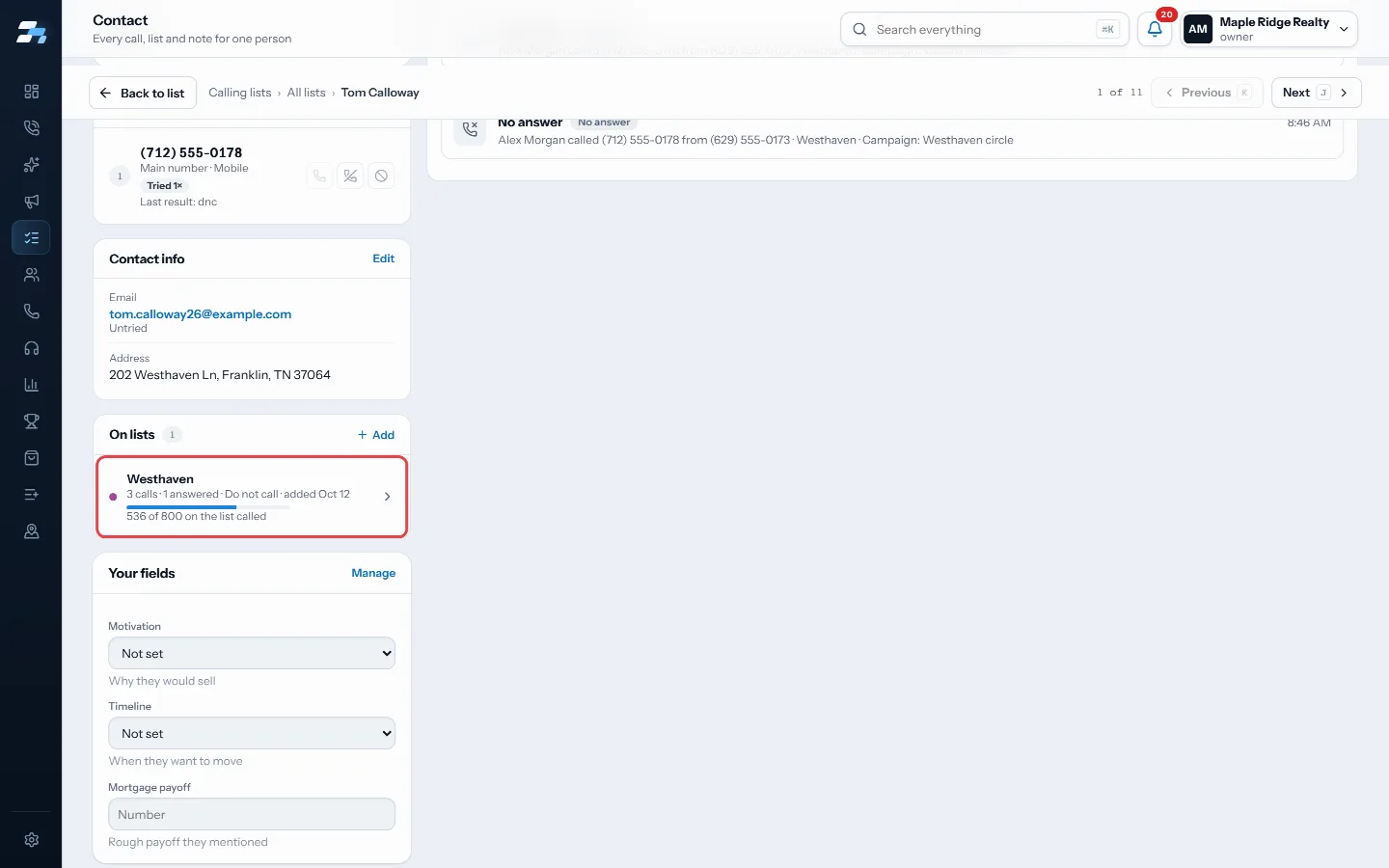
The contact record's On lists card shows each list, and Off this list since when they were taken off - To call them again, open their contact record and press Call again beside the list. Right after removing, Put back does the same.
Good to know
- Only that one list is affected. They stay on any other list they are on.
- Their call history, notes and results all stay.
- This is not do not call. If they asked not to be called, save the Do not call result instead.
- The person stays in your CRM while they are off the list.
Was this guide helpful?
Thanks. It helps us make these better.
Next in Lists
The Bad Numbers listBad Numbers is a list RealDialer keeps for you. It holds contacts with no number left to call: every number they have is dead, belongs to someone else, or is onUse a different voicemail on each listEach list can leave its own voicemail. Pick a different recorded drop for a list, change how many voicemails one person on it can get, and choose whether you moAdd, move or remove contacts between listsOn the Lists page you can select contacts and copy them onto another list, move them from one list to another, take them off a list, or make a new list from the
Still stuck? Write to support@realdialer.com, or open Support from inside RealDialer.