What it is
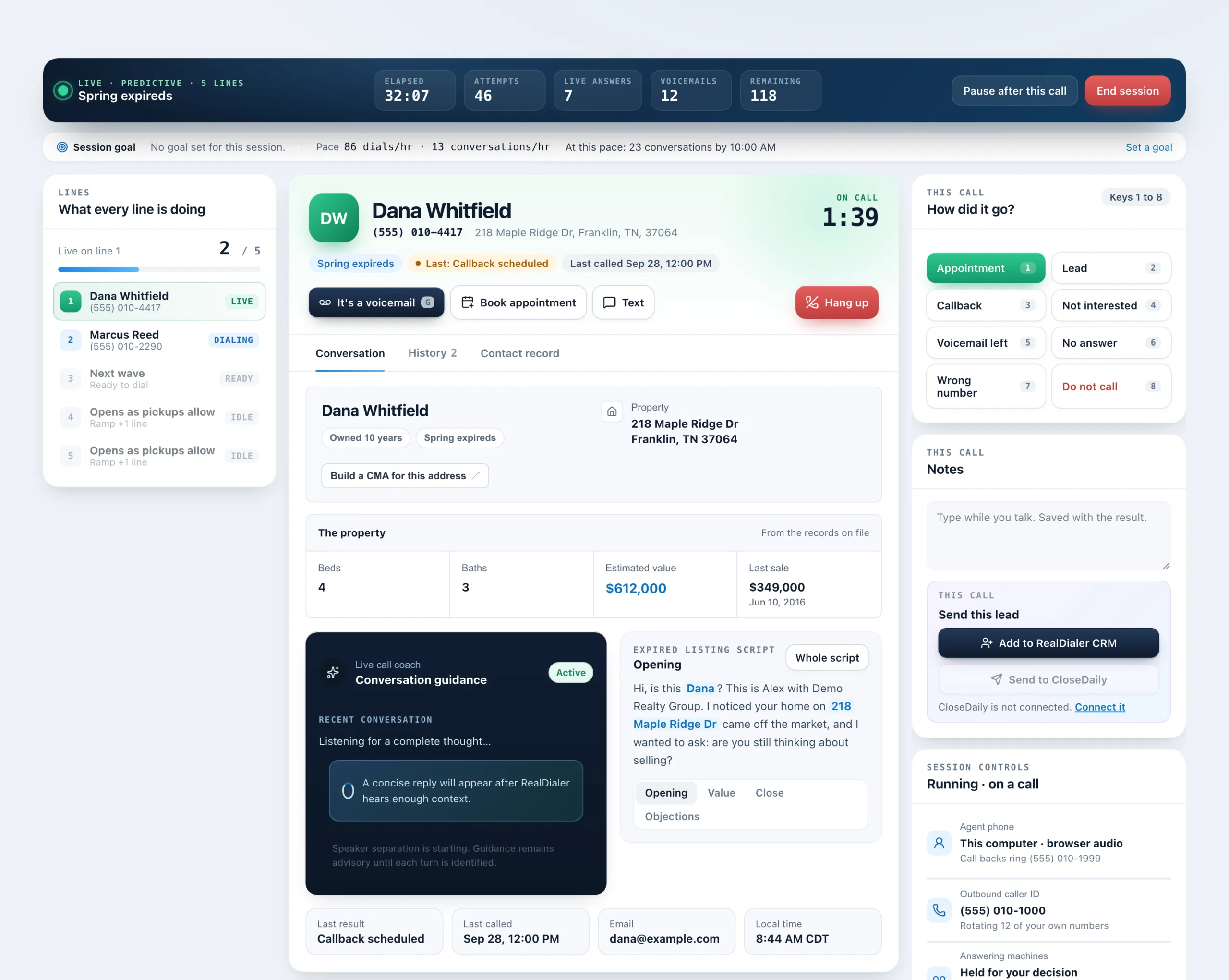
Book appointment shows your real free time for the next two weeks while the person is still on the phone. You pick a time, it is held for you, and you book it before the call ends. You can also send them your booking page instead.
Where to find it
Dialer > live session > Book appointment, under the person’s name
Steps
- During a call, press Book appointment under the person’s name. Picking the Appointment result (key 1) opens it too.
- Click a free time. It shows as Held for you and nobody else can take it while you are on the call.
- Check What is it, add Notes if you like, and press Book it. Press Give the time back to release it.
- When the call ends, save the result as Appointment set. It finds this booking, so you do not type the time again.
Good to know
- The contact’s name and number go on the appointment.
- Your booking page, already filled in gives a link with their name and number in it. Press Copy link, or Text the link if texting is on for your account.
- A time marked busy already has something in it. You can still take it.
- No times showing? Set your hours on the Availability screen in the CRM.
- If a connected calendar does not answer, no times are offered rather than offering an hour that could not be checked.
- Appointment length comes from your availability settings.
- Press Conversation in the tabs to go back to the coach and script.
Was this guide helpful?
Thanks. It helps us make these better.
Next in Dialer
Call a contact with RealDialer from the CRMCall with RealDialer places one call to one contact straight from the CRM, through your RealDialer caller ID and audio. A small call bar stays on the page you aCall my missed callsCall my missed calls puts everyone who called one of your numbers this week and was not answered onto a list named Missed calls, then opens the Dialer on it. YoChoose how many lines to dialLines are how many numbers the dialer rings at once on a predictive campaign. The first person to answer is connected to you and the other lines are released. M
Still stuck? Write to support@realdialer.com, or open Support from inside RealDialer.