What it is
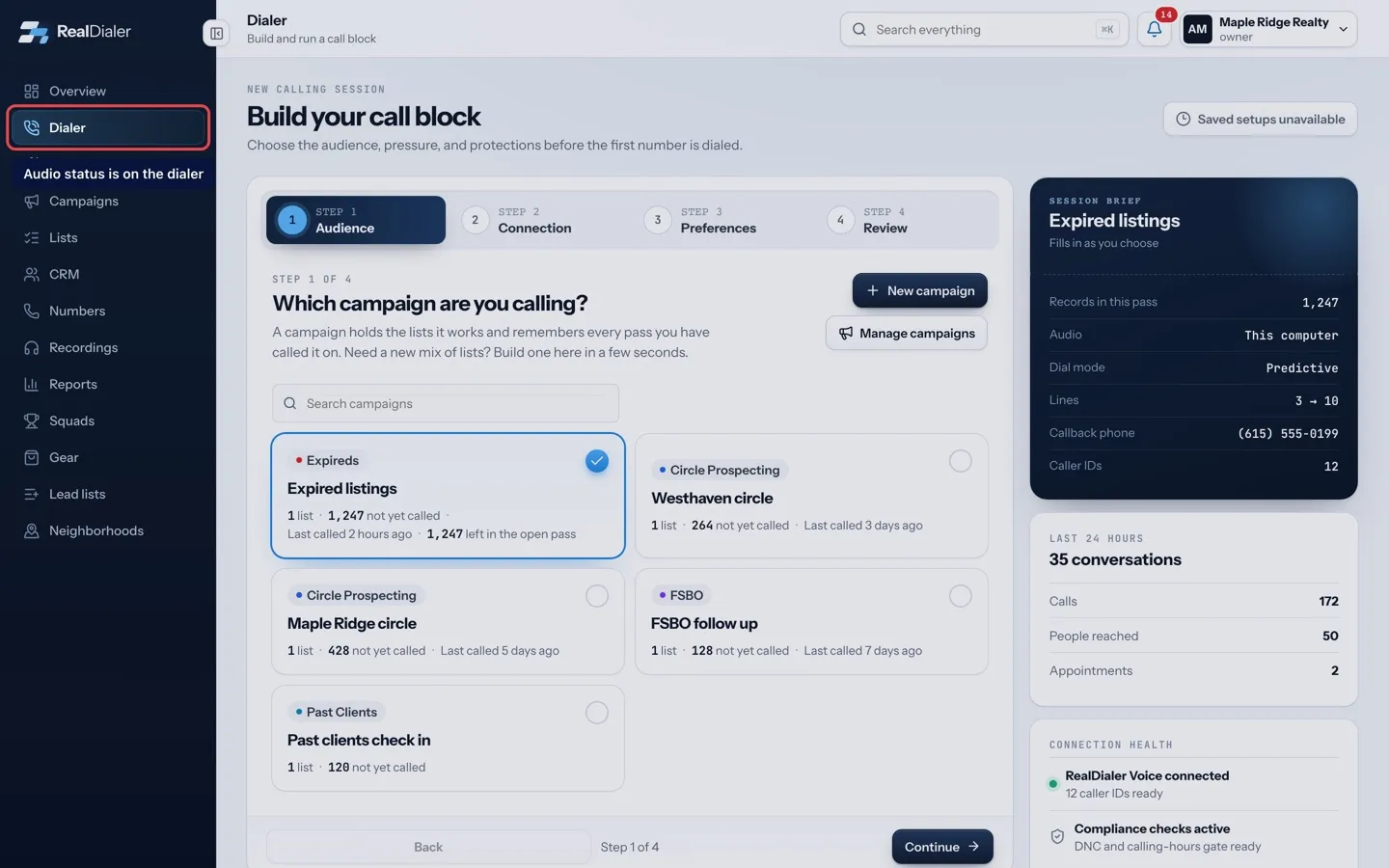
In a browser audio session, the audio bar on the Dialer tells you whether you can be heard. It reads Connected · headset live when all is well. Most problems come from a blocked microphone, the wrong output device, or the tab being closed or reloaded.
Where to find it
Dialer > live session > audio bar
Steps
- If the bar says Audio could not connect, allow the microphone for app.realdialer.com in your browser, then press Try again.
- If you cannot hear the other person, pick your headset in the Play call audio through list on the audio bar.
- If they cannot hear you, check the bar does not say mic muted. Press Unmute.
- If people hear an echo, switch from speakers to a wired or Bluetooth headset.
- If the bar says Browser audio is not connected in this tab, end the session and start a new one.
Good to know
- Closing or reloading the tab hangs up your audio and ends the session. A browser connection cannot be resumed after a reload.
- If your audio drops in the middle of a session, the session closes and a message explains why. Start a new session to keep calling.
- The output device list only appears once your call connects and the browser has the microphone.
- Ring and chime sounds are only for you. Mute them under Sounds in Session controls.
- If browser calling keeps failing on this computer, try another browser or the iPhone app, or contact support.
Was this guide helpful?
Thanks. It helps us make these better.
Next in Dialer
Handle answering machines while dialingWhen a call reaches a voicemail box, RealDialer can leave your saved voicemail drop for you, hold the mailbox for your decision, or let you drop it yourself. WhKeyboard shortcuts for call resultsYou can pick call results and run the call from the keyboard. Numbers pick the eight results on the live screen, letters pick any result in the popup, and a fewPause dialing or end a sessionYou can pause a session to take a break without losing your connection, hang up on just the person you are talking to, or end the whole session. Each does somet
Still stuck? Write to support@realdialer.com, or open Support from inside RealDialer.