What it is
A lead sheet is a short form your manager writes, filled in while the person is still on the phone. The answers file against the contact and the call, and land on the Leads list in Settings for your manager to work.
Where to find it
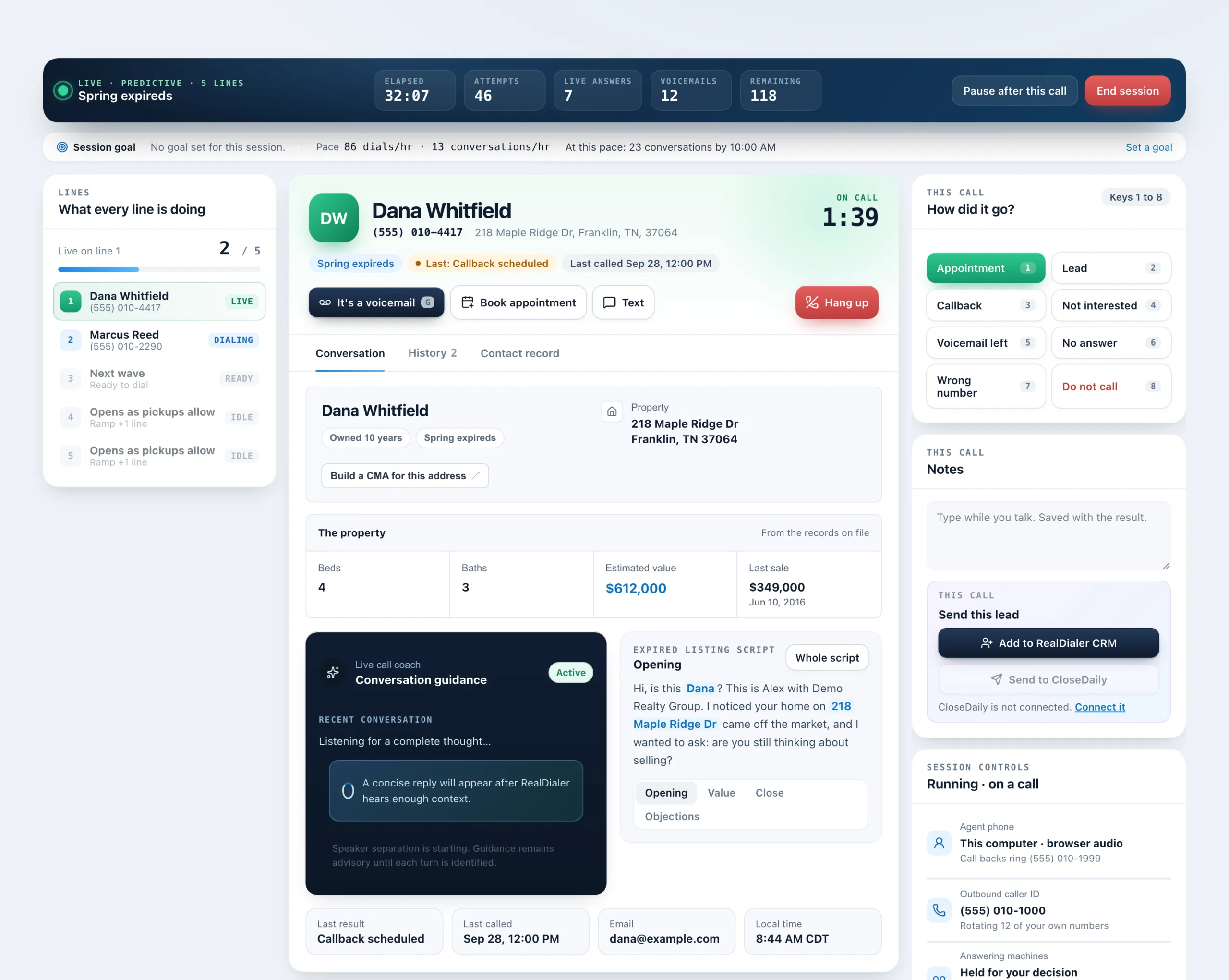
Dialer > live session > Contact record tab > Lead sheet
Steps
- During a call, open the Contact record tab and press Lead sheet.
- If you have more than one sheet, pick the one you are working from.
- Answer each question in the person’s own words. Some answers, like their phone number, are already filled in from the record and can be changed.
- Add anything else under Anything else they said.
- Press Send it up. It shows Sent up when it lands.
Good to know
- Nothing is emailed. The lead goes to the Leads tab under Dialer settings, Lead sheets.
- Questions marked as needed must be answered before you can send.
- If the sheet is set to do so, the contact also moves into the CRM when you send.
- No sheet showing? A manager has not written one for you yet. Once one exists it shows up on your next call.
- Sending a lead sheet does not save the call result. Save that in the result popup as usual.
Was this guide helpful?
Thanks. It helps us make these better.
Next in Dialer
Find your way around the live dialerOnce you start your session, the Dialer becomes the live call screen. It has three columns: your lines on the left, the person you are talking to in the middle,Fix browser audio problemsIn a browser audio session, the audio bar on the Dialer tells you whether you can be heard. It reads Connected · headset live when all is well. Most problems coHandle answering machines while dialingWhen a call reaches a voicemail box, RealDialer can leave your saved voicemail drop for you, hold the mailbox for your decision, or let you drop it yourself. Wh
Still stuck? Write to support@realdialer.com, or open Support from inside RealDialer.