What it is
In a preview session the Dialer shows one whole record: the person, the numbers on file, the call history and the property. Nothing dials until you press the button. You can also pass on a record without calling it.
Where to find it
Dialer > start a session on a preview campaign
Steps
- Start a session on a campaign set to Preview and press Start auto dialer.
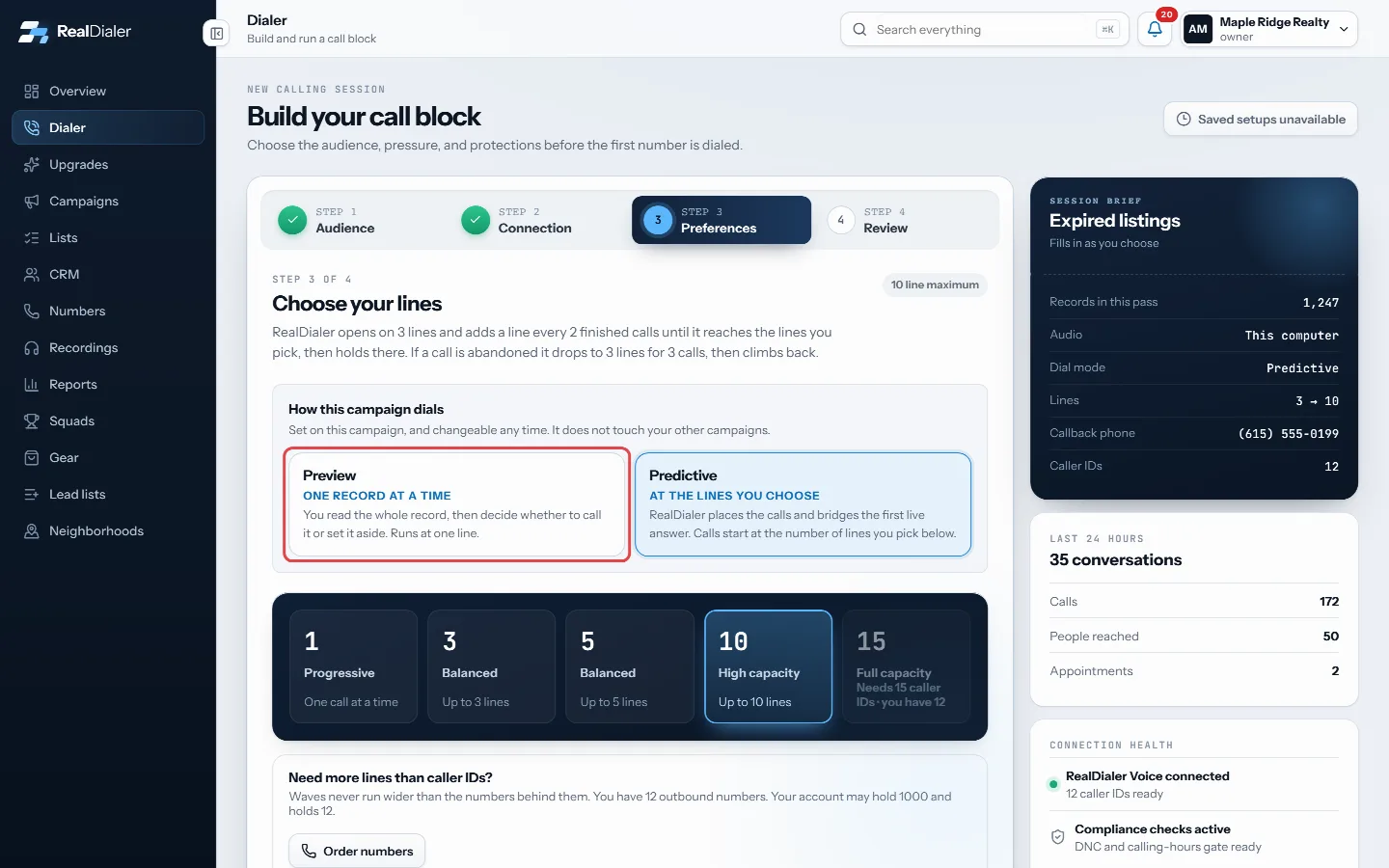
A preview campaign is set to Preview under How this campaign dials, at Dialer step 3. - Read the record. The number marked Dials this one is the one that will ring.
- Press Call this one to place the call. The live call screen takes over.
- To pass instead, press Skip without calling, pick a reason under Why are you passing on this one?, add a note if you like and press Skip and load the next.
- When the call ends, pick the result under How did it go? and save. Your next record loads.
Good to know
- Some skip reasons take the record off the campaign for good, such as Not a fit for this campaign or Wrong person on this record. Come back to this one and Something else keep it on the campaign for later.
- A skip is not a call. It never marks anybody do not call.
- Numbers that cannot be dialed show why, for example On your do not call list, Federal registry or Resting until a time.
- Contact record opens the full contact without leaving the session.
- If you see Nothing is callable right now, the remaining records are waiting on calling hours or the gap between attempts. Press Check again later.
- When you see That is the whole campaign., press End calling block.
Was this guide helpful?
Thanks. It helps us make these better.
Next in Dialer
Answer incoming calls in your browserWhen someone calls one of your numbers back and you have RealDialer open, the call rings in your browser first. A popup shows who is calling and lets you answerBook an appointment during a callBook appointment shows your real free time for the next two weeks while the person is still on the phone. You pick a time, it is held for you, and you book it bCall a contact with RealDialer from the CRMCall with RealDialer places one call to one contact straight from the CRM, through your RealDialer caller ID and audio. A small call bar stays on the page you a
Still stuck? Write to support@realdialer.com, or open Support from inside RealDialer.