What it is
With Redial turned on, a Redial button appears after a call drops or does not connect. One click calls the same number again as the only call. The dialer holds new leads until the redial ends, so you are never reached by two people at once.
Where to find it
Dialer > live session > result popup, or the Lines card on the left
Steps
- Turn on the Redial button in Dialer settings, Dialer rules, under Redial. It is off by default.
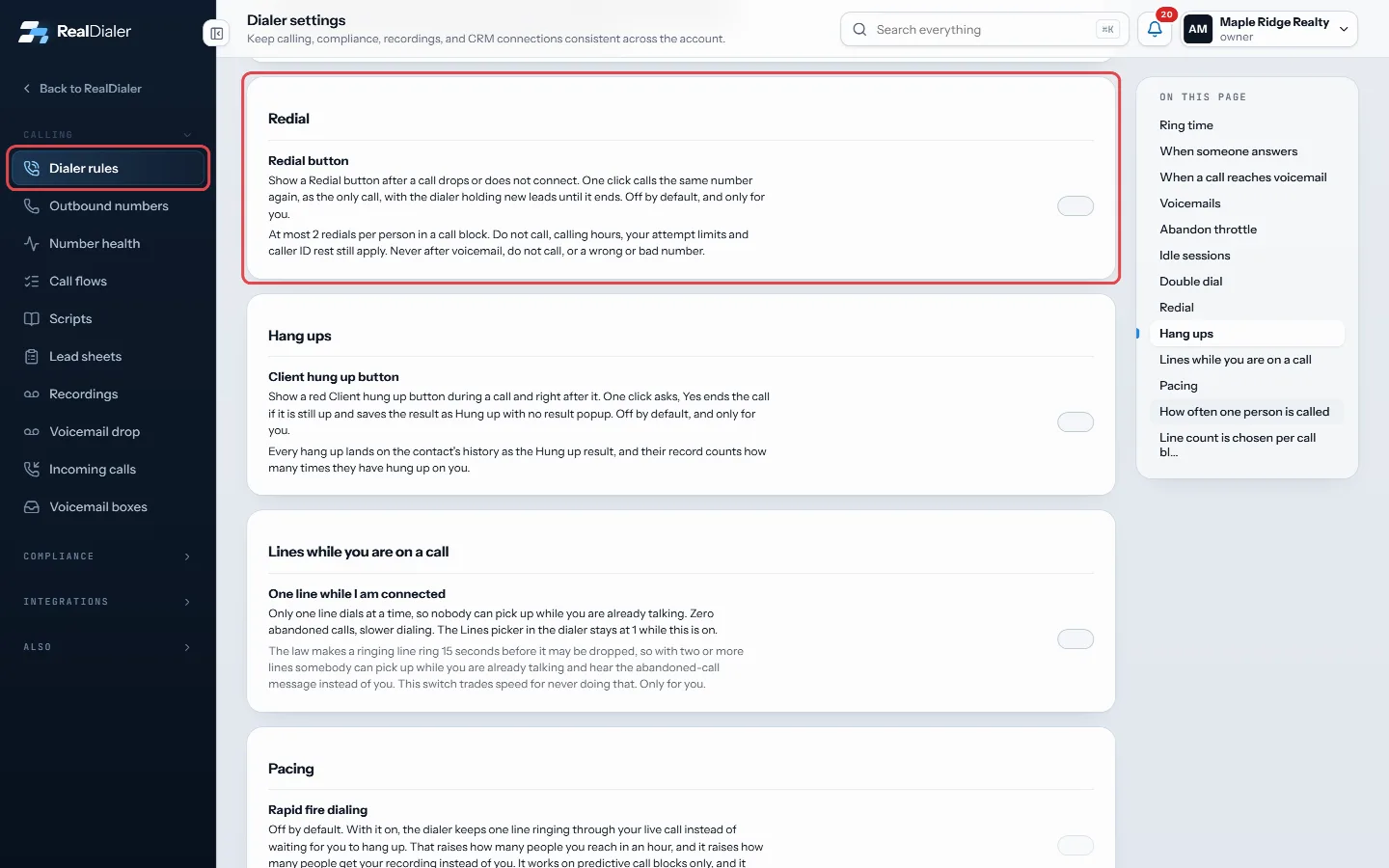
Dialer settings > Dialer rules > Redial: switch on the Redial button. It is off by default. - When a person hangs up or a call does not connect, press Redial at the top of the result popup, or press R.
- On several lines, a Redial button also shows on that line in the Lines card on the left for about a minute.
- The redial rings as the only call. Save a result for it as usual.
Good to know
- If you redial before picking a result, the first call is saved as Hung up, No answer or Busy. If you picked one, that result is kept.
- At most 2 redials per person in a call block.
- Never offered after voicemail, do not call, a wrong or bad number, or a call you ended yourself with Hang up.
- Do not call, calling hours, your attempt limits and caller ID rest still apply.
- If you are paused, resume dialing first. A redial never goes out while another call is connected to you.
- Redial is your own setting. Turning it on does not change it for anyone else.
Was this guide helpful?
Thanks. It helps us make these better.
Next in Dialer
Save a call resultWhen a call ends, the result popup opens by itself. You pick what happened, add a follow up time if the result needs one, and save. You can move straight on to Save and stay on leadSave and stay on lead saves the call result but keeps the person on your screen instead of dialing the next one. Use it when you want to finish notes, book a tiSet a goal for your sessionA session goal is your own target for conversations, appointments and leads in one sitting. The live dialer tracks each one against your real numbers, shows you
Still stuck? Write to support@realdialer.com, or open Support from inside RealDialer.