What it is
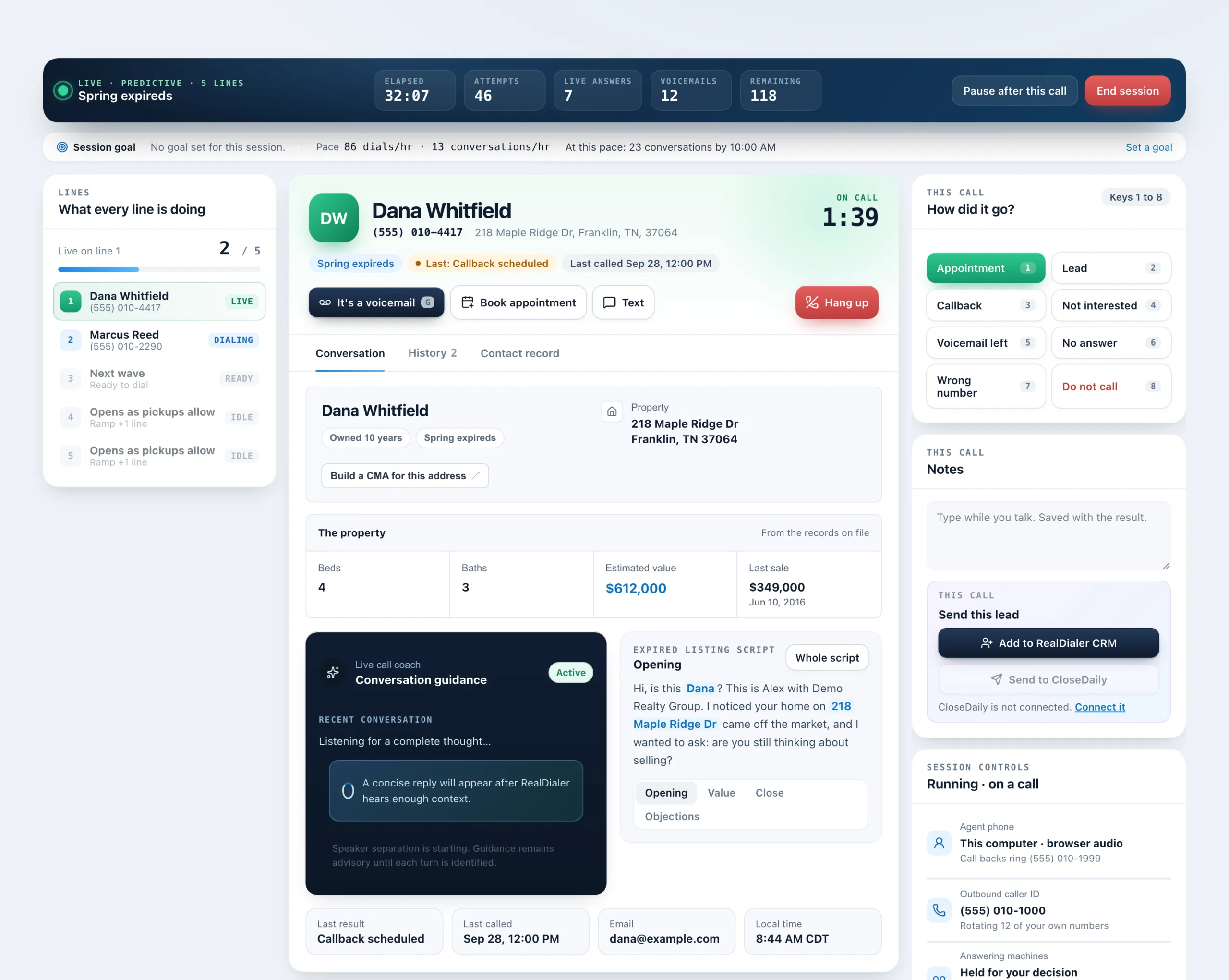
During a session, everyone whose call rang out, was busy or went to voicemail builds up in the People to text card. Each person has their own Text button, so every message is started by you, one at a time.
Where to find it
Dialer > live session > People to text
Steps
- Scroll the right column of the live call screen to People to text, under Session controls. The number in brackets is how many are still to text.
- Press Text beside a person. A text box opens with a starter message.
- Read and edit the text, then press Send.
- The row shows texted once it goes.
Good to know
- Texting is a paid upgrade and needs a registered texting number. Without it, the Text button explains what is missing.
- There is no text all button on purpose. Nothing sends until you press Send.
- Texts go from your texting number, not the number you called from, and appear in the contact’s conversation in the Inbox.
- Do not call, suppressed, registry and litigator numbers are refused.
- You can also text the person on the line with the Text button under their name on the live call screen.
Was this guide helpful?
Thanks. It helps us make these better.
Next in Dialer
Use a script during a callYour calling script sits on the Conversation tab during a live call, with the person's details filled in. It shows one section at a time, with a switch between Verify your callback phoneYour callback phone is the cell where people ring when they call your caller ID back and nobody answers in the browser. It is never shown to the people you callWhat each call result meansRealDialer has one set of call results used everywhere, in the Dialer, on contacts and in Reports. Some count as a conversation, some as a lead, and some change
Still stuck? Write to support@realdialer.com, or open Support from inside RealDialer.