What it is
Each call result can do things automatically when it is saved: stop calling the contact, add them to your do not call list, book a callback, put an appointment on the calendar, rest the number, add them to another list, start a follow-up sequence or email the record. You set it once and every agent’s picks follow it.
Where to find it
Settings > Calling > Call flows
Steps
- Open Settings and choose Call flows.
- Switch on Use my custom call flows. While it is off, every result does what RealDialer does by default, and the pill reads Using the defaults. Your saved rules stay saved either way.
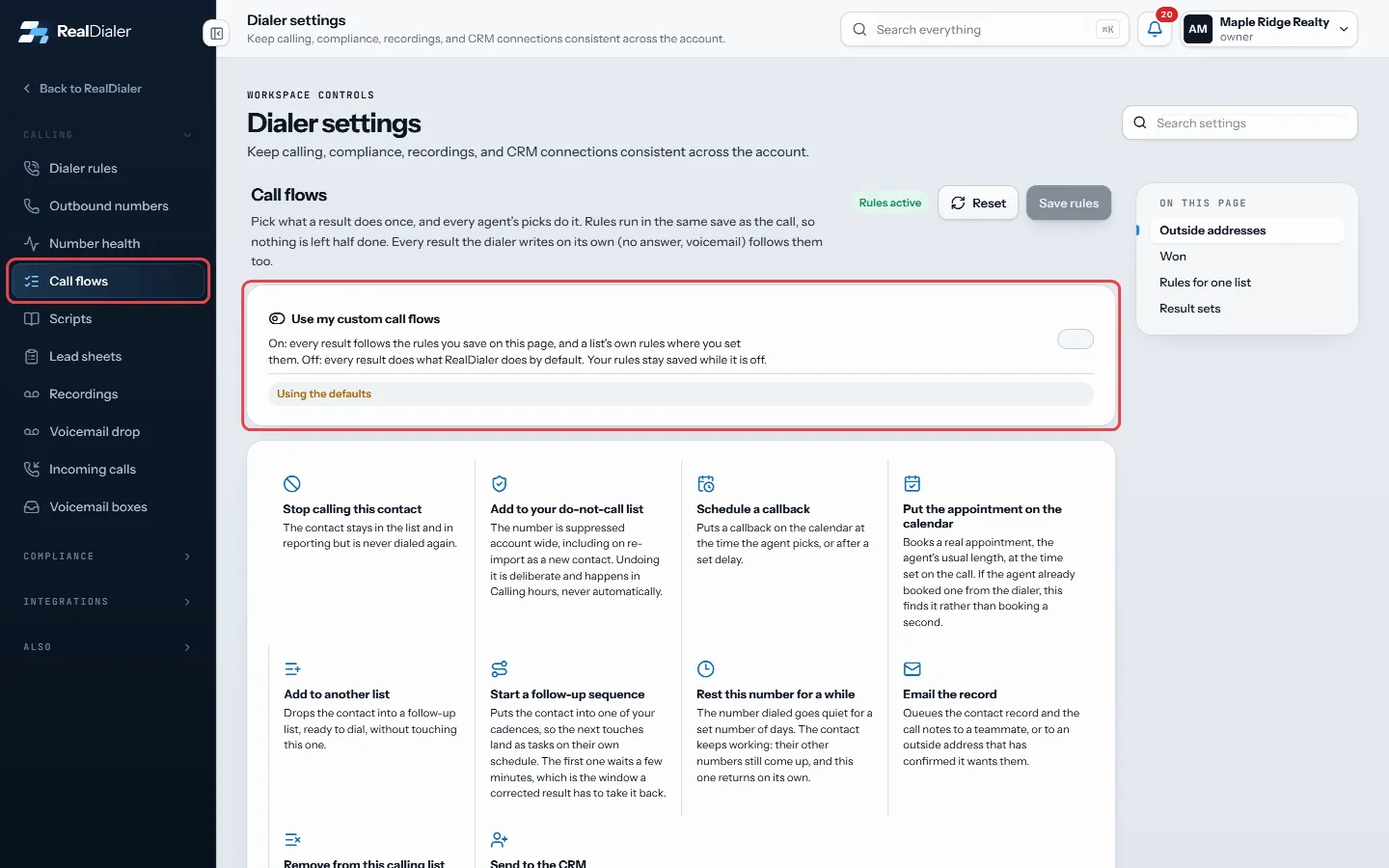
Settings, Call flows: switch on Use my custom call flows - Find the result you want to change, grouped by what kind of result it is.
- Tick the actions it should take, such as Stop calling this contact or Rest this number for a while, and choose the options that appear.
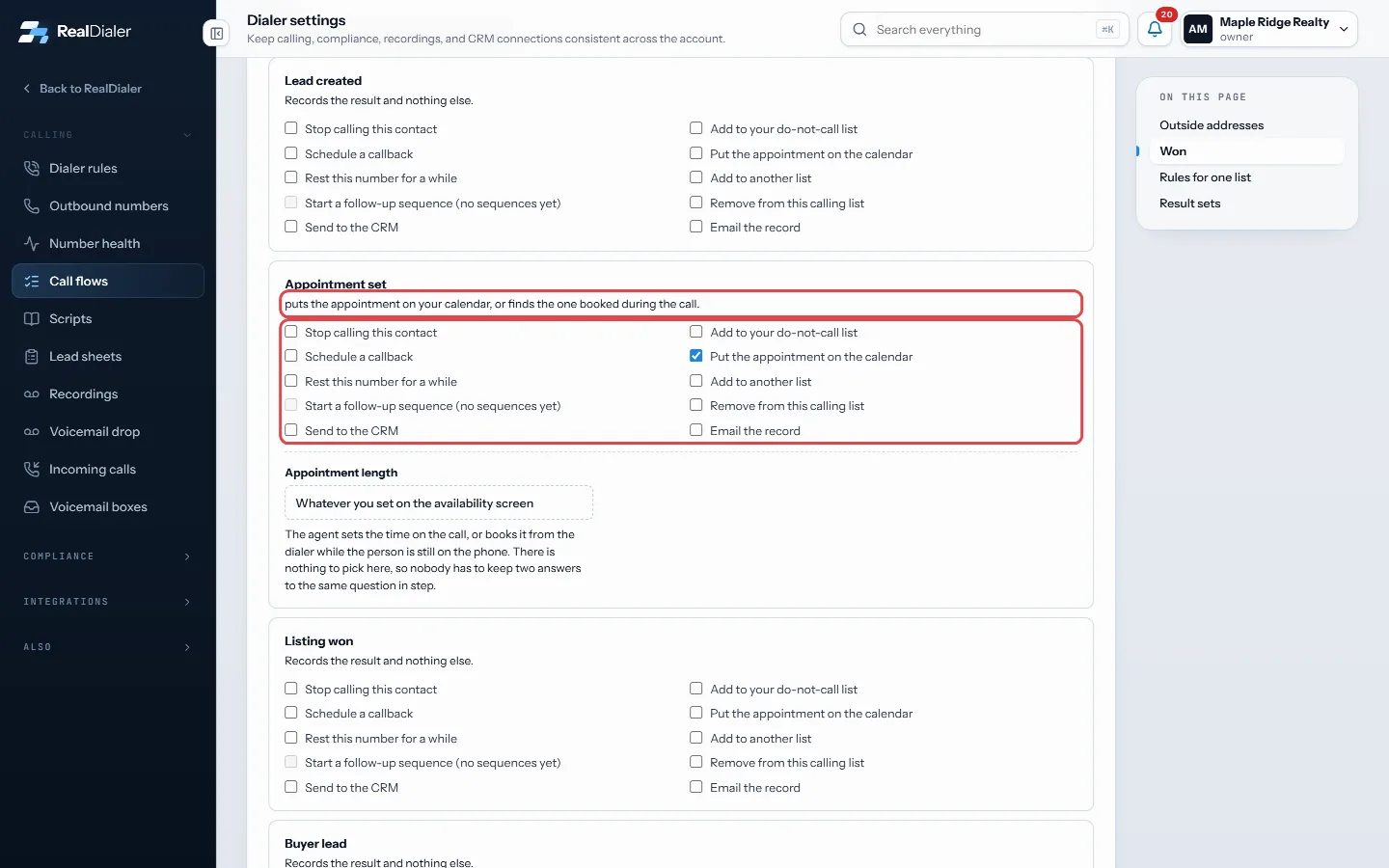
Tick what the result should do, and read the summary line - Read the summary line under the result to check what it will do.
- Press Save rules. Press Reset to drop unsaved changes.
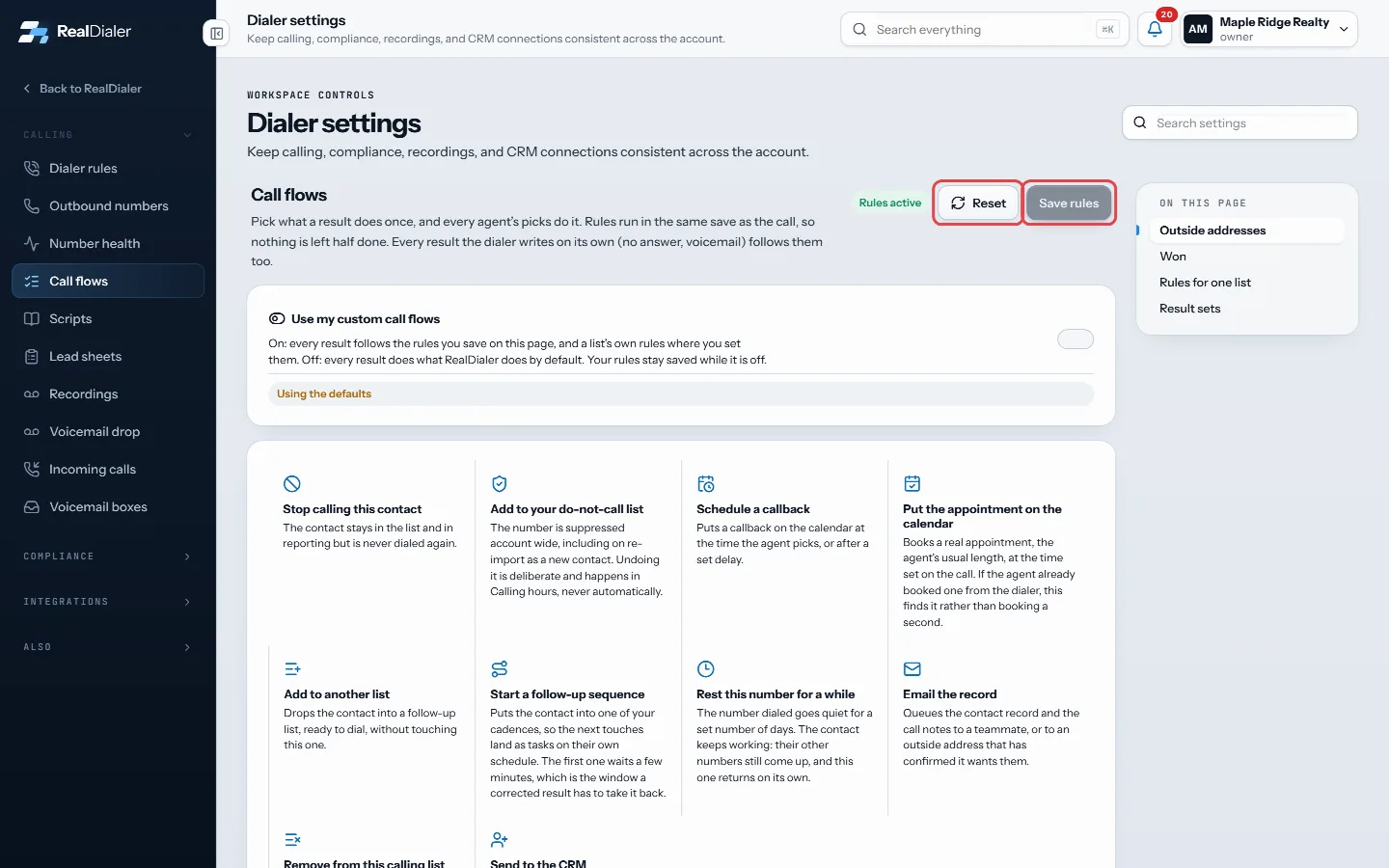
Press Save rules, or Reset to drop unsaved changes
Good to know
- Defaults: Do not call suppresses and stops calling, Not interested stops calling, Callback scheduled books the callback, Appointment set books the appointment, Future seller books a follow up 90 days out unless you pick a time, Already listed rests the number 90 days, Sold stops calling, Hung up rests the number 7 days.
- Do not call is locked. It always suppresses the number.
- Resting a number only rests the number dialed. The contact’s other numbers still come up.
- Sequence touches land as tasks for you. Nothing is sent by itself.
- Email the record goes to a teammate, or to an outside address that has confirmed it wants these under Outside addresses.
- Rules run in the same save as the call. Correcting a mis-clicked result undoes what it did, except the do not call list.
- The note at the bottom says how many contacts these rules have stopped.
Was this guide helpful?
Thanks. It helps us make these better.
Next in Calling settings
Choose what happens when someone answersThis setting decides what the dialer does in the first seconds after someone picks up: connect you right away, or listen longer to filter out voicemail greetingChoose when an idle calling session endsA calling session with no activity (no call, no answer, no saved result, no click in the dialer) ends on its own. Two minutes before it ends, the dialer shows SChoose where calls to your numbers ringWhen someone calls one of your numbers back, a rule decides what happens. You can set the rule once for a group of numbers, or on a single number.
Still stuck? Write to support@realdialer.com, or open Support from inside RealDialer.