What it is
When someone calls one of your numbers and nobody answers, text back sends them one text from your texting number. It is sent after the call is over: when it rang out, the caller hung up, or they reached voicemail.
Where to find it
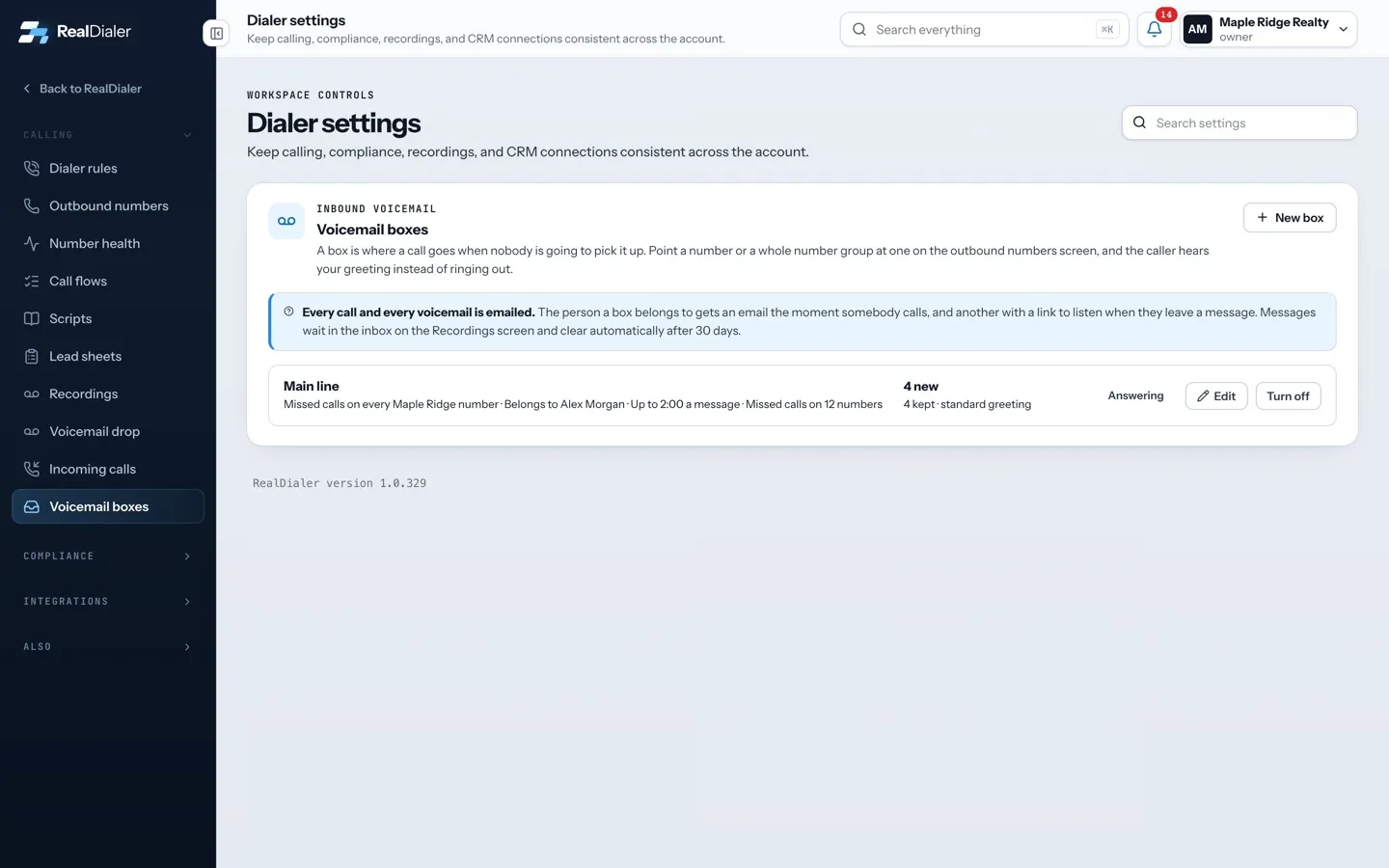
Settings > Calling > Voicemail boxes > Text back missed calls
Steps
- Open Settings and choose Voicemail boxes. Scroll to Text back missed calls.
- Switch on Text back missed calls.
- Keep Use the standard text or write your own under The text they get.
- Check What a first time caller sees, then press Save.
Good to know
- Off by default.
- Text back is part of the texting upgrade and needs a registered texting number with approved text registration. If something is missing, the card says what and links to it.
- The standard text says sorry you missed the call, gives your first name and says you will call back.
- A caller gets at most one text back in 24 hours.
- It is never sent to numbers on your do not call list, numbers that opted out, or numbers marked registry listed.
- During quiet hours it waits until 8 AM in the caller’s time zone.
- Text backs count toward your monthly texts and show in the Inbox.
- Only an account owner or manager can change it.
Was this guide helpful?
Thanks. It helps us make these better.
Next in Calling settings
Turn on call recordingRealDialer can record your connected calls automatically. By default it only records when both your state and the contact's state allow one-party recording, andTurn on click to dial onlyClick to dial only is for numbers with no record of consent behind them. It pins the account to preview dialing, so every call is placed by a person, one recordTurn on double dialDouble dial makes the dialer call the same number once more straight away when a call rings out or reaches voicemail, because people often pick up the second ca
Still stuck? Write to support@realdialer.com, or open Support from inside RealDialer.