What it is
Click to dial only is for numbers with no record of consent behind them. It pins the account to preview dialing, so every call is placed by a person, one record and one click at a time.
Where to find it
Settings > Compliance > Click to dial
Steps
- Open Settings and choose Click to dial.
- Switch on Click to dial only.
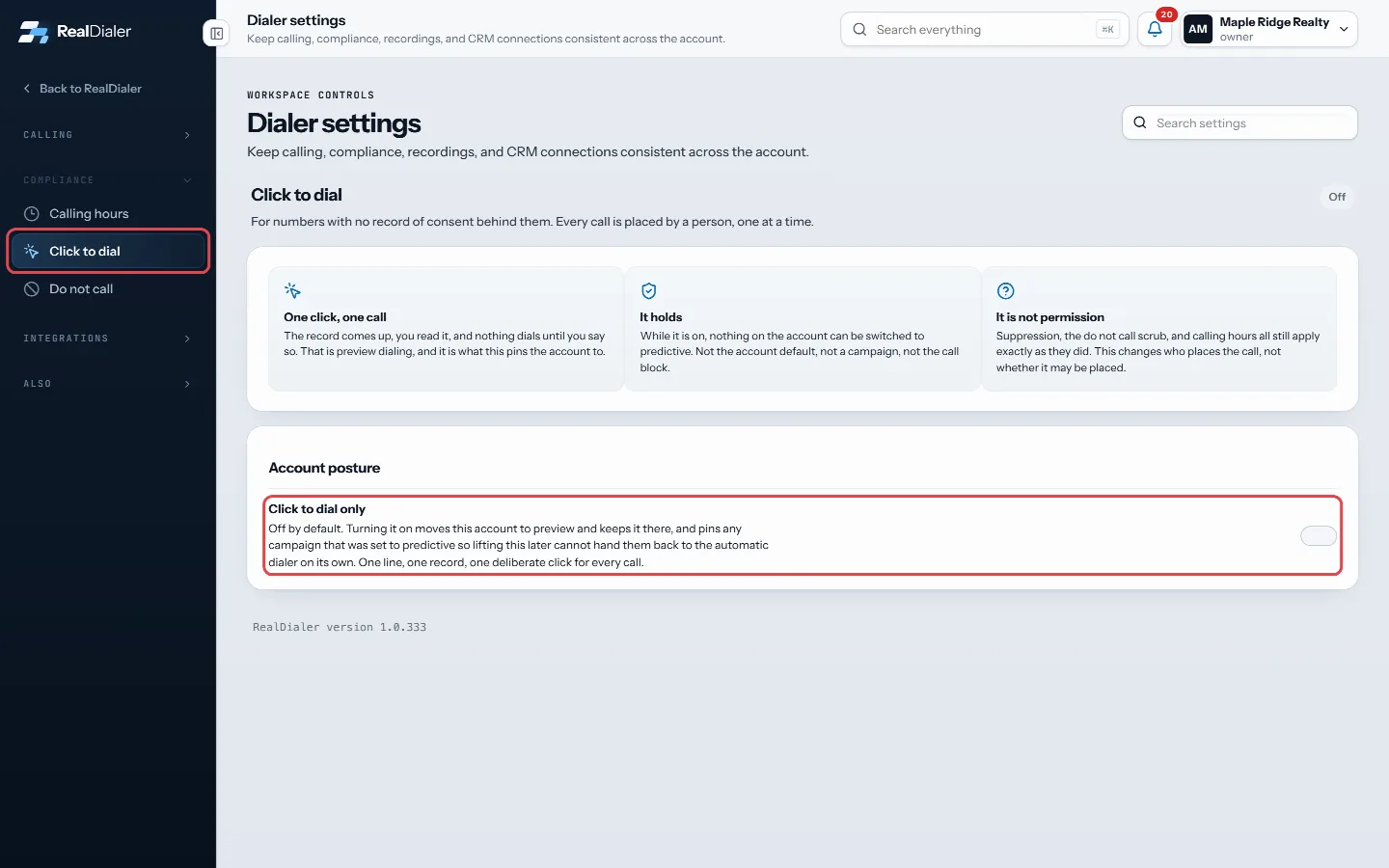
Settings, Compliance, Click to dial: switch on Click to dial only - Every campaign now runs in preview at one line. Switch it off the same way.
Good to know
- Off by default.
- While it is on, nothing on the account can be switched to predictive: not the account default, not a campaign, not a call block.
- Campaigns that were on predictive stay on preview after you switch it off, so lifting it never hands them back to the automatic dialer on its own.
- It is not permission. Do not call, suppression and calling hours still apply.
- A single campaign can be put on click to dial only by itself. Those show under Campaigns on it by themselves.
- Only an account owner or manager can change the account switch.
Was this guide helpful?
Thanks. It helps us make these better.
Next in Calling settings
Turn on double dialDouble dial makes the dialer call the same number once more straight away when a call rings out or reaches voicemail, because people often pick up the second caTurn on rapid fire dialingWith rapid fire on, the dialer keeps one line ringing during your live call instead of waiting for you to hang up. You reach more people in an hour, but more peTurn on the Redial buttonThe Redial button lets you call the same number again with one click after a call drops or does not connect. It is your own setting, off by default, and turning
Still stuck? Write to support@realdialer.com, or open Support from inside RealDialer.