What it is
A voicemail drop is a message you record once. When the dialer reaches a voicemail box, it plays your message after the greeting so you do not have to say it live every time.
Where to find it
Settings > Calling > Voicemail drop
Steps
- Open Settings and choose Voicemail drop.
- Press Record greeting and allow the microphone. Speak your message.
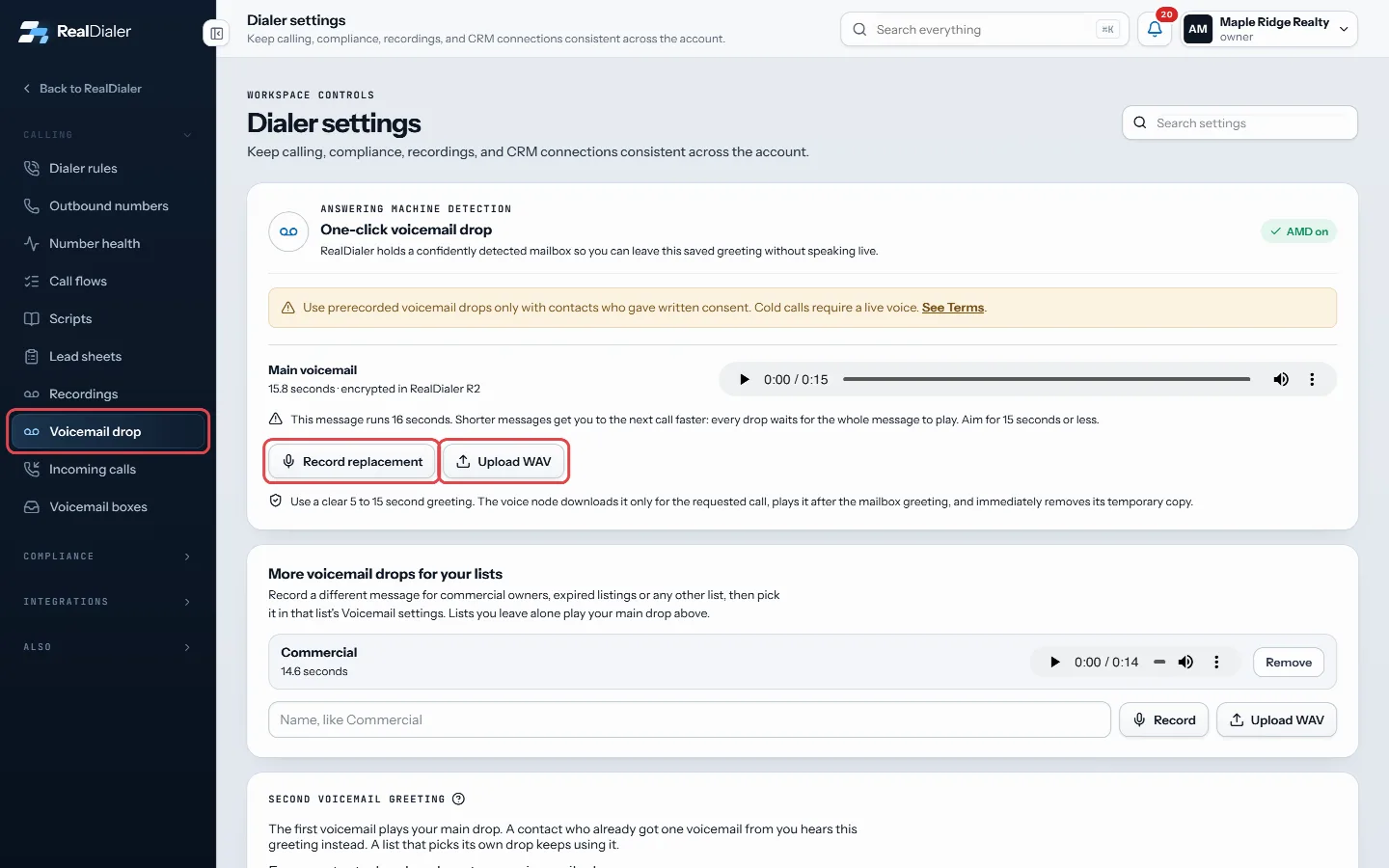
Settings, Voicemail drop: record your greeting (Record replacement once one is saved) or upload a WAV - Press Stop recording. It saves as soon as you stop.
- Play it back with the player to check it.
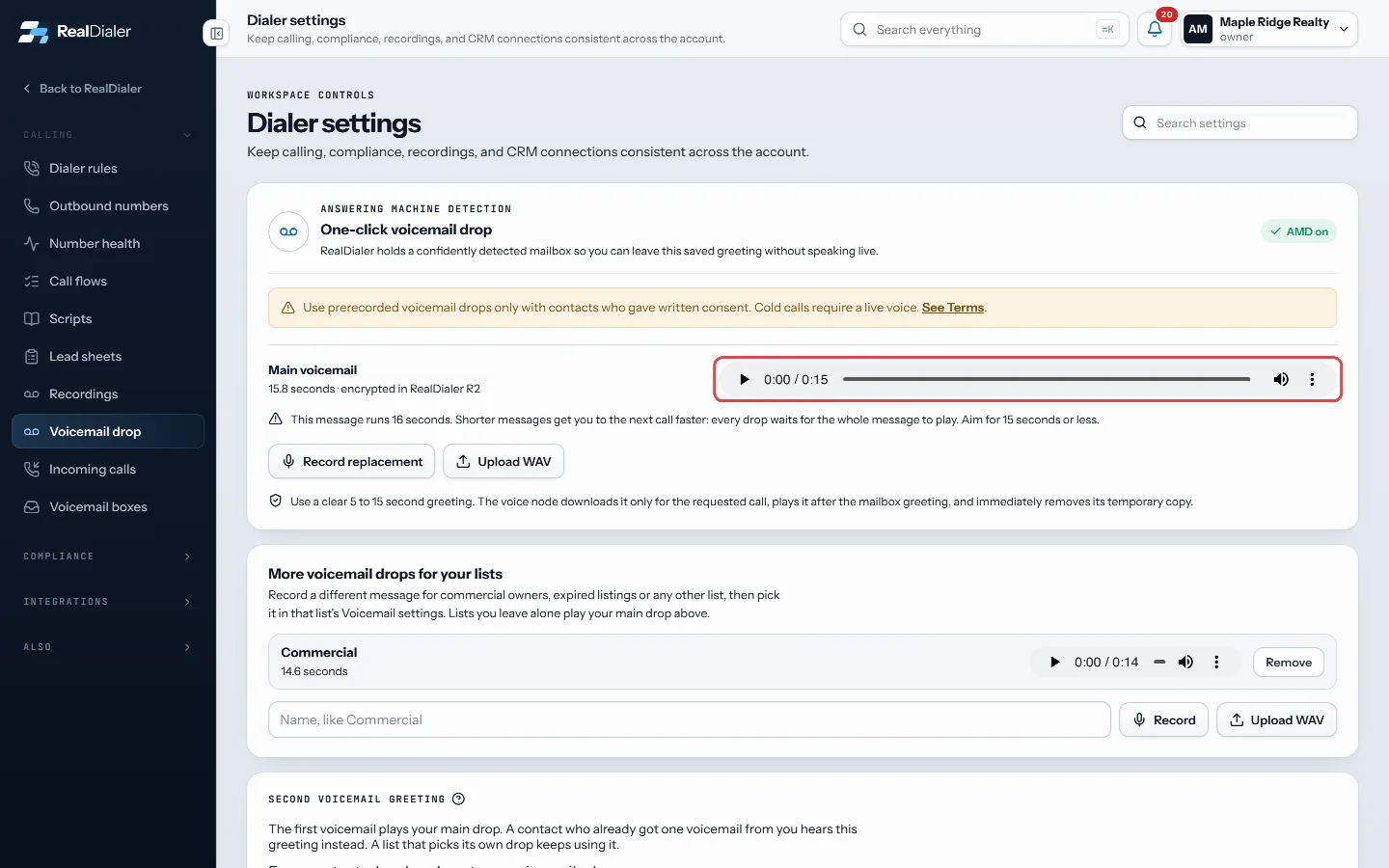
Play it back with the player to check it - To use a file instead, press Upload WAV, then Save voicemail drop.
- To change it later, press Record replacement.
Good to know
- Use a clear 5 to 30 second message. Recordings stop at 90 seconds, and WAV files must be 2 MB or smaller.
- Your drop is your own. Each person on the account records their own.
- With a drop saved, detected voicemail boxes get it automatically and the line moves on. On a live call you can also press It’s a voicemail (key G): with Drop my voicemail at the beep chosen under When a call reaches voicemail, you are taken off at once and the drop plays after the beep while the dialer moves on.
- Use prerecorded drops only with contacts who gave written consent. Cold calls require a live voice. See the Terms link on the screen.
- How many voicemails one person gets per day is set in Dialer rules.
Was this guide helpful?
Thanks. It helps us make these better.
Next in Calling settings
Set daily dial limits per caller IDThese limits control how hard each caller ID gets worked. Numbers dialed past about 70 times a day start getting labeled spam likely by the carriers, and a labeSet how often one person is calledThese dialer rules control how hard the dialer works one person: how many times a day and a week, how long they rest between calls, a lifetime ceiling, a daily Set up an inbound voicemail boxA voicemail box is where a call to one of your numbers goes when nobody is going to pick up. The caller hears your greeting and can leave a message instead of r
Still stuck? Write to support@realdialer.com, or open Support from inside RealDialer.