What it is
The CMA room builds a comparative market analysis from the sales you keep on file. You get a supported value range, a price per square foot, the sales it used, and a PDF to download.
RealDialer has no listing feed of its own. Your comparables come from your own MLS through your CloseDaily connection, a CSV export you already have, or sales you type in.
Where to find it
CRM > CMA. The Reports tab builds reports, the Comparable sales tab manages your sales.
Steps
- On Comparable sales, add sales one of three ways: Pull sold comparables from your MLS (set the miles out and months back), Choose a CSV to import an export, or fill in Add a sale and press Save the sale.
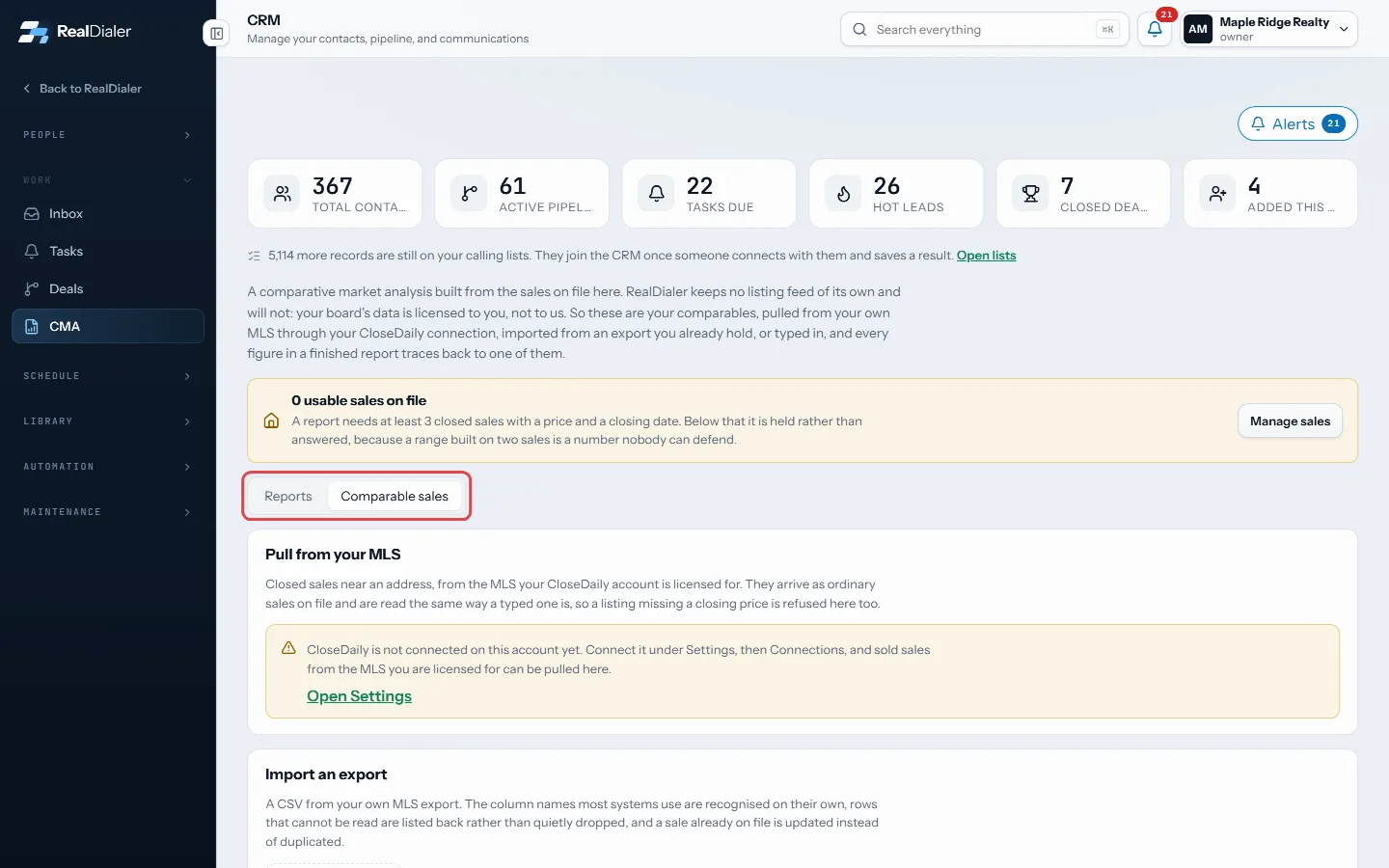
Comparable sales: pull, import or type in sales - Switch to Reports.
- Enter the address and what you know about the house: beds, baths, living area, lot, year built, garage, basement, pool and condition.
- Optionally pick a contact under File it on a contact.
- Press Build the report. It takes about a minute.
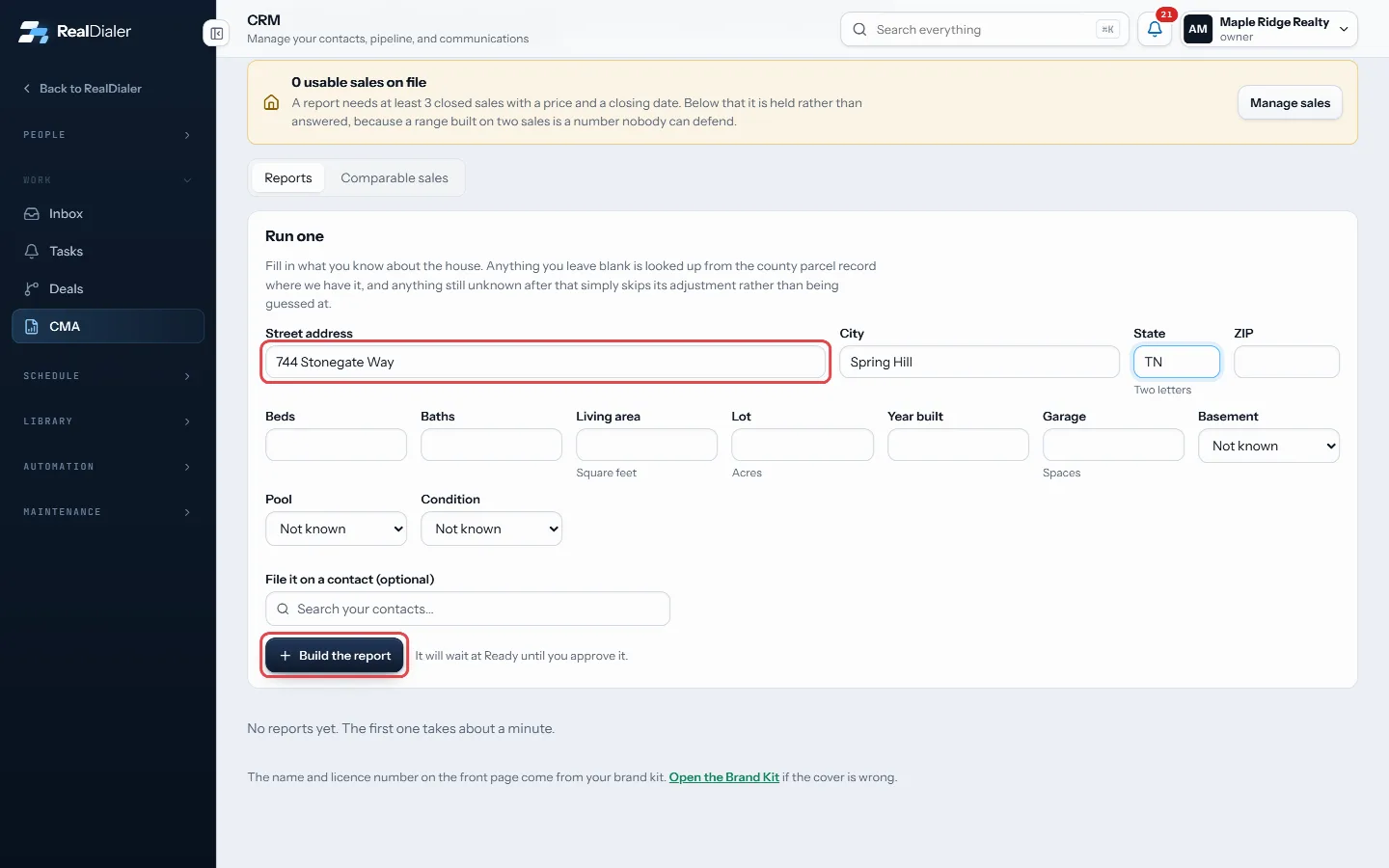
Enter the address and what you know about the house, then Build the report - Open the report, check the sales it used, then press Download the PDF.
- Press Approve for sending when you are happy with it.
Good to know
- A report needs at least 3 closed sales with a price and a closing date. With fewer, it is held instead of priced, and a follow up task is written for you.
- Blank house details are looked up from the county parcel record where available. Anything still unknown skips its adjustment.
- Pulling from the MLS needs CloseDaily connected with an MLS licence on your board.
- The name and licence number on the front page come from your Brand Kit.
- Approving does not send anything. It is yours to send.
Was this guide helpful?
Thanks. It helps us make these better.
Next in CRM
Build a follow-up sequenceA sequence is a cadence of touches over time: call, wait, text, wait, email. Each touch either lands as a task for whoever works the contact, or, for an email, Call a contact from the CRMYou can call one person straight from the CRM. RealDialer dials that one number for you, keeps a small call bar on the page, and saves the result to their timelChange many contacts at once and exportTick contacts in the table and a bar appears with actions that change all of them together: Add tag, Remove tag, Assign, Temperature, Type, Rating and Delete. E
Still stuck? Write to support@realdialer.com, or open Support from inside RealDialer.