What it is
The Contacts room is a table of everyone in your CRM, with their type, temperature, rating, owner, open work and last activity. A row of filters narrows it down, and the smart lists on the left are saved filters you can open in one click.
Where to find it
CRM > Contacts
Steps
- Type a name, number or email into Search contacts.
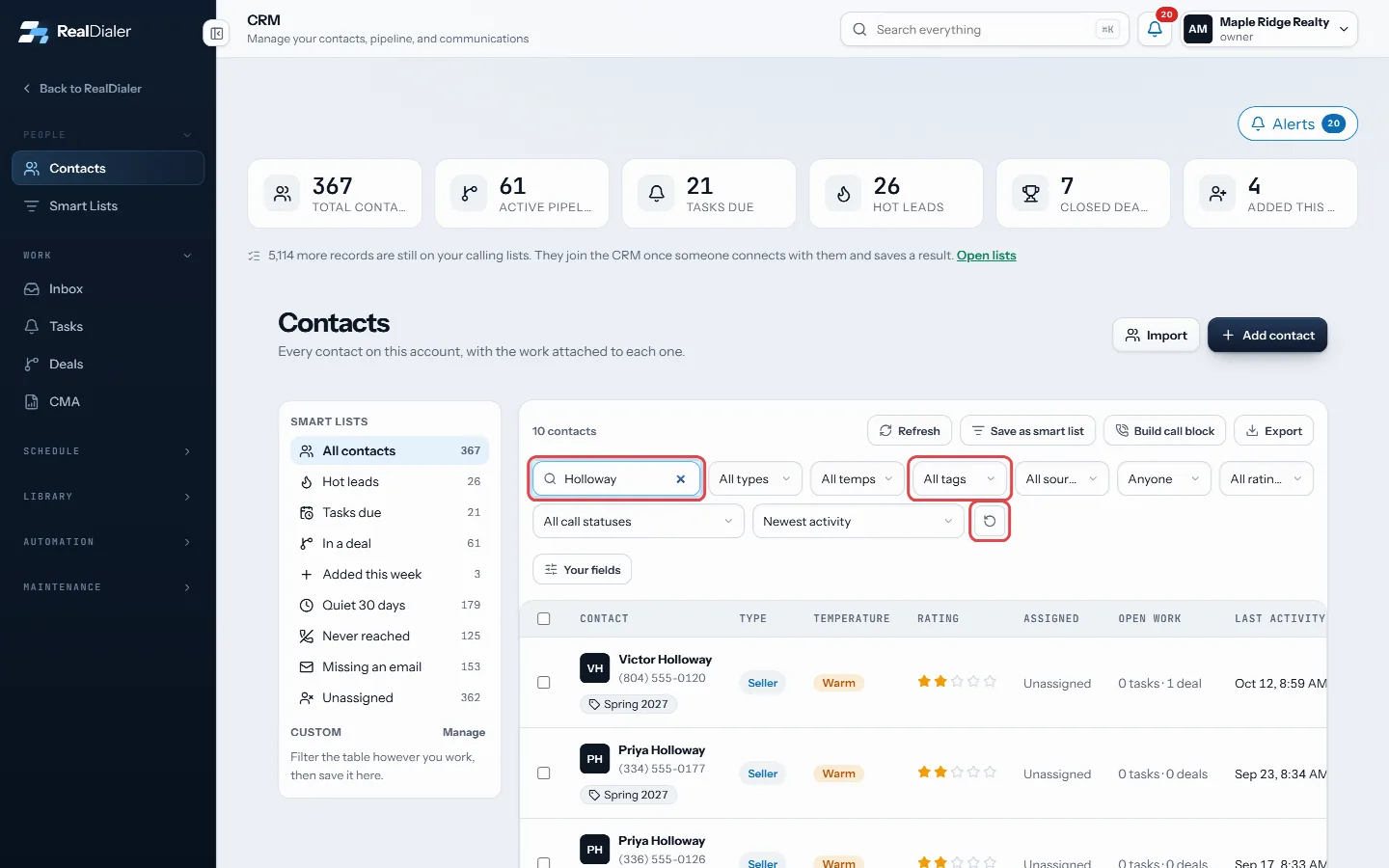
Search by name, number or email, narrow with the filters, reset with the arrow - Use the filter menus to narrow the list: type, temperature, tag, lead source, rating, call status and, for owners and managers, who it is assigned to.
- Pick a sort, such as Newest activity, Newest added, Name A to Z or Highest rated.
- If your account has its own fields, press Your fields to filter on them, for example a budget range or a move date.
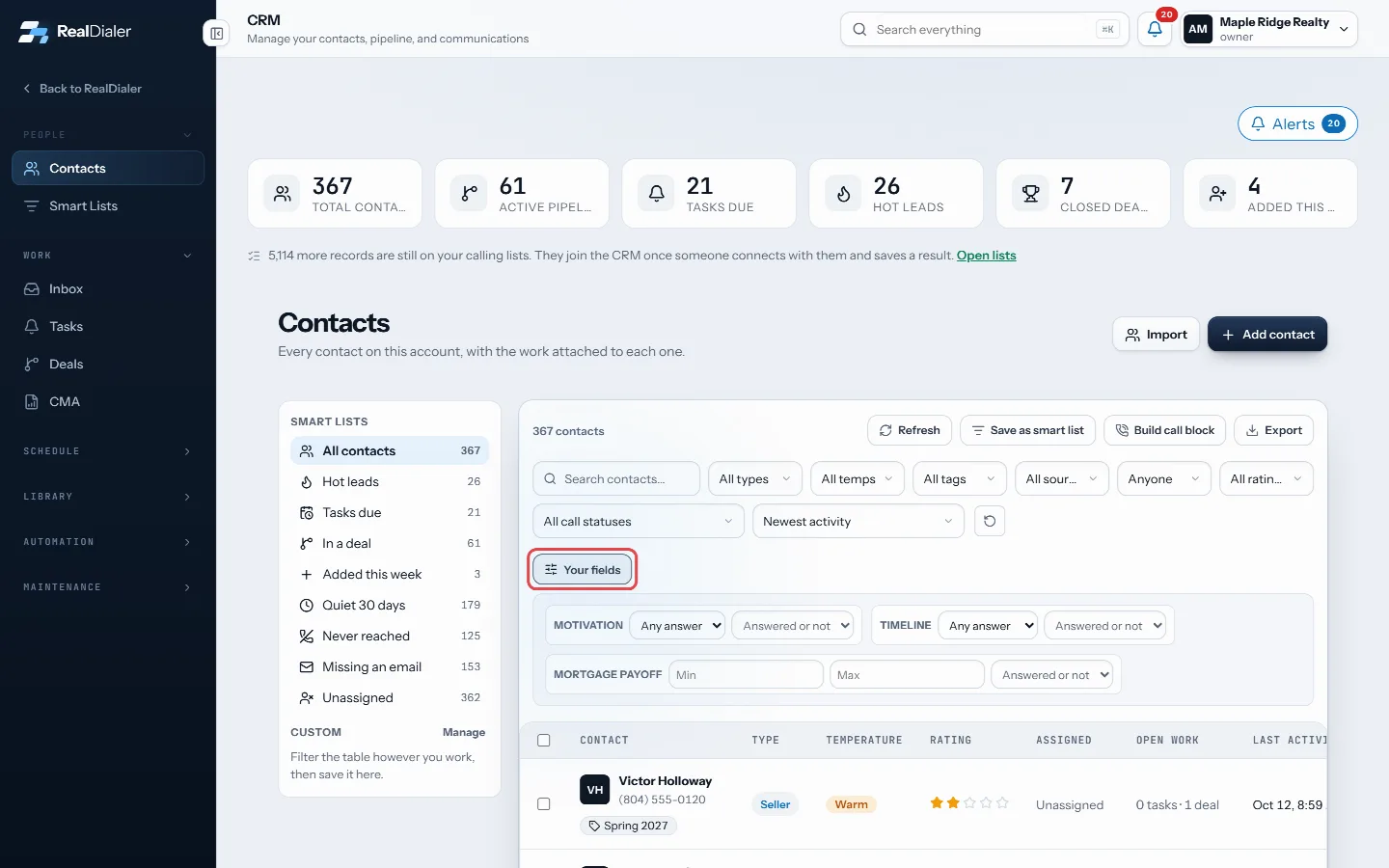
Your fields filters on your own contact fields - Press the reset arrow at the end of the filter row to clear everything.
- Click a row to open that contact’s record. The phone icon on a row calls them with RealDialer.
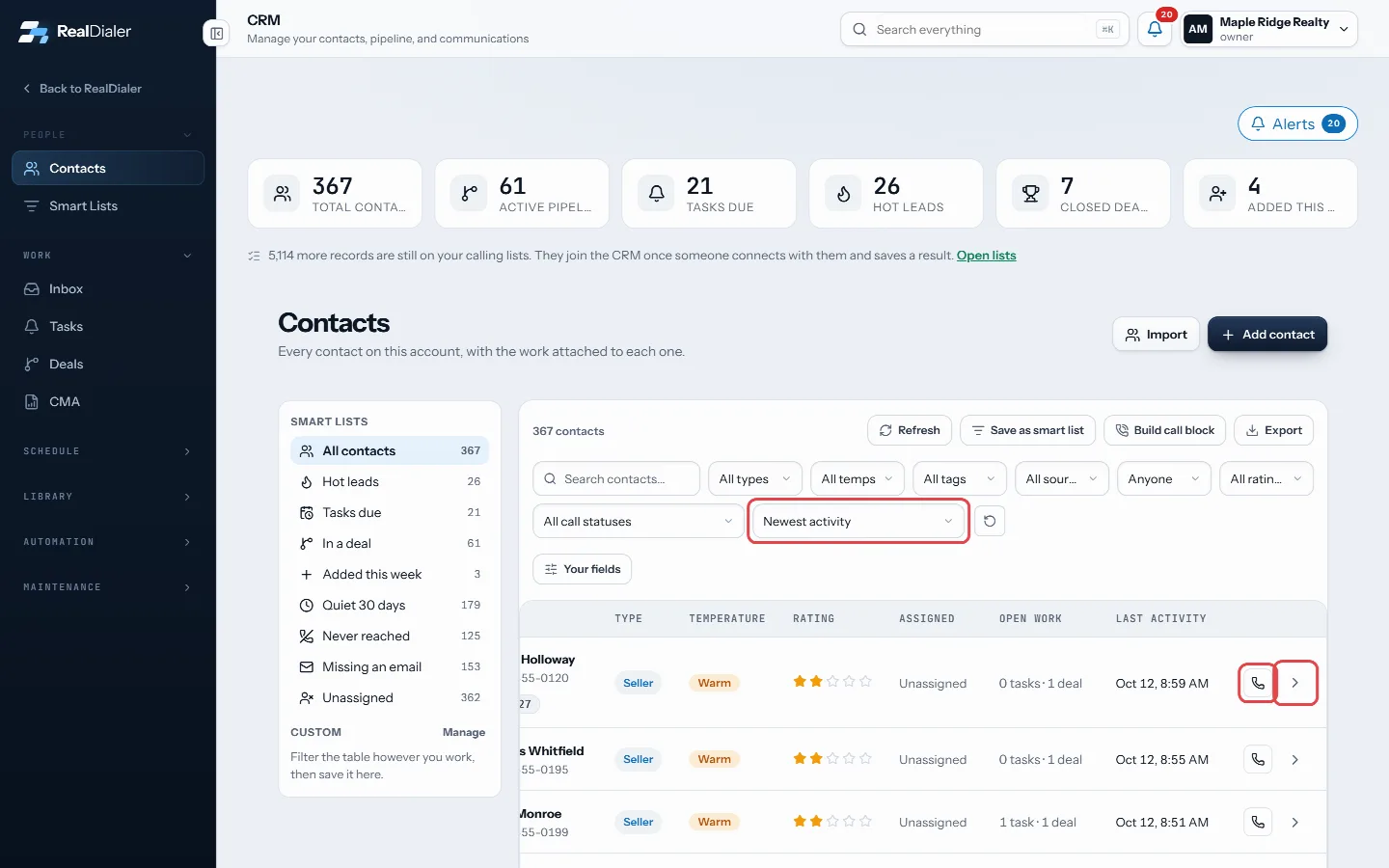
Pick a sort, click a name to open the record, or the phone icon to call
Good to know
- The count above the table shows how many contacts match.
- Pages show a set number of rows. Use Previous and Next at the bottom.
- When a filter view is useful, press Save as smart list to keep it.
- Cmd click or Ctrl click a row to open the record in a new tab.
- To search across everything on the account, not just contacts, use the search box in the top bar.
Was this guide helpful?
Thanks. It helps us make these better.
Next in CRM
Get around the CRMThe CRM is where the people you talk to live after a call: their record, notes, tasks, deals, appointments and messages. It comes with every plan.How contacts get into the CRMYour calling lists and your CRM are two different places. A list is everyone you plan to dial. The CRM is the people you have actually connected with, plus anyoInstall a playbookPlaybooks are ready made cadences you install whole: New Lead, New Appointment, Expired and cancelled, For sale by owner, and Sphere and past clients. Each one
Still stuck? Write to support@realdialer.com, or open Support from inside RealDialer.