What it is
The Inbox holds every text and email written to your account, one conversation per contact, newest first.
Where to find it
CRM > Inbox
Steps
- Use the chips at the top to filter: All, Unread, Unclaimed, Texts, Email and Needs attention.
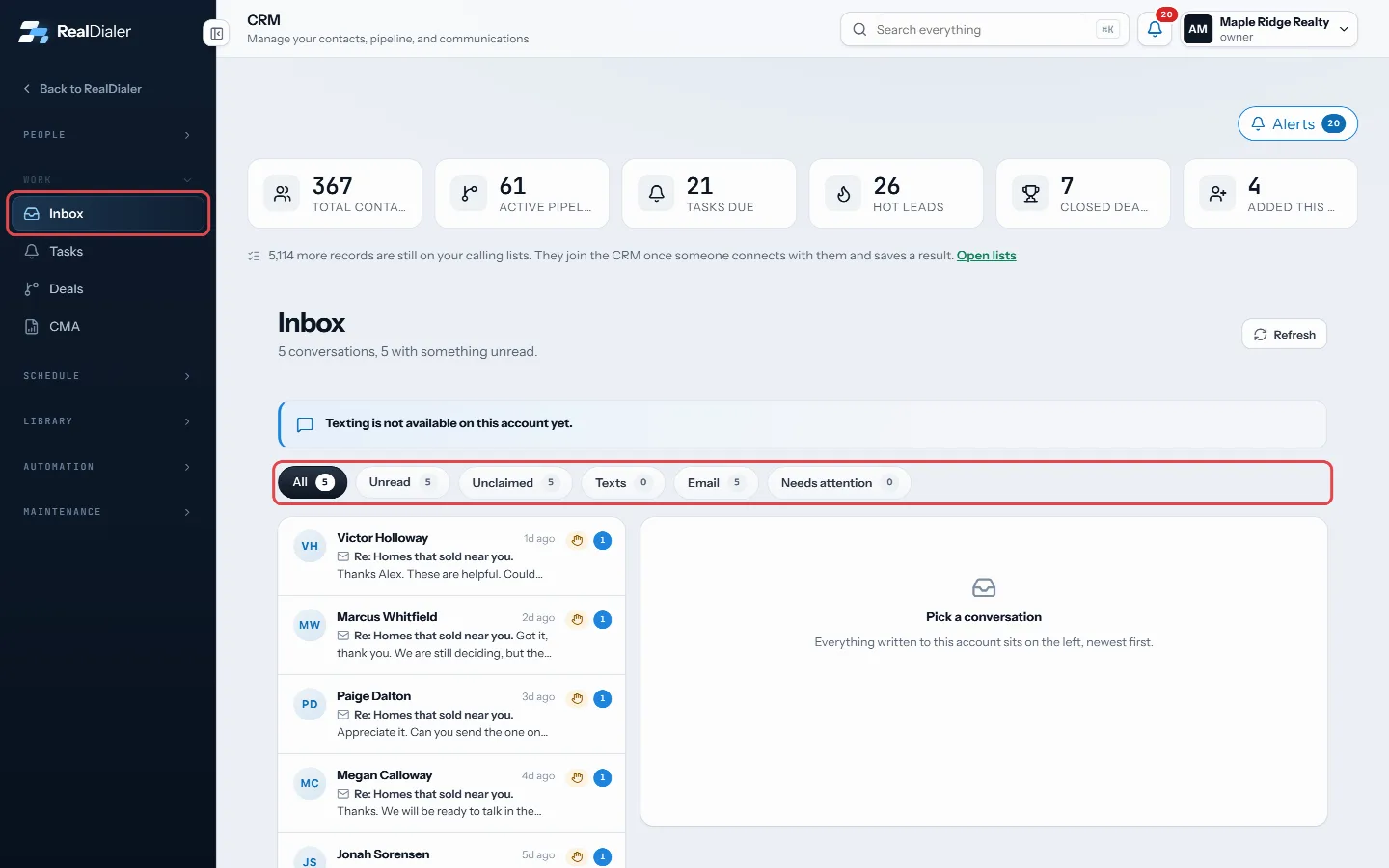
Filter conversations with the chips - Click a conversation on the left to open it.
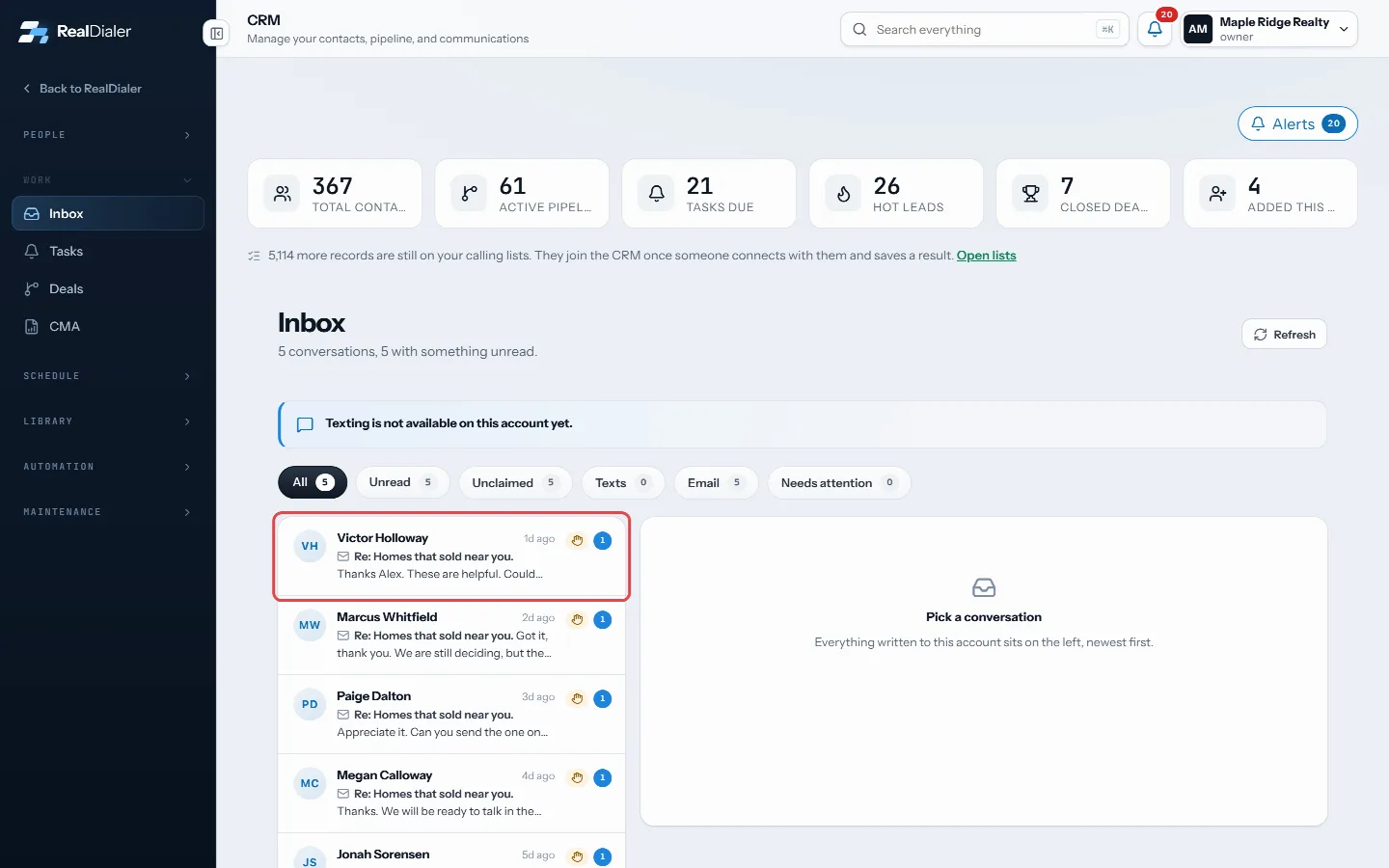
Click a conversation on the left to open it - Press Open record to jump to the contact.
- If nobody owns the conversation, press Claim it. It stops alerting the rest of the team.
- When texting is on for your account, type in the box at the bottom and press Send, or press Enter.
Good to know
- Sending texts needs the texting upgrade, which is not open to every account yet. When sending is not available, the box explains why and links to the fix, such as Open Billing or Open Text registration.
- Texts come from your seat’s texting number.
- A message that did not go through is marked, with the reason when the carrier gives one.
- Unclaimed is only shown to owners and managers.
- Contacts on your do-not-call list cannot be texted.
Was this guide helpful?
Thanks. It helps us make these better.
Next in CRM
Search everything from the top barThe search box in the top bar looks across your whole account: contacts, call transcripts, call notes, notes, texts and email, tasks, callbacks, appointments, dSee a contact’s call and activity historyThe contact record keeps one dated timeline of everything that happened with a person: calls and their results, voicemails they left, texts and emails, notes, fSee and send email to a contactThe Email tab on a contact shows every email your sequences sent to them and any they sent back. To write one email yourself, you send it from your own email ap
Still stuck? Write to support@realdialer.com, or open Support from inside RealDialer.