What it is
A ready made lead form you can put on your own website or landing page, or link to straight from an ad. Every lead it takes goes into RealDialer the same way as your intake URL: it becomes a contact, lands on the person you chose, starts the cadence and calling list you picked, and emails that person.
Where to find it
CRM > Lead Intake, then Get the form on an intake card. Make an intake URL first if you have none.
Steps
- On the intake card, press Get the form.
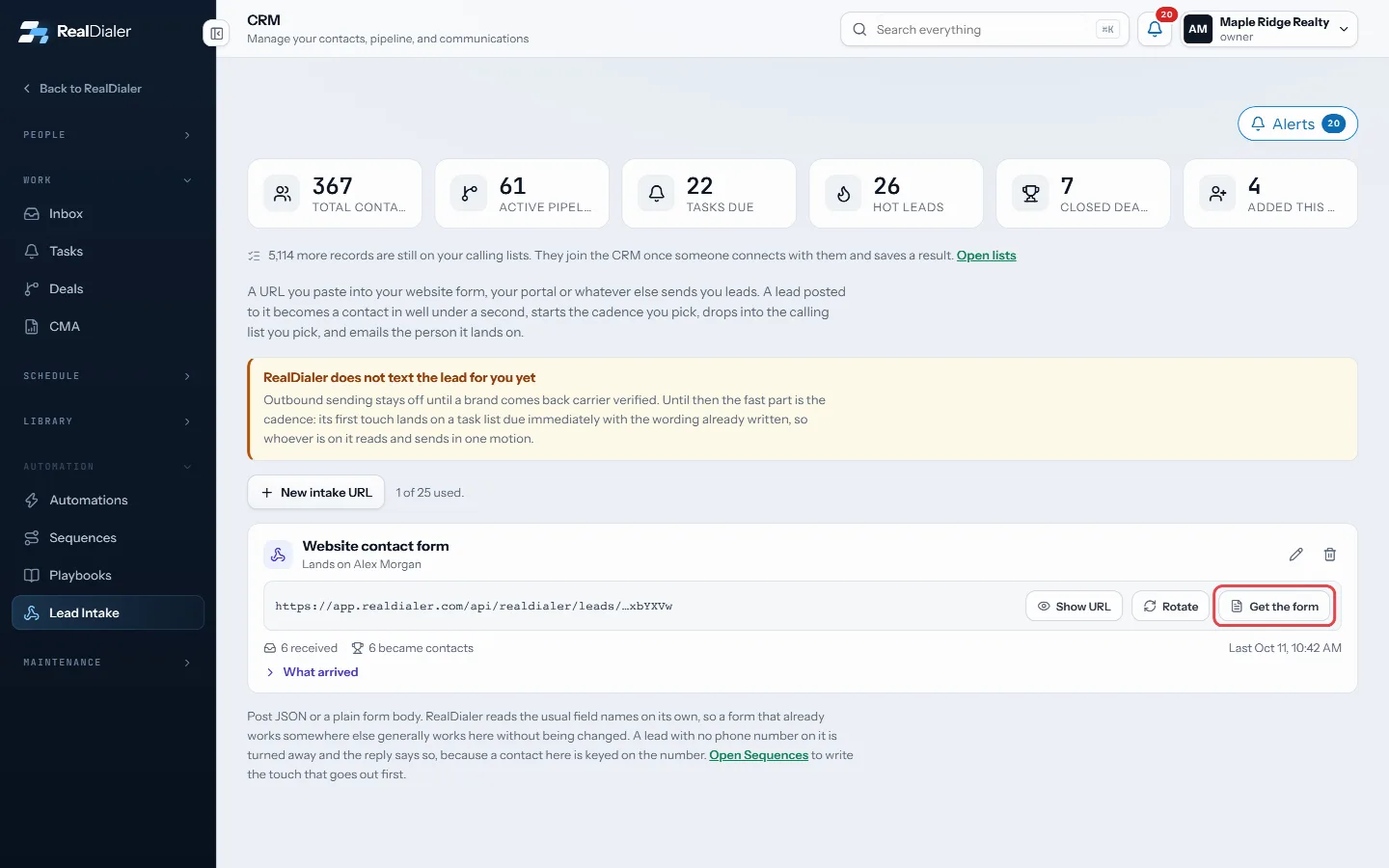
On the intake card, press Get the form - Press Design form to make it match your website. Settings are on the left and the form, exactly as your visitors will see it, is on the right.
- On Look, pick a starting style: Original, Clean white, Transparent on a light page, Transparent on a dark page or Bold. Then change anything: background (white, transparent or your own color), border, shadow, colors, font and text size, field style, corners, the button and one or two columns.
- On Questions, add ready made real estate questions (I want to, when they plan to move, property address, price range, preapproved, working with an agent) or up to five of your own. Use the arrows to change the order.
- On Options, set the thank you message or a thank you page (or one of your booking pages), check the consent wording, add a hidden lead source and tags, and limit the form to your own websites if you like.
- Press Save. Pages already showing the form pick up the change the next time they load.
- Back on the panel, or on Add to your site, copy the Embed code and paste it into an HTML, code or embed block on your page. It works on WordPress, Squarespace, Wix, Webflow, ClickFunnels and plain HTML. On WordPress you can also use the plugin.
- Or copy the Form link, a page of its own, for a landing page or the final URL in a Google or Facebook ad.
Good to know
- First name, phone and the consent box are always on the form. A lead without a phone number is not taken.
- Every answer to your questions is written on the lead’s note and shown on What arrived as one line each, such as “I want to: Buy”. A property address also fills in the contact’s address when it has none.
- Transparent lets your page show through, so the form takes on your site’s background. Use the Light page and Dark page buttons above the preview to see it on both. On a dark page, pick light text (the Transparent on a dark page style does this for you).
- The form uses fonts every computer already has (System, Arial, Georgia, Verdana, Trebuchet, Monospace). Web fonts are not loaded, which keeps the form fast and private. System looks right on most sites.
- Hidden, shown inside the field puts each label inside its box. Screen readers still hear the label.
- Keep calls, texts and STOP in the consent wording. The form will not save without STOP, and it warns you when calls or texts are missing. Use the standard wording puts it back.
- When the consent box is checked, that number is marked as agreeing to texts from the lead form, and a later STOP takes it back. Leads from your intake URL, Zapier or Google Ads lead forms are not marked, because they did not see this consent wording.
- The consent wording, the time, the page, the visitor’s address and browser are saved with every lead. Open What arrived and press Consent checked on a lead to see it.
- When someone comes from an ad, the campaign and the Google or Facebook click id are saved with the lead and written on the contact’s note. Use the embed code, the WordPress plugin or the form link for this; an iframe on its own cannot see the ad.
- HTML for developers now comes styled to match your design. Keep the field names, the hidden fields and the consent box.
- Only on these websites limits where the form works. Leave it blank to allow any site.
- Spam is filtered out before it reaches you, and repeat sends are limited.
- New form address stops the old embed code, link and HTML at once. Your intake URL does not change.
- The form never shows your intake URL, so it is safe on a public page.
Was this guide helpful?
Thanks. It helps us make these better.
Next in CRM
Put your lead form on WordPress with the pluginA small WordPress plugin that shows your RealDialer lead form on any page with a shortcode or a block. It shows the form you designed in RealDialer, so a changeRead and reply in the InboxThe Inbox holds every text and email written to your account, one conversation per contact, newest first.Search everything from the top barThe search box in the top bar looks across your whole account: contacts, call transcripts, call notes, notes, texts and email, tasks, callbacks, appointments, d
Still stuck? Write to support@realdialer.com, or open Support from inside RealDialer.